DynamoDB Index Projections
When you create a secondary index, DynamoDB doesn't copy the whole item into it by default. You choose the index's projection: which attributes it stores.
Pick too little and your queries need a second read to fetch the rest. Pick everything and you pay extra storage, plus index writes on updates that would otherwise skip the index.
(Don't confuse this with a projection expression, which trims the attributes a single read returns. This page is about what an index physically stores; see projection expressions for the other one.)
What is a DynamoDB index projection?
A projection is the set of attributes DynamoDB copies from the base table into a secondary index. You pick one of three types when you create the index, and you can't change it in place afterwards.
- More projection, fewer extra reads. A query can return only what the index stores, so a thin projection pushes reads back to the base table.
- Less projection, cheaper writes. An update that touches no attribute the index stores costs that index nothing.
- A GSI never reads the base table for you. Asking it for an unprojected attribute fails; only an LSI fetches it, at extra read cost.
What each projection type copies
KEYS_ONLYstores the base-table key and the index key. Use it when the query only needs to know which items match and you'll fetch details elsewhere, or not at all.INCLUDEstores the keys plus a fixed list of attributes you name. Project exactly the fields your query renders.ALLcopies the entire item. Queries are fully served from the index, at the cost of a second copy of every attribute.
INCLUDE lists share a quota: at most 100 named attributes summed across all of a
table's GSIs and LSIs, and an attribute projected into two indexes counts twice.
KEYS_ONLY and ALL don't count against it.
The problem: the index that makes you read twice
Say you run a support desk with a GSI that lists open tickets by priority. You
project KEYS_ONLY to keep it lean. The query returns fast, but it only gives you
ticket keys, and your queue screen needs each ticket's subject, assignee and
openedAt.
On a GSI you can't ask for them: a ProjectionExpression naming subject fails
with ValidationException: One or more parameter values were invalid: Global secondary index open-by-priority does not project [subject].
So your code does a second round of reads against the base table to hydrate every
result.
Here is what the queue of 50 open tickets costs per refresh, with ~2 KB tickets and eventually consistent reads:
| Projection | Index query | Follow-up reads | Read units per refresh |
|---|---|---|---|
KEYS_ONLY | ~3 KB of keys, rounds to 4 KB | BatchGetItem of 50 × 2 KB | ~0.5 + 25 = ~25.5 |
INCLUDE subject, assignee, openedAt | ~5–7 KB, rounds to 8 KB | none | ~1 |
ALL | 50 × 2 KB = 100 KB | none | ~12.5 |
A Query sums the sizes of all returned entries and rounds up to 4 KB once. Each
item a GetItem or BatchGetItem reads rounds up to 4 KB on its own, so the 50
hydration reads cost 50 × 0.5 = 25.
The thin index made the queue the most expensive option. Paste a sample ticket into the item-size calculator to redo the math with your own sizes.
LSI projection fetch behavior
An LSI is the one index that reads the base table for you. Name an unprojected
attribute in an LSI query's ProjectionExpression, or pass
Select: ALL_ATTRIBUTES, and DynamoDB fetches it from the base table inside the
same Query.
The fetch is billed. You pay the index read plus every fetched base-table item,
read in full and rounded up to 4 KB per item. Run the same 50-ticket queue through
a KEYS_ONLY LSI (an LSI shares the table's partition key, so this is one
account's queue) and it costs ~0.5 + 25 read units eventually consistent.
That is the BatchGetItem bill from the table above, in one request. Each fetched
item also counts at its rounded size toward the 1 MB page, so a fetching query
returns fewer items per page. An LSI can read strongly consistent, fetched
attributes included.
If a query fetches on every call, project those attributes into the LSI when you
create the table, since you can't change it later. A GSI never fetches; the same
request fails with the ValidationException above, and Select: ALL_ATTRIBUTES
is rejected unless the projection is ALL. That pushes GSI designs toward a
slightly wider INCLUDE up front.
The cost you're trading
Every projected attribute is stored a second time, and an index write happens only when a base-table write touches something the index stores:
- A projected attribute changes: one index write.
- An index key value changes: two index writes (delete the old entry, put the new one).
- Neither: no index write. The base table is still charged.
With ALL, every attribute is projected, so every update pays. Editing the
ticket's large body costs the ALL index about 2 write units per update and the
INCLUDE index nothing. Project what the query reads.
Weigh the storage and write multiplier for your projection with the DynamoDB pricing calculator.
Pair with sparse indexes
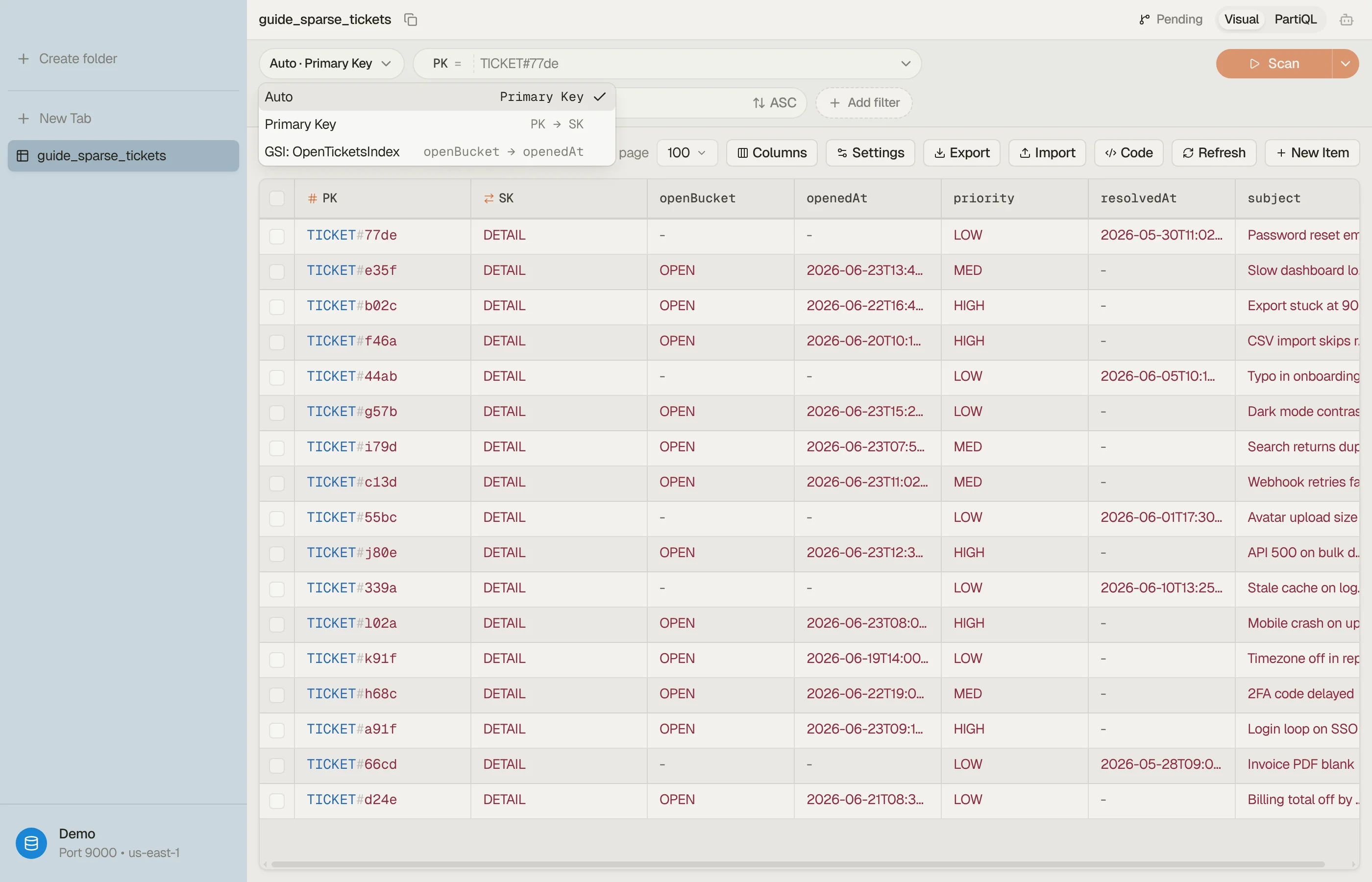
A sparse index holds only the items that carry
its key attribute, so it shrinks every projection, ALL included. Key the queue's
GSI on an attribute only open tickets carry (say openBucket) and millions of
closed tickets never enter it: the INCLUDE list is stored for open tickets only.
Closing a ticket is an UpdateItem that REMOVEs openBucket, which costs the
index one write to delete the entry. Edits to the closed ticket after that cost the
index nothing. The pairing pays off when the indexed subset is small next to the
table.
Build the access pattern first
Decide the projection from what the screen renders. List the attributes the UI shows from this query and project exactly those; everything else stays on the base table.
Prototype the index query in the query builder
(index, key condition, filter, projection) before you change the table definition
in CloudFormation, CDK or Terraform. The projection expression you end up with is
your INCLUDE list, minus the key attributes every index stores anyway. For the key
condition alone, use the expression builder.
Changing a projection later
There is no in-place edit. UpdateTable can change a GSI's throughput settings, not
its projection. Say the current KEYS_ONLY GSI is open-by-priority on table
Tickets; to widen it to INCLUDE:
Create the replacement GSI under a new name with the
INCLUDElist you want.UpdateTableneeds the new index's key attributes in--attribute-definitions, even when the table already declares them. On a provisioned table, addProvisionedThroughputinsideCreate:aws dynamodb update-table \ --table-name Tickets \ --attribute-definitions AttributeName=openBucket,AttributeType=S \ AttributeName=priority,AttributeType=N \ --global-secondary-index-updates '[{"Create": { "IndexName": "open-by-priority-v2", "KeySchema": [ {"AttributeName": "openBucket", "KeyType": "HASH"}, {"AttributeName": "priority", "KeyType": "RANGE"} ], "Projection": {"ProjectionType": "INCLUDE", "NonKeyAttributes": ["subject", "assignee", "openedAt"]} }}]'DynamoDB backfills it from the table, and the backfill reads aren't billed.
Poll
describe-tableuntil the new index'sIndexStatusisACTIVE; it can't be queried whileCREATING.Point your code's
IndexNameat the new index.Delete the old one with
{"Delete": {"IndexName": "open-by-priority"}}.
Each UpdateTable creates or deletes one GSI, you can't add or delete other indexes
while a backfill runs, and the replacement needs a free slot under the 20-GSI default
quota.
An LSI's projection can't be changed at all: LSIs exist only from CreateTable and
can't be added or deleted later.
Either add a GSI with the same partition key and the wider projection (eventual reads only), or create a new table with the corrected LSI and copy the data across.
Seeing a projection in DynoTable
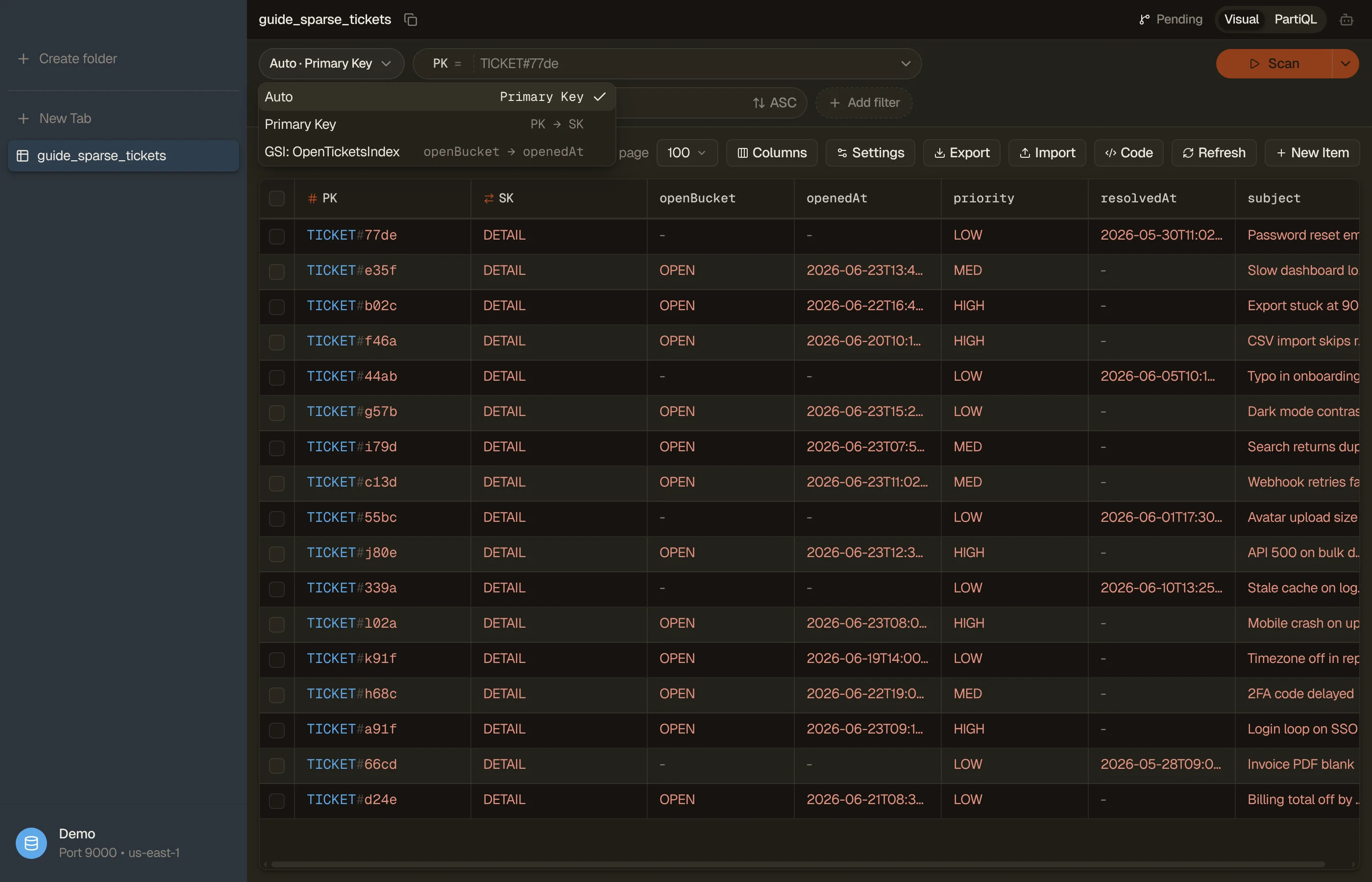
DynoTable lists each of a table's secondary indexes and lets you query straight through one. Run the same access pattern against the base table and then a GSI, and compare the results: the attributes missing from the index result are the ones it doesn't project.


Pitfalls and next steps
- A non-projected attribute on a GSI means your own base-table read. Design the projection around what the query renders.
ALLis rarely free. It doubles storage and makes every update an index write; default toINCLUDEunless the queries read every field.- Projections are fixed. Changing one means a new index, a backfill and a cutover, or a new table for an LSI.
- Related: GSI vs LSI and sparse indexes shape how much a projection stores.
Want to see what each of your indexes returns before you redesign them? Download DynoTable and query your tables directly.