Generate TypeScript Types from DynamoDB
In Postgres you'd introspect information_schema and generate types from it.
DynamoDB has no equivalent: DynamoDB stores no item schema at all. The service
records the types of key attributes only. DescribeTable's AttributeDefinitions
is explicit about its own scope: each entry "describes one attribute in the table
and index key schema"
(AWS API reference).
Beyond keys, the table description names a few attributes without typing them: those
projected into an index (NonKeyAttributes) and a vector index's attribute, and
DescribeTimeToLive names the TTL attribute. Your table's other fifty attributes
aren't recorded anywhere.
So "generate TypeScript types from DynamoDB" always means one of three things: declare the shape yourself, derive it from a schema you author in code, or infer it from the items that actually exist.
How do I get TypeScript types for a DynamoDB table?
There's no API that returns a table's item shape; DescribeTable only knows
the key attributes. Your options: hand-write an interface and validate at
the boundary (a Zod schema makes the types and the runtime check one
artifact), use a schema-first library where the schema you author yields the
types, or infer the shape from real items, by script or with a tool like
DynoTable that scans the table and exports a TypeScript
interface, Zod schema, or JSON Schema.
- Method 1: hand-write the interface (+ Zod at the boundary)
- Method 2: schema-first libraries (types from a schema you author)
- Method 3: infer from the data itself
Method 1: hand-write the interface + validate at the boundary
The AWS SDK can't type your items for you. The v3 Document client returns
items as Record<string, any>, so every property read on a GetCommand /
QueryCommand result is an unchecked any. A bare as Ticket cast compiles fine
and lies at runtime, which is why a strict version pairs the interface with a
runtime check:
import {z} from 'zod';

const Ticket = z.object({
  PK: z.string(), // TICKET#<id>
  SK: z.string(), // META
  status: z.enum(['open', 'pending', 'closed']),
  minutesSpent: z.number(),
  escalatedTo: z.string().optional() // sparse attribute
});
type Ticket = z.infer<typeof Ticket>;

const {Item} = await doc.send(new GetCommand({TableName: 'Tickets', Key: key}));
const ticket = Ticket.parse(Item); // typed AND verifiedOne schema, two jobs: z.infer gives you the static type, and parse catches the
item that doesn't match it, which in a schemaless store will happen. The schema
records what you intended to store. Nothing stops an old writer from having stored
minutesSpent as a string, and hand-written types drift silently as the data evolves.
If you're working from raw (non-Document-client) API output, remember the wire
shape is type-tagged DynamoDB-JSON ({"S": "..."}, {"N": "123"}). See
marshaling, and use the
DynamoDB JSON converter to flip a sample
between wire and plain form while you write the schema.
Method 2: schema-first libraries
Toolkits like ElectroDB and DynamoDB-Toolbox attack the drift problem from the write side: you author an entity schema in code, and the library derives the TypeScript types and enforces the shape on every read and write it performs. That's the strongest guarantee available. You write the schema; the library doesn't discover it. Pointing one at an existing table still means reverse-engineering the item shapes yourself first, and items written outside the library are outside its guarantees. They fit greenfield single-table designs where every entity goes through the toolkit from day one.
Method 3: infer the types from real items
For an existing table, the ground truth is the data. Scan a sample, union the shapes, and count how often each attribute appears:
const typeOf = (value: unknown): string =>
  value === null
    ? 'null'
    : value instanceof Set
      ? 'Set<string | number>'
      : value instanceof Uint8Array
        ? 'Uint8Array'
        : Array.isArray(value)
          ? 'unknown[]'
          : typeof value === 'object'
            ? 'Record<string, unknown>'
            : typeof value; // string | number | boolean

const seen = new Map<string, {types: Set<string>; n: number}>(); // attr -> types + count
let count = 0;
let key: Record<string, unknown> | undefined;
do {
  const page = await doc.send(new ScanCommand({TableName: 'Tickets', ExclusiveStartKey: key}));
  for (const item of page.Items ?? []) {
    count++;
    for (const [attr, value] of Object.entries(item)) {
      const entry = seen.get(attr) ?? {types: new Set<string>(), n: 0};
      entry.types.add(typeOf(value));
      entry.n++;
      seen.set(attr, entry);
    }
  }
  key = page.LastEvaluatedKey;
} while (key && count < 5000);

// optional (?) when the attribute was missing from some sampled items
const fields = [...seen].map(
  ([attr, {types, n}]) =>
    `  ${JSON.stringify(attr)}${n < count ? '?' : ''}: ${[...types].join(' | ')};`
);
console.log(`// inferred from ${count} items\nexport interface Item {\n${fields.join('\n')}\n}`);Real-world pitfalls the naive version hits immediately:
- Sparse attributes. DynamoDB items in one table can have different
attributes; an attribute present on 80% of items is
optional, not missing. Track per-attribute frequency, not just presence (thencounter above). - Mixed entities. In a single-table design,
ACCOUNT#andTICKET#items share the table, and one merged interface for both is useless. Partition the sample by the type attribute (oneseenmap per entity) and emit one type per entity. - Type collisions. The same attribute stored as
Nhere andSthere is a real (and common) data bug. Surface it as a union rather than silently picking one. The full tag set is in data types. - A sample is a sample. Attributes that only appear on rare items may not be in your first 5,000, and the scan costs read capacity either way (query vs scan). Query each entity's items separately to cover the rare ones, and keep validating at the boundary (Method 1): a parse failure names the attribute the sample missed.
Inference in DynoTable
DynoTable's Table dialog runs the sampling and frequency tracking above, including nested paths:
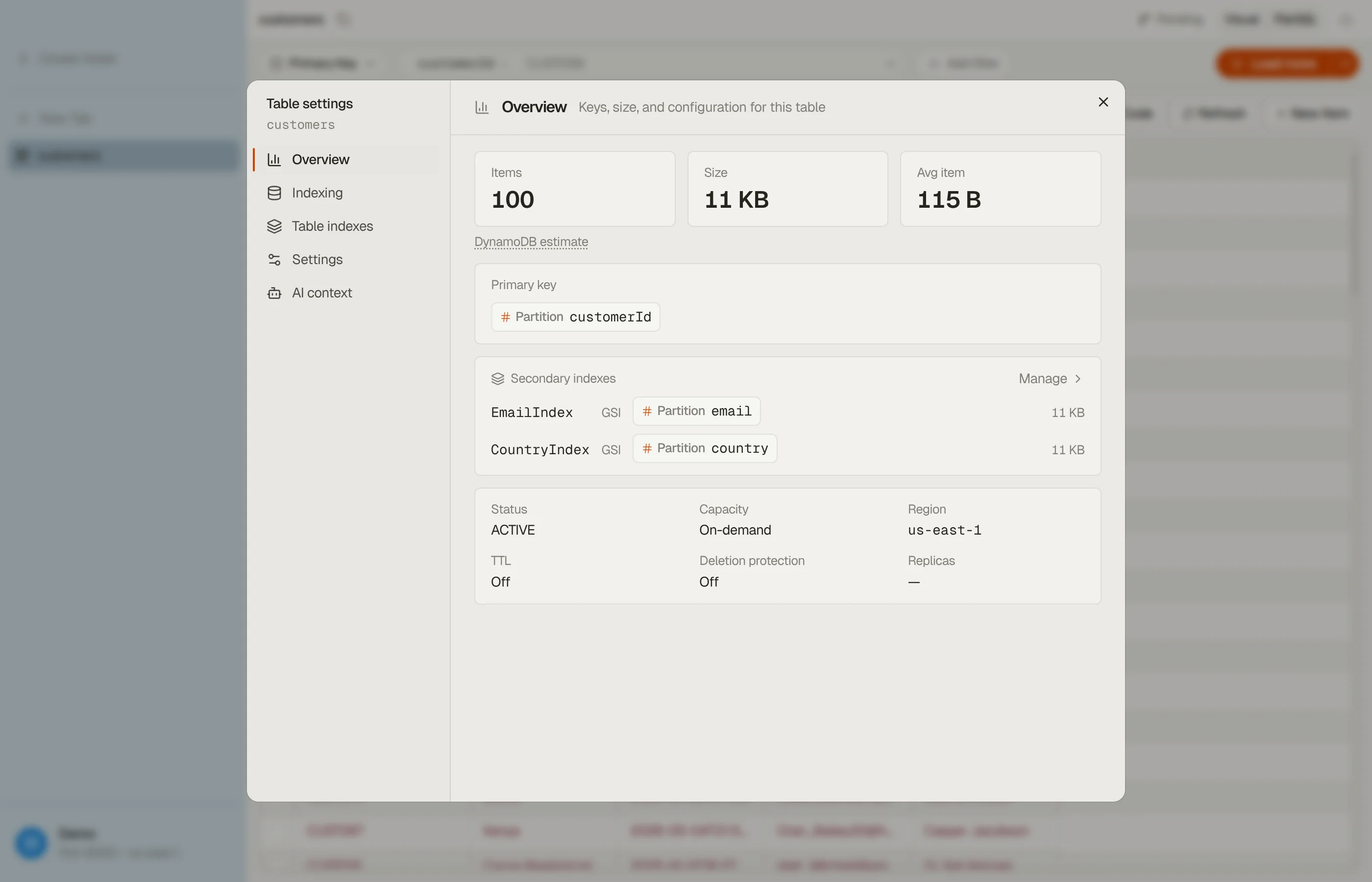
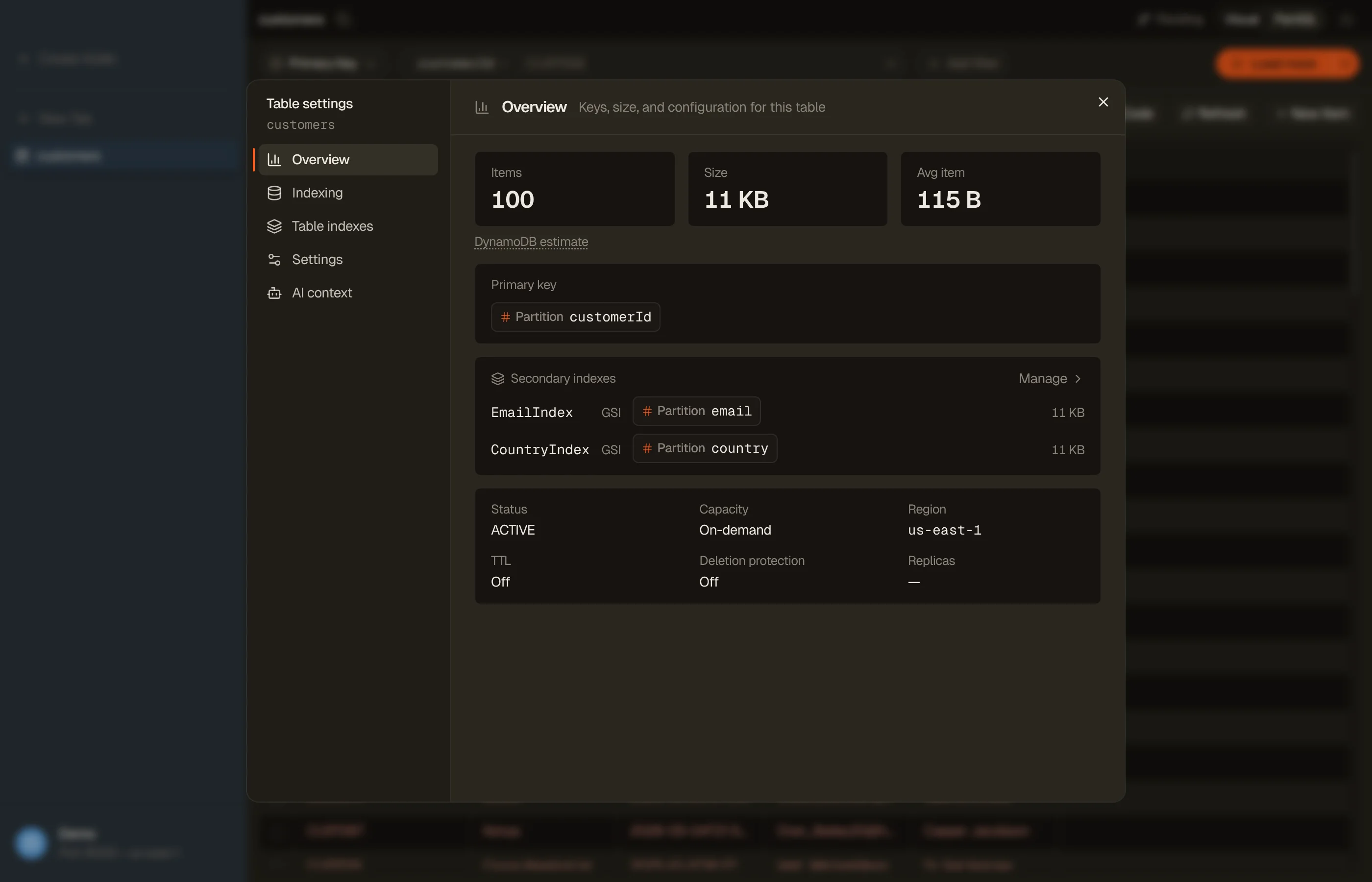
Open a table, hit the Settings button in the tab toolbar, pick Indexing, and click Index table. DynoTable samples the table with live progress and records the attributes it finds, including nested ones by dotted path like
commonData.status, with each one's type and whether it was required or optional across the rows scanned.Index table scans up to 10,000 items, so an attribute that only appears in rare items can be missing. To cover a rare entity, open a query for it and fetch its pages: fetched items are added to the index (Table overview and indexing).
Click Export and pick a format:
- TypeScript: an
interface. - Zod: a
z.object(...)schema (Standard-Schema compatible). - JSON Schema: draft 2020-12.
- TypeScript: an
Copy it to the clipboard or save it to a file.


The export is one type over every sampled item. On a single-table design, split it by your type attribute by hand, the step the mixed-entities pitfall describes.
Every generated schema opens with a note that it was inferred from the sampled items: a starting point to review, not an authoritative contract. Optionality reflects how often each attribute appeared while indexing, and primary-key attributes are always marked required. Indexing incurs normal DynamoDB read costs, and Reindex refreshes the picture after your data changes.
FAQ
Can I generate types from DescribeTable?
Only for the key attributes. AttributeDefinitions covers the table and index key
schema; beyond that the service names only projected, TTL and vector attributes,
without types, so there is no server-side item schema to introspect.
What's the best way to type an existing production table? Infer first, then harden: sample the real items (script or DynoTable's indexed export) to get the actual shape, review it, and promote it to a hand-owned Zod schema or a schema-first library entity so future drift is caught at the boundary.
How do I handle multiple entity types in one table? One type per entity, never one merged type. Split the sample on your type attribute (or key prefix) and generate a separate interface for each; the discriminated union of those is your table type.
Why do my generated types say a required field is optional? Because some sampled item didn't have it. In a schemaless store optionality is what the sample showed. Check whether those items are legacy rows to backfill (see migrations) or an attribute that is optional by design.
Do the types cover DynamoDB sets and binary?
It depends on the format. DynoTable's TypeScript export types sets as Set (of
strings or numbers) and binary as Uint8Array, and its Zod export uses z.set(...)
and z.instanceof(Uint8Array). JSON Schema has no set or binary type, so sets become
arrays and binary a base64 string, the same mapping quirks covered in
marshaling. Round-trip a sample through the
DynamoDB JSON converter to see what your
attributes look like on each side.
Stop guessing your table's shape: download DynoTable, index the table, and export a TypeScript, Zod, or JSON Schema.