The DynamoDB and OpenSearch GUI with real SQL & your AI agent
A local-first desktop client for DynamoDB and Amazon OpenSearch. Real SQL with joins and aggregations, visual editing, and an AI agent on your own Bedrock keys — your table and index data talks straight to AWS or your own OpenSearch endpoint, never through our servers.
Free 30-day trial, no credit card — then the Free plan with no time limit.
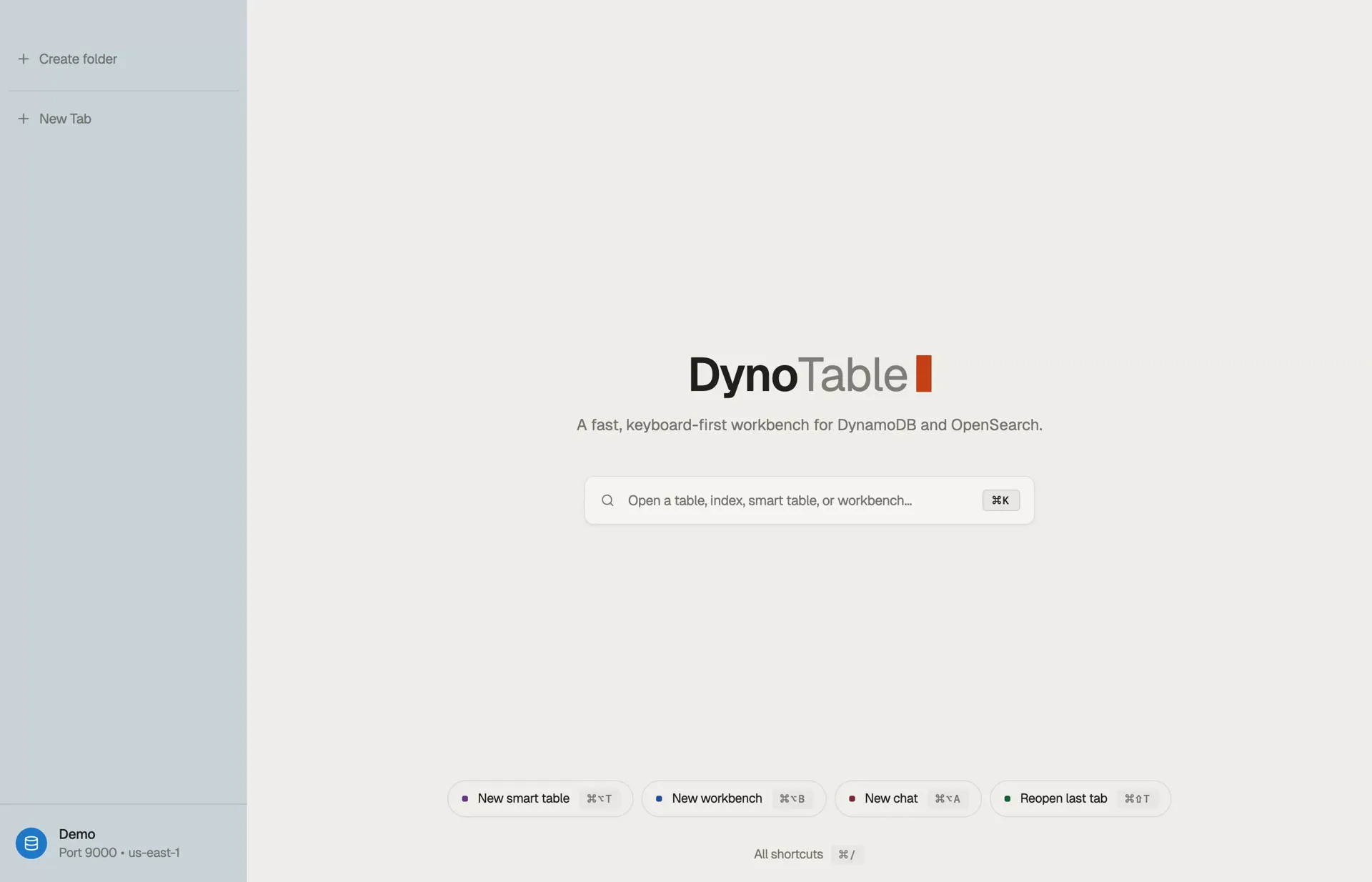
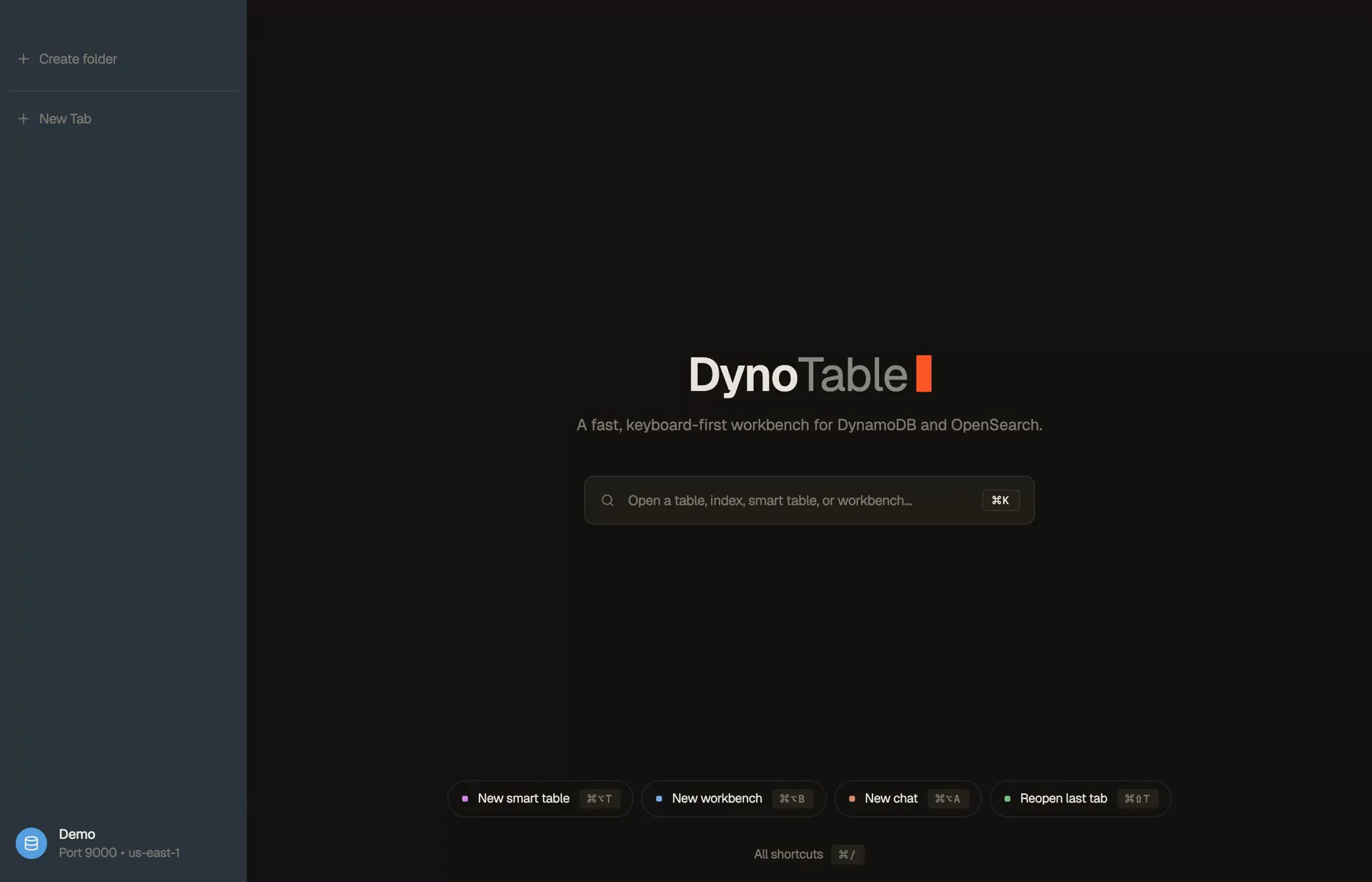
Everything runs on your own AWS credentials
Does what the AWS Console can't. And the other GUIs don't.
Here’s where DynoTable stands against the Console and the other GUI clients — for the full field, tool by tool, see the hands-on best DynamoDB GUI clients roundup.
| DynoTable | AWS Console | Other GUIs | |
|---|---|---|---|
| AI agent on your own credentials | Yes | — | 3rd-party |
| Visual joins & real SQL | Yes | — | PartiQL only |
| OpenSearch indices beside your tables | Yes | separate console | varies |
| Autocomplete for your attributes & values | Yes | — | — |
| Edits staged as a reviewable diff | Yes | saves on click | varies |
| Bulk edit & delete across every match | Yes | — | varies |
| MCP server for Claude Code & Codex | Yes | — | — |
| Vector embeddings written and kept in sync | Yes | — | — |
| Keyboard-first, ⌘K everywhere | Yes | — | varies |
| Table data never touches our servers | Yes | in-browser | varies |
Ten minutes on your own tables beats any comparison table.
DownloadFree 30-day trial, no credit card · then the Free plan with no time limit · macOS, Windows & Linux
Ask your tables anything.
An agent that reads your schema, runs queries, and drafts writes — powered by Amazon Bedrock through your AWS credentials. There is no DynoTable server in the loop.
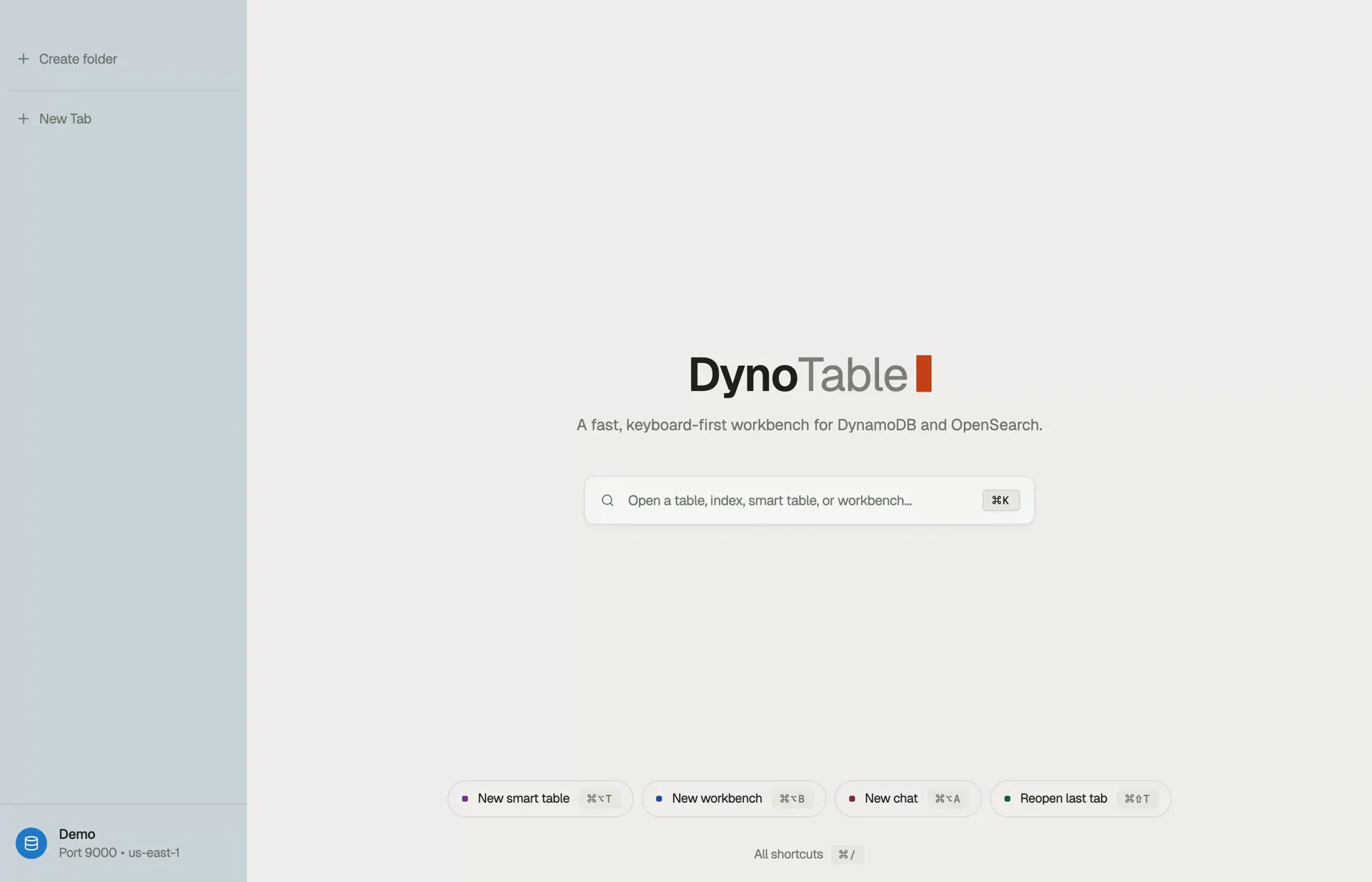
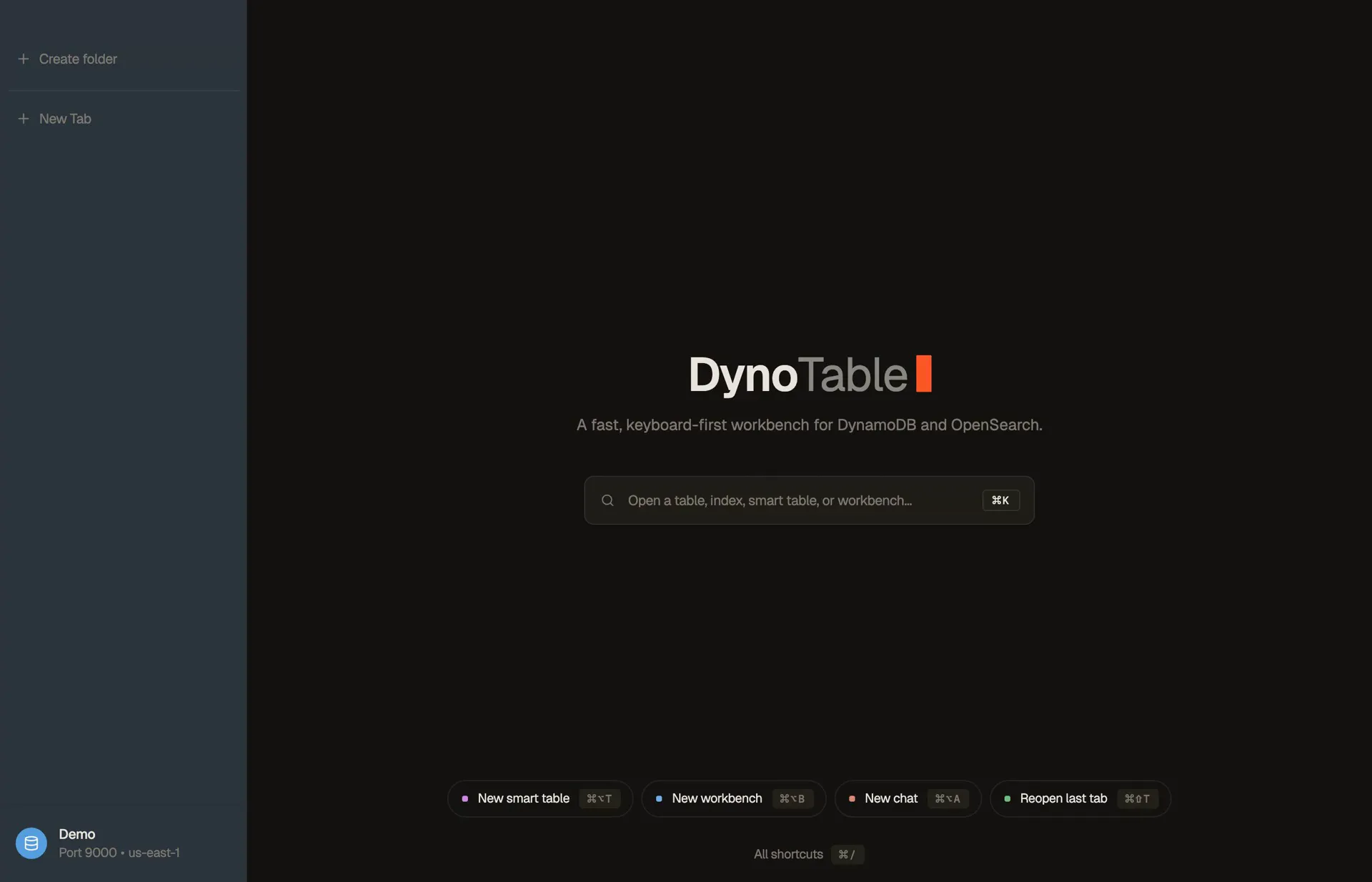
Your Bedrock, your keys
The model runs in your account. You pay AWS at cost, no markup, no per-seat AI tax. Prompts, schema, and rows never leave your AWS boundary.
Reads real schema
It inspects keys, GSIs, item shapes and index mappings first — then picks Query over Scan when it can.
Drafts you approve
Writes are shown as a reviewable diff. Nothing is committed without your say-so.
Two minutes from download to the agent's first answer.
DownloadFree 30-day trial, no credit card · then the Free plan with no time limit · macOS, Windows & Linux
Joins for a database that has none.
Draw relationships between tables on a canvas and work the joined view live as you edit — no schema migration, no ETL.
Live recompute
Add or drop an edge and the joined grid recomputes instantly as you edit.
By key, GSI or index field
Join a table on its primary key or any global secondary index — DynoTable picks the cheapest read. An OpenSearch index joins on a keyword, number or date field.
Read-only by default
The base tables are never mutated. The view is a projection you can export or query.
The join you've been faking with two open tabs.
DownloadFree 30-day trial, no credit card · then the Free plan with no time limit · macOS, Windows & Linux
Real SQL. GROUP BY, COUNT, joins.
Write a full SELECT with aggregations and multi-table joins over your live DynamoDB tables and OpenSearch indices — one statement can join a table to an index, and results stream in as the rows arrive. Real SQL, within DynamoDB's access-pattern rules.
Aggregations DynamoDB can't
SUM, AVG, COUNT DISTINCT, HAVING — the SQL you reach for, on a NoSQL store.
See the cost before you run
When a plan is available, the preview identifies Scan versus Query and the index; the RCU estimate appears only when table metadata supports it. An ordinary partition Query shows no RCU.
Drops into the grid
Results are the same data grid as everywhere else — sort, filter, and open any row.
The GROUP BY you've been exporting CSVs for.
DownloadFree 30-day trial, no credit card · then the Free plan with no time limit · macOS, Windows & Linux
Your favorite agent, your data.
Connect Claude Code, Cursor or Codex to DynoTable over MCP. The agent reads your schema and works your tables and indices through a connection you scope and approve — writes still land in staging for your review.
Any MCP client
Claude Code, Cursor, Codex — connect over standard MCP with OAuth, one connection per profile.
You approve the connection
Each agent gets the scope you choose — read-only, read + stage, or full — and only the profiles you expose.
Agents propose, you commit
External agents never write directly. Changes land in staging as a reviewable diff — you commit.
Give Claude Code your tables. It still can't commit a thing.
DownloadFree 30-day trial, no credit card · then the Free plan with no time limit · macOS, Windows & Linux
Semantic search, in your own table.
Add a vector index to a table, name the model and the attributes the embedding is built from, and DynoTable rewrites the vector in the same save that changes the text. The embeddings come from your Bedrock account and stay in your own table.
No second store to stand up
Create the vector index beside your GSIs — attribute, dimensions, distance function. On-demand tables only, five per table, and fixed once built. DynoTable checks all of that in the form, before the request goes out.
No re-embedding job
Bind a Bedrock embedding model and the attributes it reads. Saving an item writes the new vector with it, and a failed embedding stops the save rather than leaving new text beside an old vector.
By sentence, vector, or row
Type what you mean, paste a vector from somewhere else, or right-click a row for Find similar. Vector fields on an OpenSearch index get the same three searches. Searching is a read — only turning words into a vector spends Bedrock tokens.
The vector store you've been keeping in sync by hand.
DownloadFree 30-day trial, no credit card · then the Free plan with no time limit · macOS, Windows & Linux
Stop scripting every backfill.
Select every item the query matches, loaded or not, describe the change once, and DynoTable writes it. Stage the run to review each diff, or write past the 10,000-item limit directly.
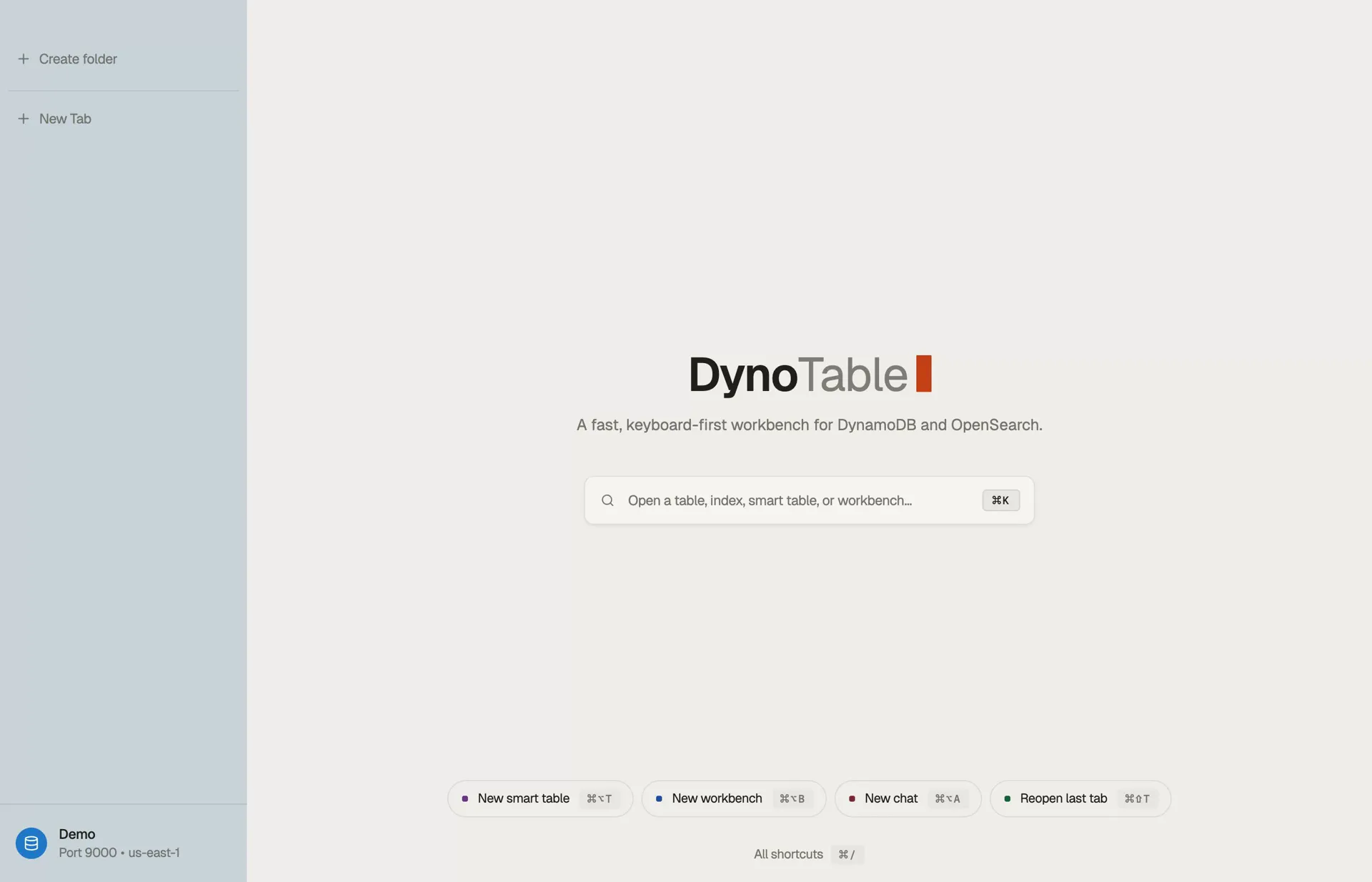
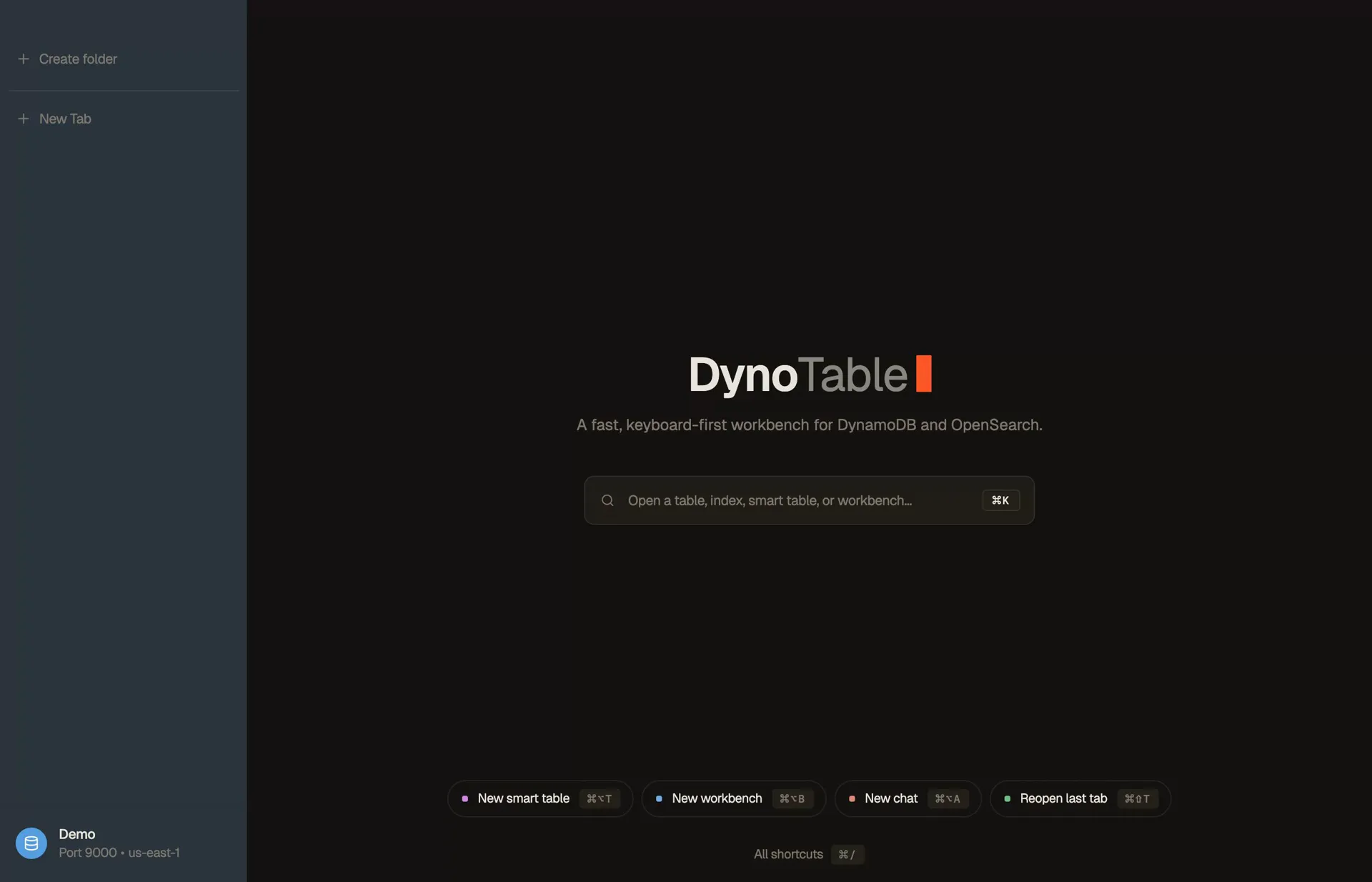
Every match, not just the page
⌘A selects everything the query matches, including pages you have not loaded. Uncheck a row to leave it out.
Review it, or skip the review
Up to 10,000 items stage as diffs you review, commit and revert from History. Past that, a direct run writes with no limit and no undo, so you have to pick it.
Safe on a live table
By default, each direct write re-checks the filter in DynamoDB, so an item that changed after the scan is skipped, not overwritten. Throttling slows the run instead of failing it, and after a crash, Resume picks up where it stopped.
Stage it first: nothing reaches the table until you commit.
DownloadFree 30-day trial, no credit card · then the Free plan with no time limit · macOS, Windows & Linux
OpenSearch, beside your tables.
Add Amazon OpenSearch Service — managed domains and Serverless collections — to a profile, and open an index from ⌘K the way you open a table. Search it, edit its documents, and join it to DynamoDB in one SQL statement.
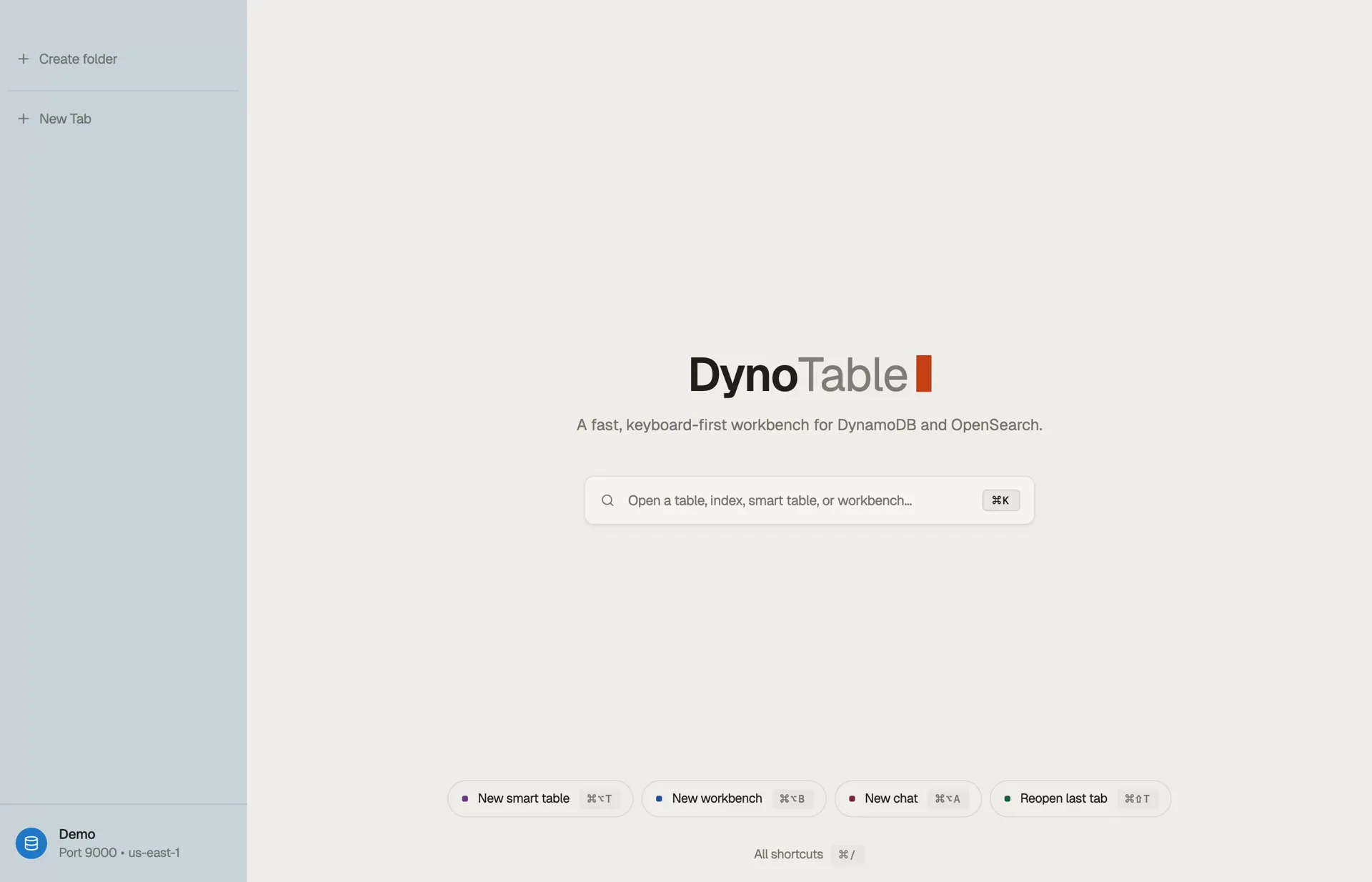
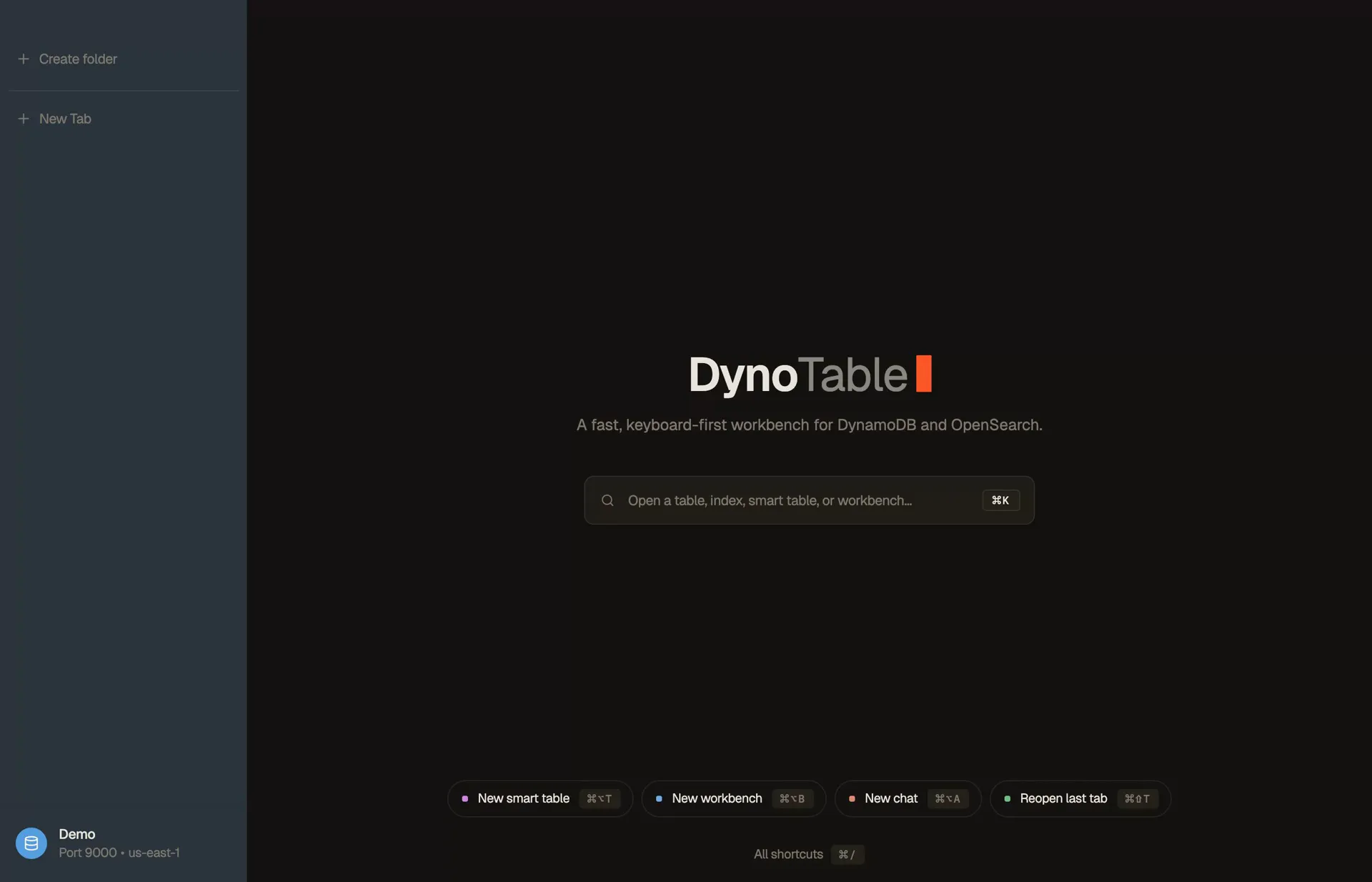
Lucene, with suggestions
The search box suggests your fields and their real values. Add filter pills, a time range on date fields, or switch to a raw JSON DSL query.
Edits you review
Document edits stage and commit like table edits, and revert from History. On a managed domain, a document changed since you opened it is a conflict, not an overwrite.
Joined to DynamoDB
The Workbench and Smart Tables join an index to a table. DynoTable runs the join itself; nothing is sent to the OpenSearch SQL plugin.
Your indices, in the same window as your tables.
DownloadFree 30-day trial, no credit card · then the Free plan with no time limit · macOS, Windows & Linux
Straight answers.
How is this different from Dynobase or the other GUIs?
Three things: a SQL Workbench that runs real joins, GROUP BY and aggregates over your tables, an AI agent that runs on your own AWS Bedrock rather than a third-party API, and a local-first design — your table data and AWS credentials never touch a DynoTable server.
Does the AI send my data to a third party?
No. The agent runs on Amazon Bedrock through your own AWS credentials — prompts, schema, and table rows never leave your AWS account. There is no DynoTable server in the loop.
Do I have to use the AI, and what does it cost?
No. The table browser, SQL Workbench, and cost preview all work fully without it, and the AI agent is there whenever you want it. It runs on your own AWS Bedrock, so you pay AWS directly at cost — no markup, no per-seat AI tax.
Is it safe to use on my production tables?
Yes. DynoTable uses your own AWS credentials, so it can only do what your IAM policy allows — give it a read-only role and it can't change a thing. And an item edit doesn't hit your table directly: it collects in a staging window you review before committing.
Can I use Claude Code or Cursor with my tables?
Yes. DynoTable runs a local MCP server that external agents connect to — off by default and approved per connection. The agent never writes to DynamoDB or OpenSearch directly: every change lands in your staged commit window to review and commit, and your AWS credentials never leave your machine.
How do joins and SQL work without overloading DynamoDB?
DynoTable runs the joins and aggregations on your machine — never against DynamoDB — and reads through Query rather than Scan whenever a key or index allows. When a plan compiles, the cost preview names Query or Scan and the index before you run it.
Does DynoTable work with Amazon OpenSearch?
Yes. Turn on OpenSearch for a profile and DynoTable lists the indices your AWS credentials can reach, in ⌘K next to your tables. Search an index in Lucene syntax with field and value autocomplete, edit documents through staging, and join an index to a table in the SQL Workbench. Searching an index is a free read. DynoTable does not build dashboards or visualizations, and it does not connect to Elastic Cloud.
Which OpenSearch setups work: domains, Serverless collections or self-hosted?
All three. DynoTable finds Amazon OpenSearch Service domains and Serverless collections with your profile's AWS credentials and signs every request with them, so your identity needs data access (on Serverless, through the collection's data access policy). A self-hosted endpoint is a per-profile setting and connects without AWS signing. On a domain, a commit stops with a conflict if the document changed after you opened it; Serverless has no version check, so its edits are last-write-wins.
Do I need OpenSearch Dashboards?
No. DynoTable talks to the domain or collection endpoint directly, so reading, searching and editing an index never goes through Dashboards. Keep Dashboards for what DynoTable leaves to it: dashboards, visualizations, index templates and ISM policies.
Does it work offline or with DynamoDB Local?
Yes. Point a Profile at a local endpoint (e.g. DynamoDB Local on port 8000/9000) and keep working without AWS — a flaky connection will not lock you out. A local or self-hosted OpenSearch endpoint works the same way. The licence token refreshes every few days; after that the app stays read-only until it can check in. Profiles can be online or offline, each with its own region and color.
Is DynoTable free?
The web tools — the calculators and the expression builder — are free, no sign-up. The desktop app starts with a 30-day trial of the plan you pick and needs no credit card. After that, it stays on Free with no time limit. Free includes browsing, PartiQL SELECT, OpenSearch index search, data, code, and schema exports, and MCP schema/item reads; paid seats add the SQL Workbench, Smart Tables, writes, and AI.
Do I need a credit card to start the trial?
No — the 30-day trial needs no credit card. Download DynoTable, sign in, and you get everything in the plan you are trialing for 30 days. You only add a payment method if and when you decide to subscribe.
What happens when the trial ends?
When the trial ends, nothing is charged. Your profiles and settings stay intact. Free includes browsing, PartiQL SELECT, OpenSearch index search, data, code, and schema exports, and MCP schema/item reads; paid seats add the SQL Workbench, Smart Tables, writes, and AI.
Which platforms are supported?
macOS, Windows, and Linux — all available today. macOS ships as an Apple Silicon build, Windows as an x64 installer, and Linux as .deb and .rpm packages.
Stop fighting the Console.
Download DynoTable, point it at a profile, and run your first query in under a minute.
Free 30-day trial, no credit card · then the Free plan with no time limit · macOS, Windows & Linux