OpenSearch GUI and client for AWS
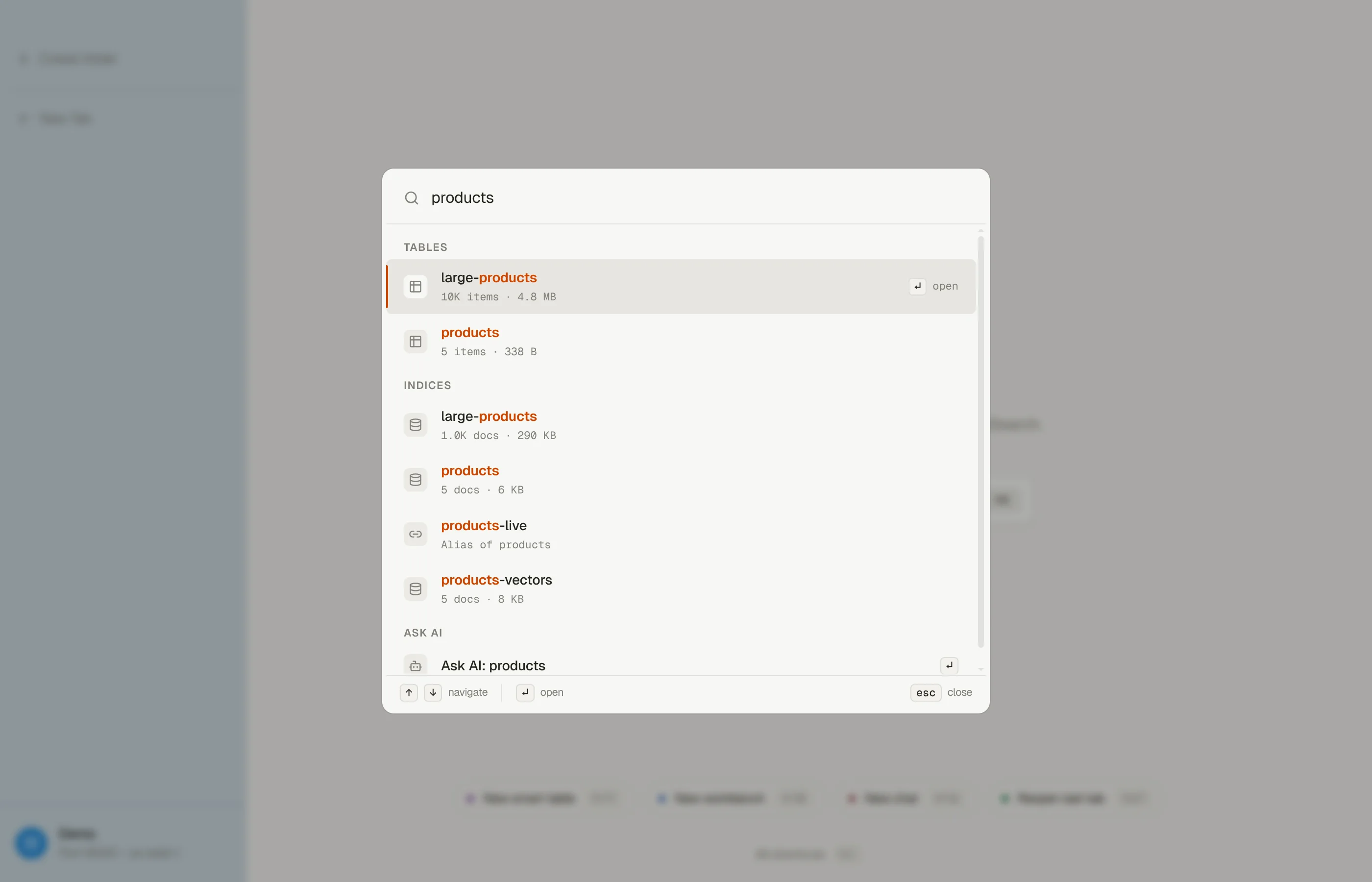
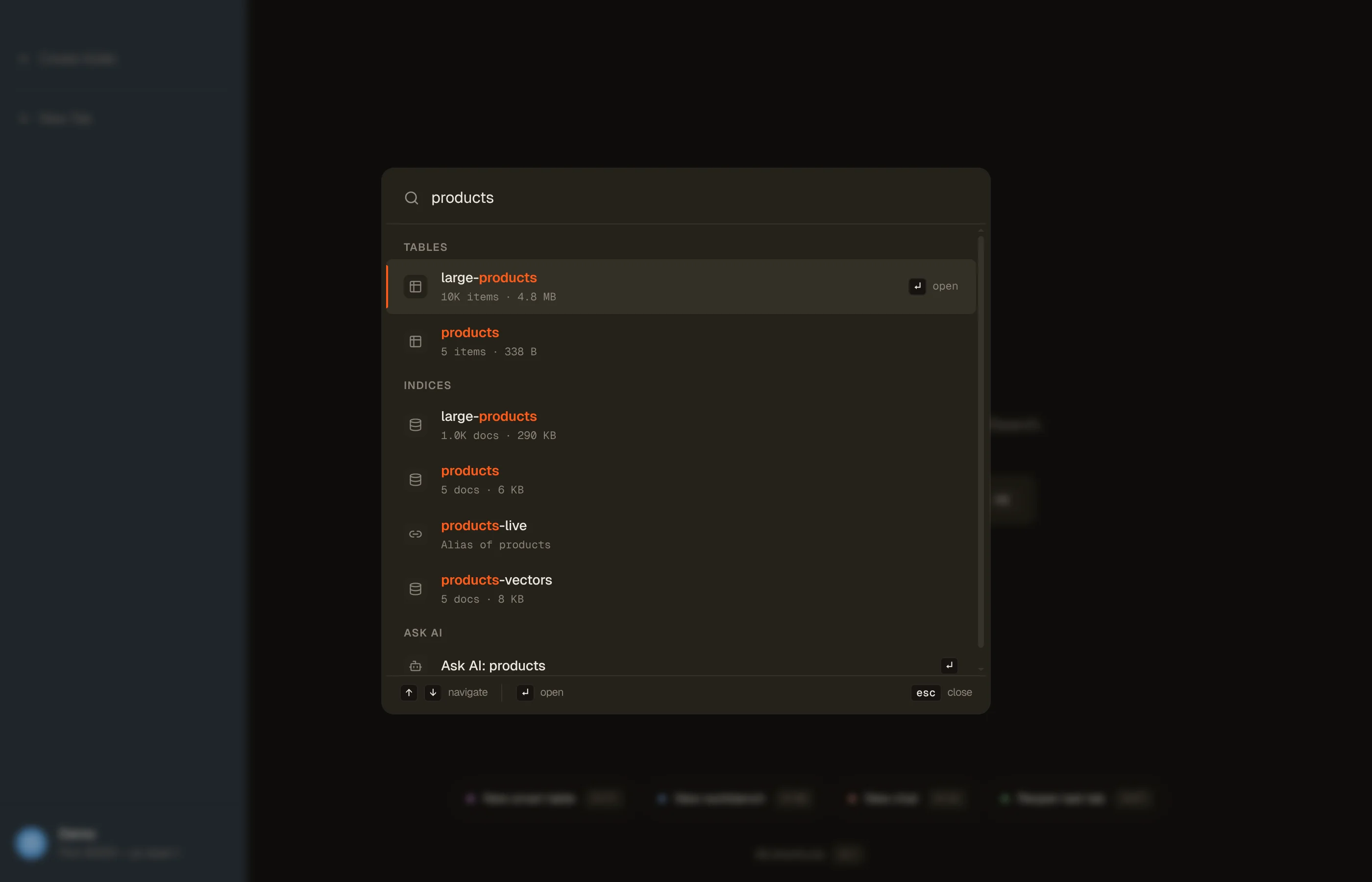
DynoTable is a desktop OpenSearch GUI and client for Amazon OpenSearch Service. It opens your indices in the same window as your DynamoDB tables. If your tables feed a search index, you no longer switch to OpenSearch Dashboards to check what the index holds: open it from ⌘K, search it, fix a document, and commit, with the same tabs and keys you use for a table.
It reaches three kinds of target:
- Managed domains in Amazon OpenSearch Service.
- Serverless collections in Amazon OpenSearch Serverless.
- A self-hosted endpoint you type in, such as an OpenSearch container on your machine.


What you can do with an index
Everything a table tab does, worded for documents:
- Browse and search with Lucene, filters and a time range, or write the query DSL yourself.
- Edit documents through Pending changes, with conflict checks on managed domains and History to revert a commit.
- Bulk edit, export, and import documents, and compare two of them.
- Create, tune, and delete indices, and copy an index definition as REST or Terraform.
- Search by meaning on
knn_vectorfields. - Join a table to an index in SQL or a Smart Table.
- Let the AI assistant and MCP clients read, search, and stage changes for you.
Turn OpenSearch on for a profile
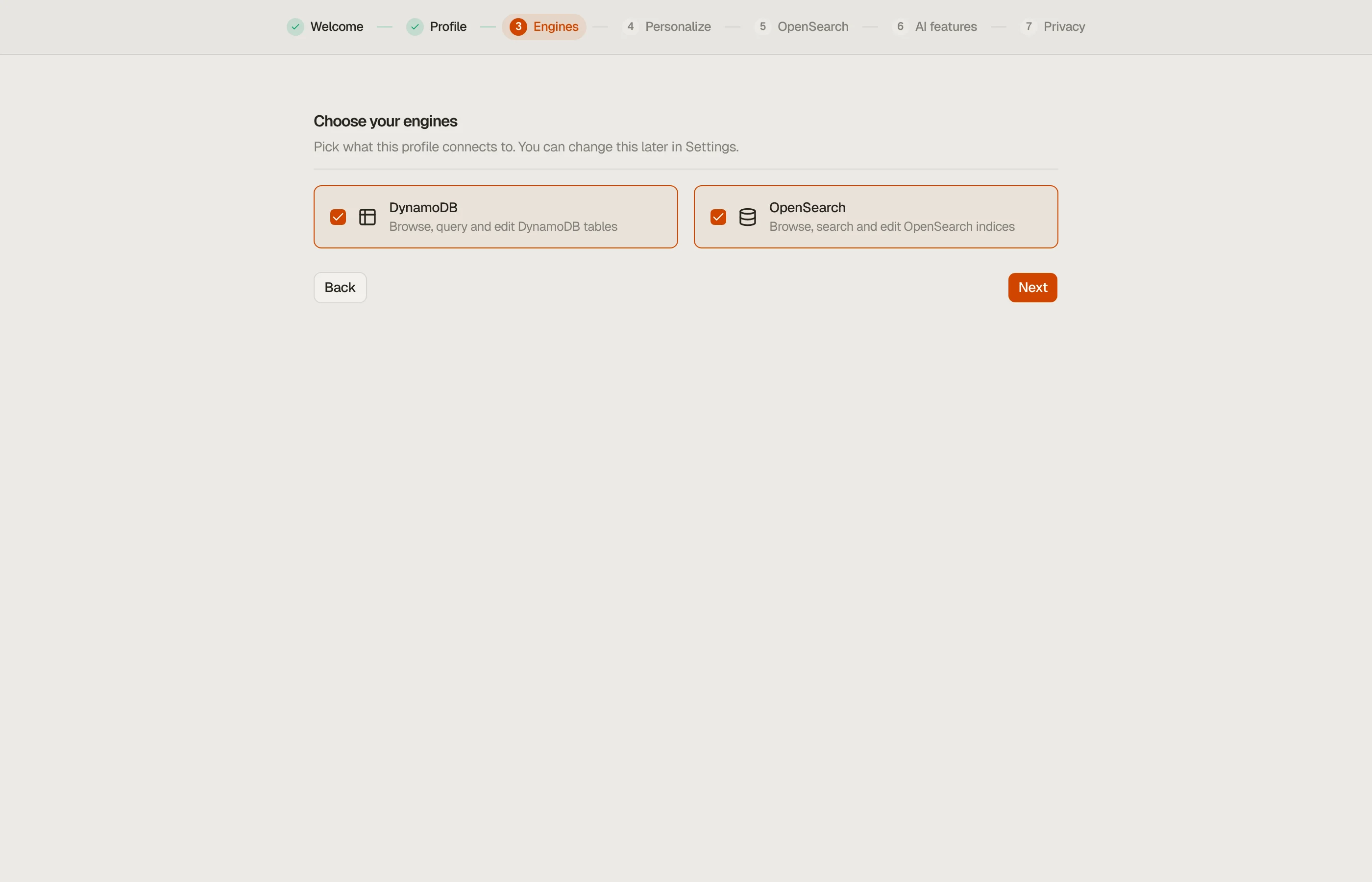
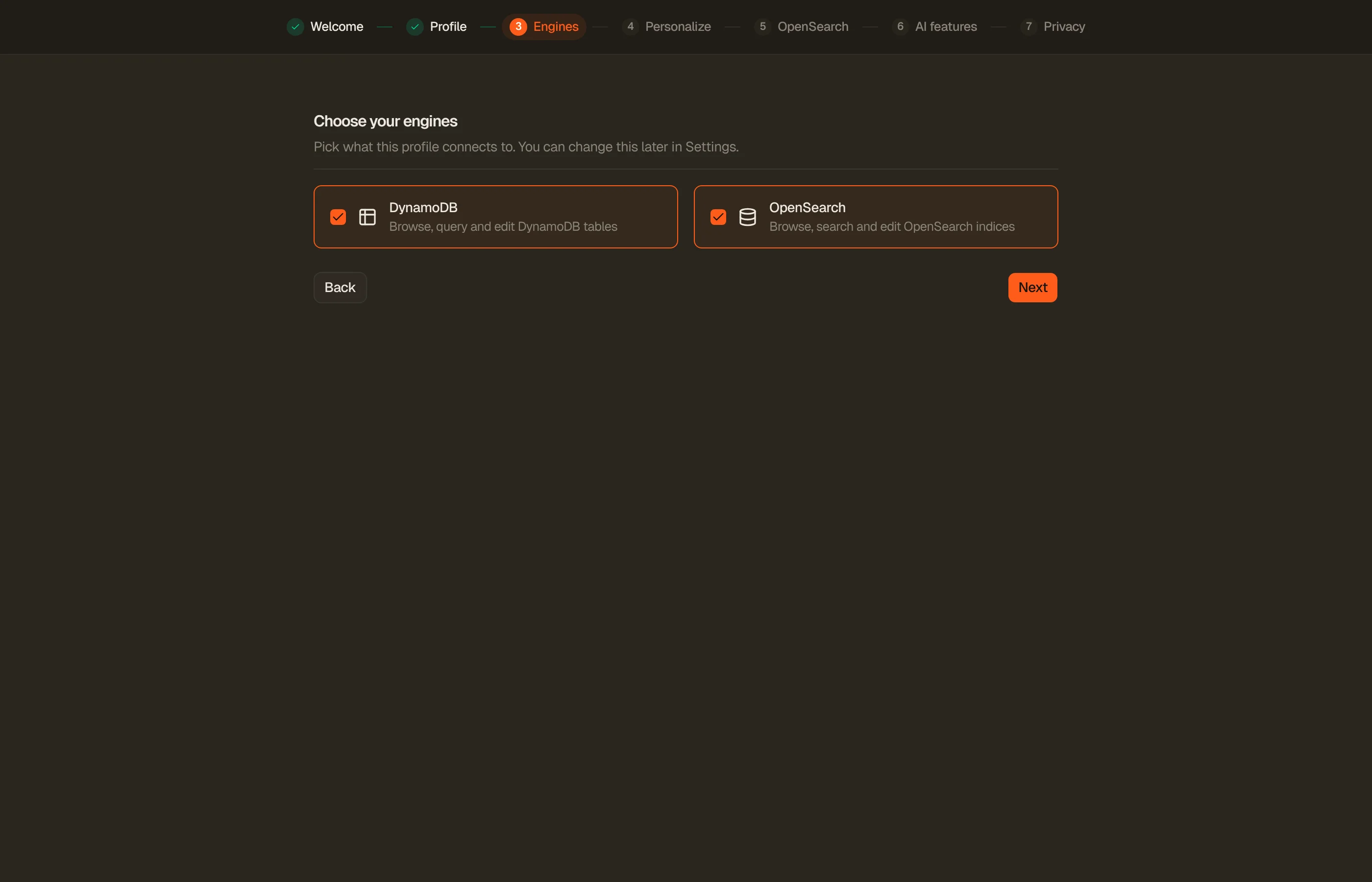
Each profile uses DynamoDB, OpenSearch, or both. This is its Engines setting, and at least one engine stays on. You set it in three places:
- Onboarding: the Engines step. Pick OpenSearch and the next step lists the domains and collections your credentials reach, with their index counts. When it finds nothing, it says why, and you can continue anyway.
- Add Profile: the same Engines step in the dialog.
- Settings → your profile → Engines: the row right after Connection.
A profile from a version before 1.18.0 stays DynamoDB-only. The first time DynoTable finds OpenSearch for it, it asks once: Turn on OpenSearch or Not now. Either answer is final until you change Engines yourself.
A DynamoDB-only profile shows no indices anywhere, and an OpenSearch-only profile shows no tables. Your open tabs are not closed when you change the setting.


How DynoTable finds your indices
DynoTable lists domains and Serverless collections with the profile's own AWS
credentials, in the profile's region. Your indices then appear in the
Indices group of ⌘K. Hidden system indices (names that start
with .) are left out, and aliases are listed with the indices they point at.
The profile's OpenSearch section in Settings holds the rest:
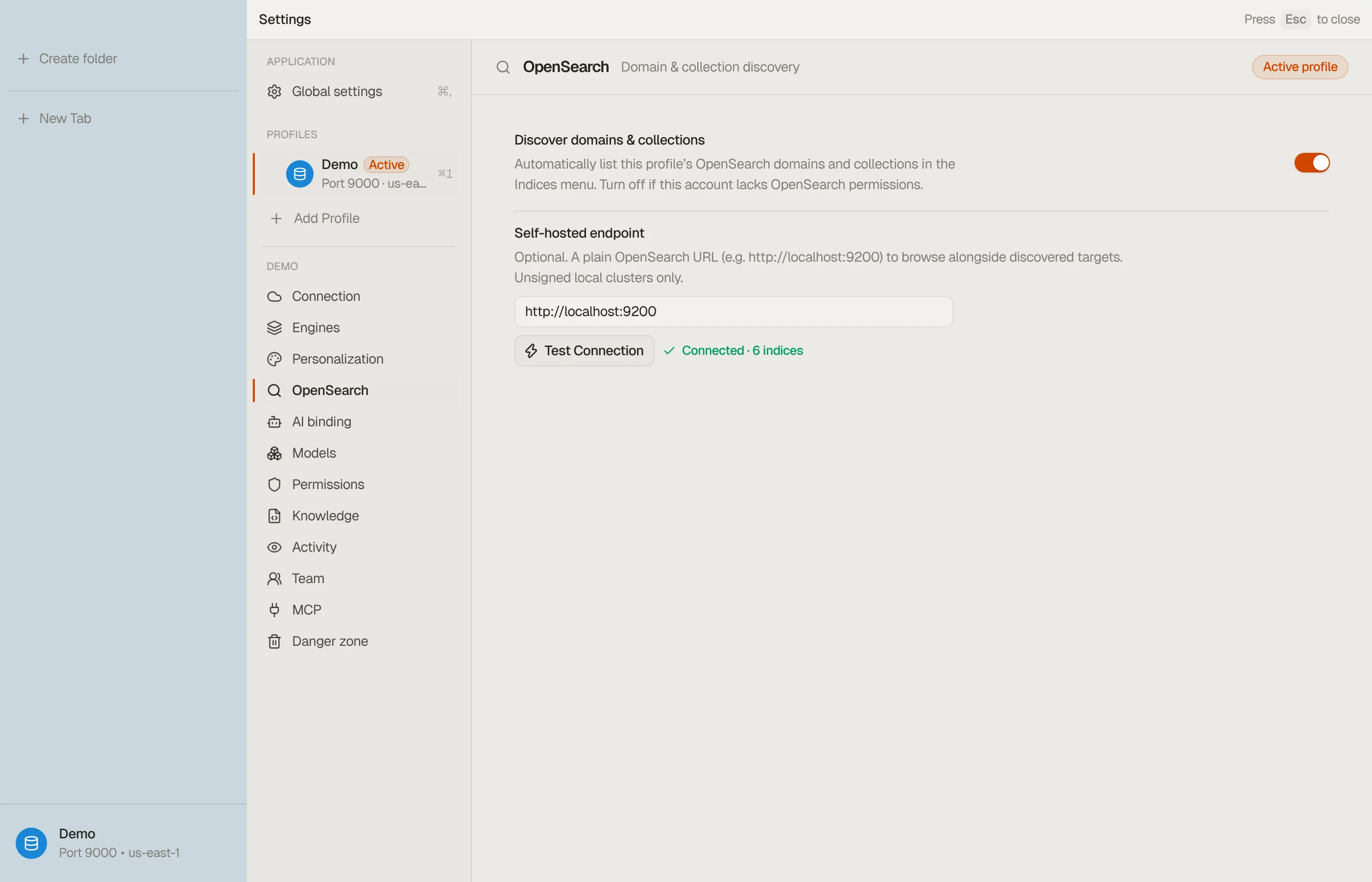
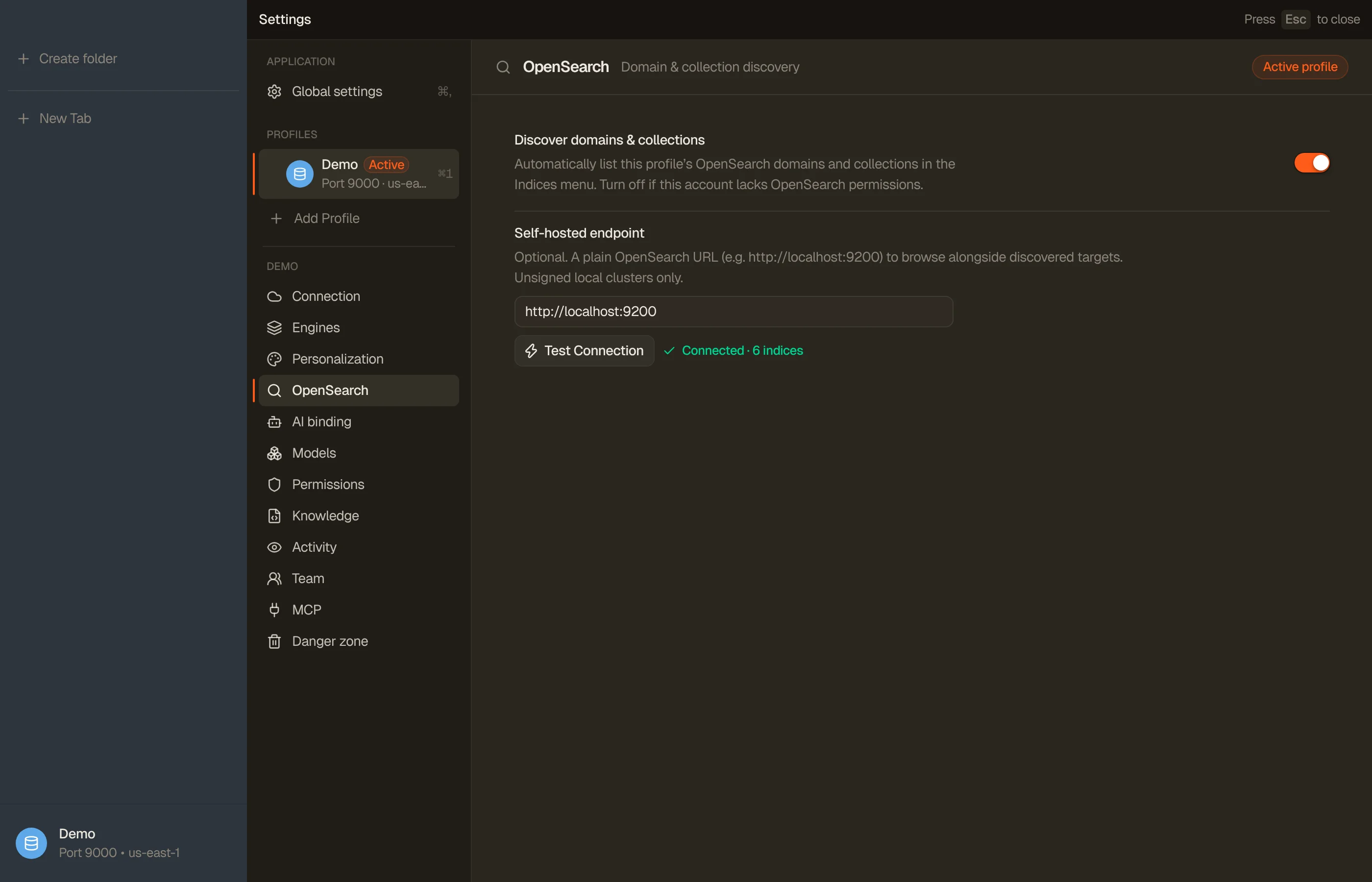
- Discover domains & collections: on by default. Turn it off when the account has no OpenSearch permissions, or when you only use a self-hosted endpoint.
- Self-hosted endpoint: a URL such as
http://localhost:9200. DynoTable connects to it unsigned, with no AWS signature and no password, so it suits a local container or an endpoint that accepts unauthenticated requests. - Test Connection: lists the endpoint's indices, or shows why it can't.
A local DynamoDB profile has no AWS account, so it never runs discovery. It can still open a self-hosted endpoint.
DynoTable connects from your machine, never through a server of ours. A domain inside a VPC opens only when your machine can reach its endpoint, for example over a VPN.


IAM permissions
To list targets, the profile's principal needs:
{
  "Effect": "Allow",
  "Action": [
    "es:ListDomainNames",
    "es:DescribeDomains",
    "aoss:ListCollections",
    "aoss:BatchGetCollection"
  ],
  "Resource": "*"
}Each pair works alone: without the aoss actions you still see domains, and the
other way round. If both are denied, the Indices group names the denied
action.
Reading and writing documents is authorized by OpenSearch itself:
- A managed domain: the domain's access policy must allow your IAM principal. With fine-grained access control on, its role mapping decides which indices you can read and write.
- A Serverless collection: a data access policy must grant your principal the
collection and index permissions, and your IAM policy needs
aoss:APIAccessAll.
A refusal shows on the index tab as a permission error, not as an empty result.
Domains and Serverless collections differ
DynoTable shows the difference where it changes what you can do:
| Feature | Managed domain or self-hosted | Serverless collection |
|---|---|---|
| A commit detects a concurrent change | Yes, you rebase | No, last-write-wins (the tab says so) |
| Replicas and refresh interval | Yes | No |
| Aliases | Yes | No |
| Direct bulk run | Runs on the server | DynoTable writes each document |
Edit with your own document _id | Yes | Only on a Search collection |
What is free
The free read-only plan browses and searches indices: Lucene and query DSL searches, filters, Quick View, the index dialog, export to a file or the clipboard, and vector search with a pasted vector. These are reads.
Editing or deleting documents, bulk edits, imports, creating or changing or deleting an index, running a Workbench query or Smart Table, and the AI assistant need a Trialing or Active license, as they do on a table.
What DynoTable does not do
DynoTable is a client for the data in your indices, not a replacement for every OpenSearch tool:
- Elastic Cloud and other Elasticsearch services are not supported.
- No dashboards or visualizations. Keep OpenSearch Dashboards for charts.
- No index templates or ISM policies, and no mapping editor: a new index maps itself from the first document you write.
- No settings on Serverless indices: a collection manages them itself.
- No export to S3 for an index; export goes to a file or the clipboard.