Activate DynoTable
DynoTable verifies your license offline. After a one-time activation it checks a signed token on your own machine, so day-to-day you never wait on a network call to start working. This page covers how activation works and what each licensing state means.
Sign in and activate
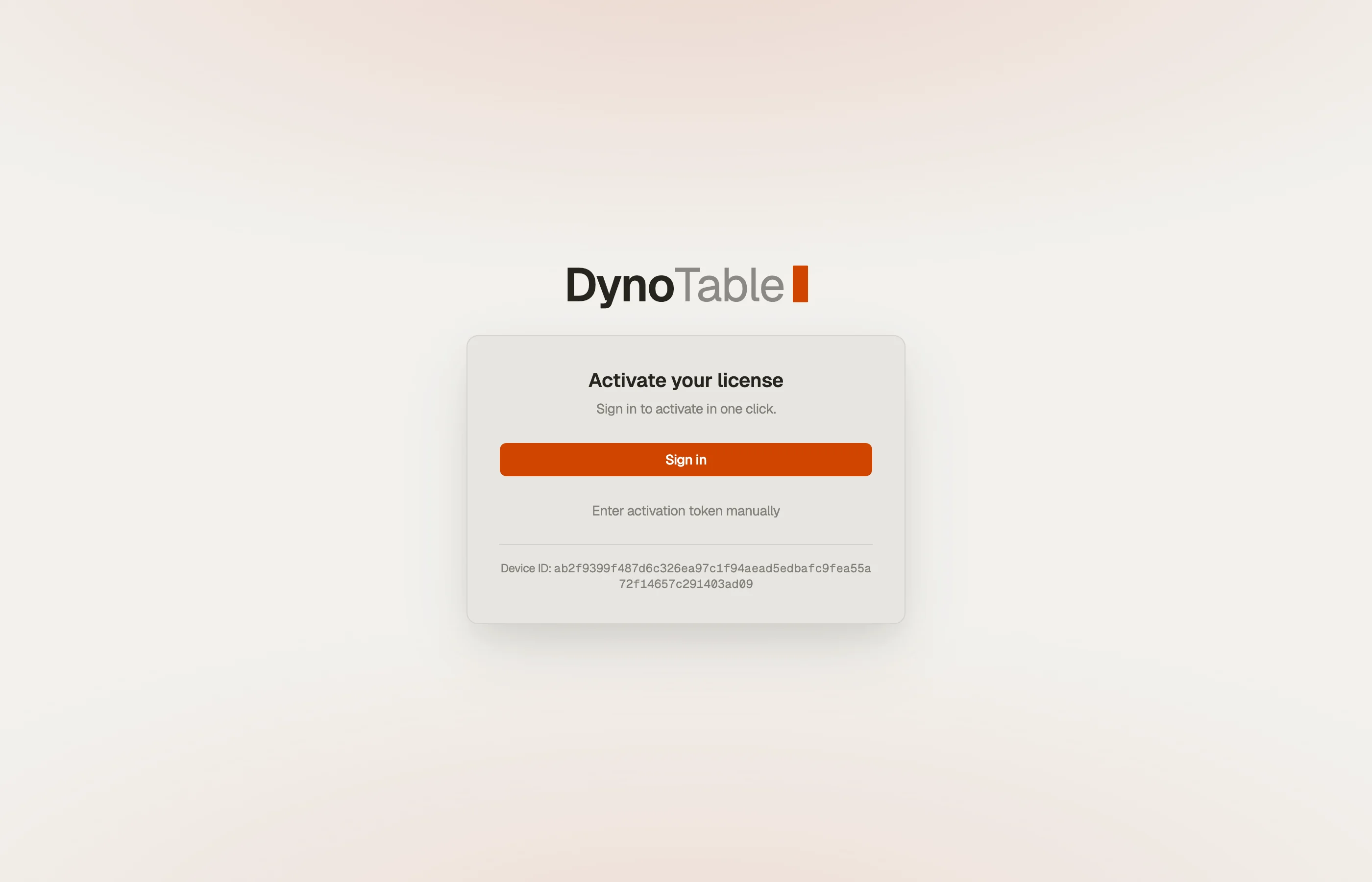
When DynoTable starts without a license it shows the signed-out screen with your Device ID and a Sign in button.
- Click Sign in. DynoTable opens the activation page in the browser, carrying your Device ID.
- Sign in (or sign up) and pick a plan. A new account starts a free 30-day trial — no credit card required.
- The website hands the license straight back to the app through the
dynotable://activatedeeplink — one click, no copy-paste.


Paste-token fallback
The deeplink needs the OS to route the dynotable:// scheme back to the app.
That can fail when the app isn't installed where the browser runs (for example
you signed in on a different machine, or the scheme isn't registered yet). In
that case the website also shows the raw token — copy it and paste it into the
token field on the signed-out screen.
Licensing states
Once activated, DynoTable is always in one of these states. An expired (read-only) license shows a sticky notification with a Reconnect button; Trialing and Active are silent. You can always check your current state in Settings → Account.
| State | What it means | What you can do |
|---|---|---|
| Trialing | Active trial. | Everything in the plan you're trialing — read and write. |
| Active | Paid subscription in good standing. | Everything in your plan — read and write. |
| Read-only | Your license lapsed and needs a reconnect. | Free features remain available. Running Workbench queries and Smart Tables, writes, table management, import, and AI are blocked. |
A trial unlocks the plan it belongs to, so there's no feature difference between trialing and paying for the same plan. An Individual trial doesn't include the Team workspace. Settings → Account shows your status, the trial days remaining or renewal date, and your Device ID.
What read-only blocks
Read-only keeps Free features available. You can browse tables, run
PartiQL SELECT, export data, code, and
schemas, and use MCP schema and item reads. To sketch the
same access pattern in your browser, the query builder
composes equivalent Query or Scan requests and copies them as runnable SDK code.
Running the SQL Workbench and Smart Tables, writing data, managing tables, importing, and AI require a Trialing or Active license. More specifically:
- Writing data — saving an item in the item editor, committing from the staging area, and batch-deleting rows.
- PartiQL write statements (
INSERT/UPDATE/DELETE) are blocked;SELECTstill runs. - Running Workbench queries and Smart Tables is blocked. The SQL editor, its autocomplete, and the Smart Table configuration canvas stay open; only execution and the live preview need a license.
- Table management and import — creating or deleting tables and indexes, changing capacity, TTL, or deletion protection, and importing a file into a table.
- AI features — the AI agent, inline edits, and AI ghost text. Index-driven completion remains available read-only.
Staying activated
DynoTable keeps your license current in the background, so it rarely lapses and you never have to think about it. If you cancel your subscription, the app drops to Read-only at the next check — you stay signed in and the free features keep working.
Manage your subscription
Plans, payment, and seats live on the website:
From inside the app, Settings → Account has Manage billing (opens the website), Refresh to re-check your license now, and Sign out.