Devices
One DynoTable license covers two machines at a time. That's enough for a laptop and a desktop, with room to move to a new computer without contacting support.
How a machine is counted
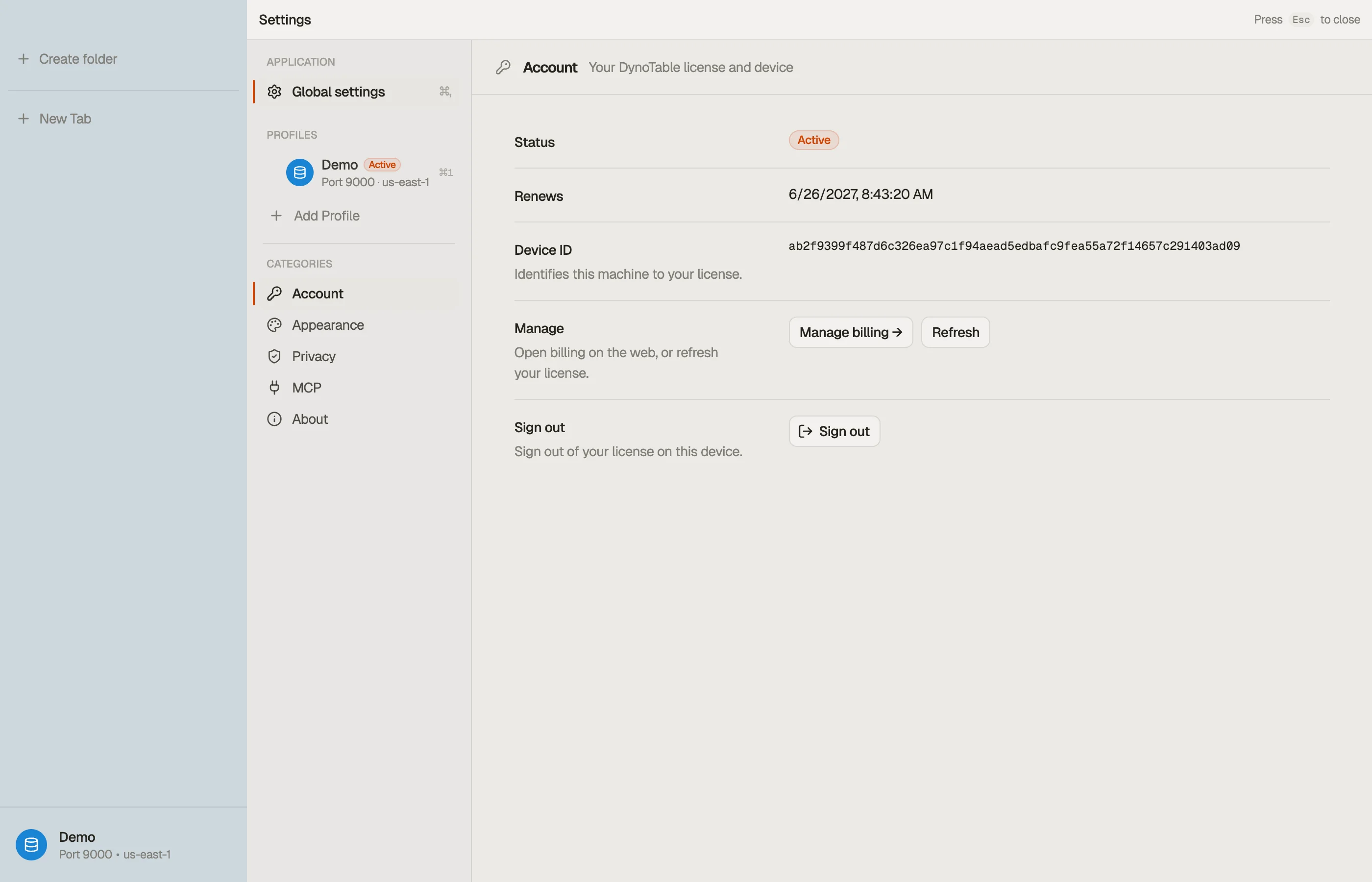
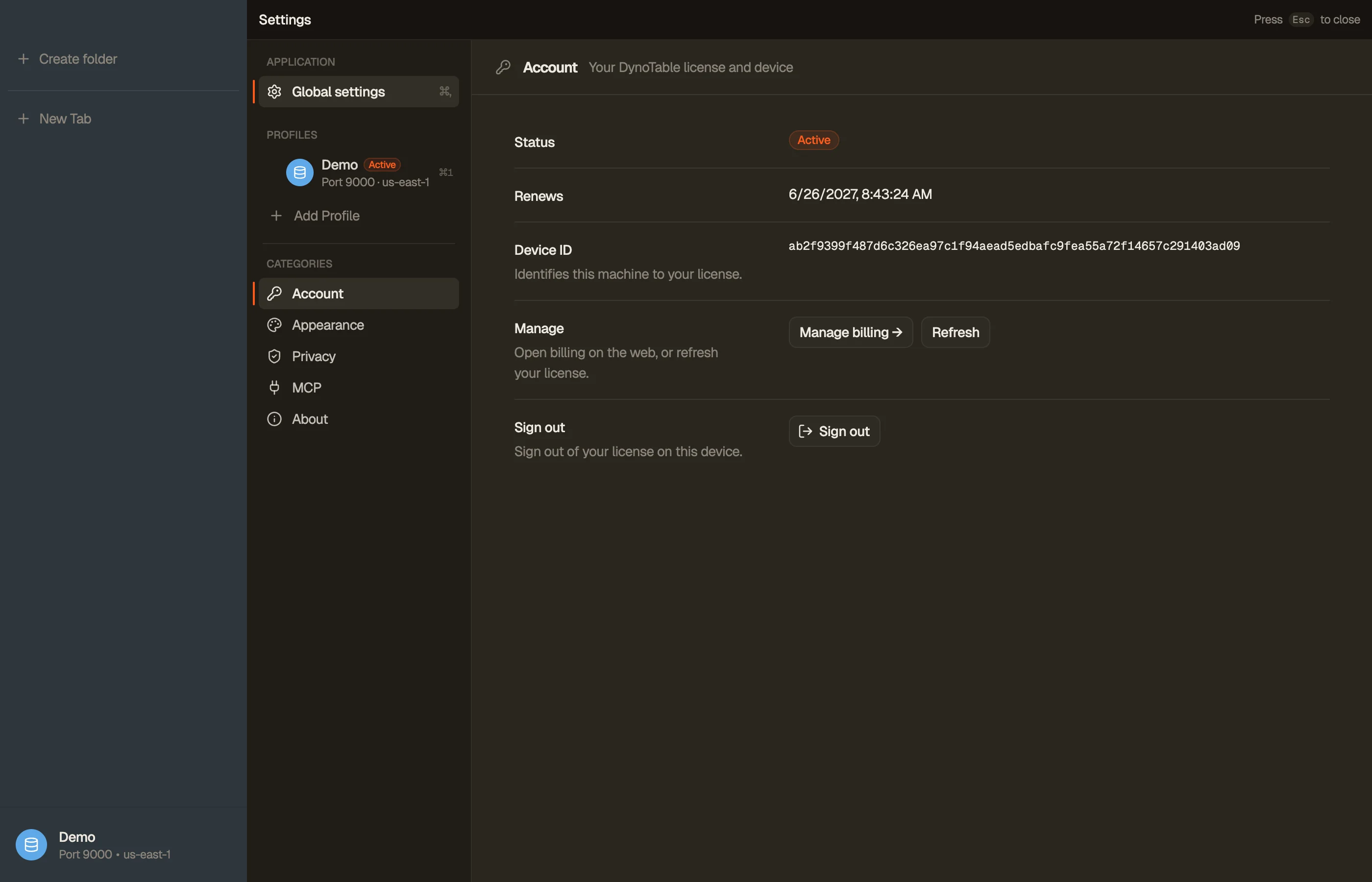
Each computer derives a stable Device ID — a hash of a per-machine identifier. It's the same value DynoTable shows on the signed-out screen, and — once you're signed in — under Settings → Account. The ID is deterministic for a given machine and reveals nothing about it; it just lets your license tell two computers apart.
A machine counts against your limit from the moment it activates until it's deactivated.
The two-machine limit
When you activate on a third machine, DynoTable doesn't block you — it frees the oldest machine automatically and activates the new one. The freed machine is signed out on its next license refresh.
Deactivate a machine yourself
You can also free a machine on purpose — useful before selling a computer or when you want a specific one to keep its slot.
From your account
Open Devices in your account on the website. Each active machine is listed with its name, OS, and when it was last seen. Click Deactivate to free it.


The deactivated machine is signed out on its next refresh; signing in again re-activates it (subject to the two-machine limit).
From the app
Signing out of DynoTable also frees that machine's slot. Open Settings → Account and click Sign out — the app releases its license slot as it signs out, so you don't need the Devices page for the machine you're on.
What stays on the machine
Deactivate and sign-out free the license slot only. Profiles, tabs, folders, saved queries, and the local table index remain on disk until you remove the app. Re-activating the same Device ID (or a new machine after eviction) does not restore cloud-side state — there is none for table data. Team-shared indexes live in your S3 bucket when you enable Team Workspace, not on DynoTable's servers. DynoTable subscription pricing is separate from AWS table costs — the pricing calculator estimates DynamoDB RCUs and WCUs in your region while you manage seats here.