Editing items
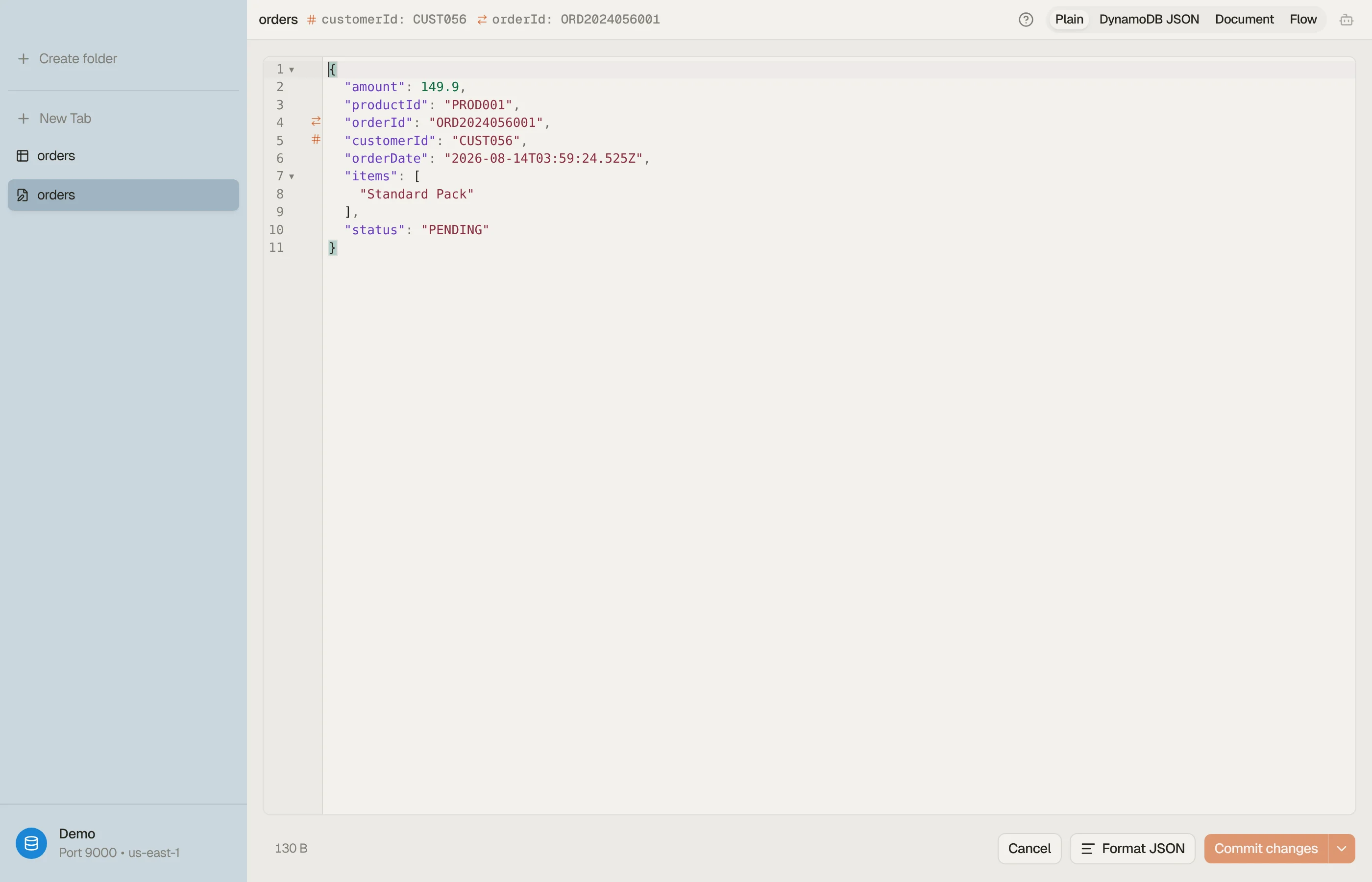
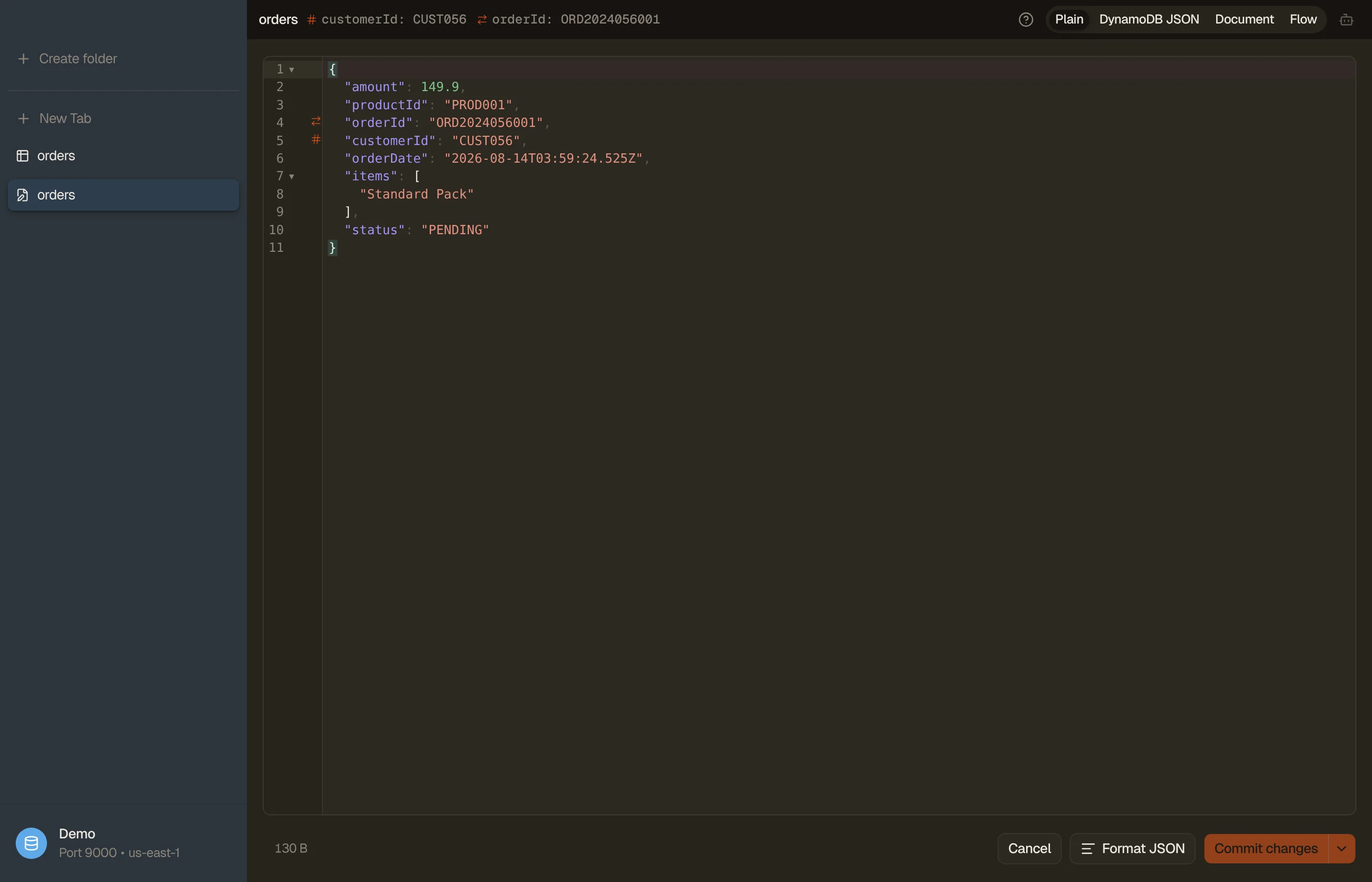
DynoTable edits items as JSON in a real code editor — autocomplete, formatting, and inline validation. Saving stages the change for review by default; a second chord commits it. Both need an active license.
Open an item from the grid to edit it, or press ⌘N to create a new one. A new item is pre-populated with the table's key attributes; fill in the rest.
OpenSearch documents open in the same editor, without the DynamoDB JSON view: see Edit documents.


JSON modes
A toggle in the editor header switches how the item is represented. Switching between Plain and DynamoDB JSON round-trips Strings, Numbers, Booleans, Null, Binary, Maps, Lists, and Sets, within the limits at the end of this page.
- Plain: primitives stay plain (
"count": 3, not{"N": "3"}). Sets use a compact one-key sentinel:{"SS": [...]}for string sets,{"NS": [...]}for number sets,{"BS": [...]}for binary sets. A single binary value shows as{"B": "<base64>"}, the sibling ofBS, and a number too precise for a JSON number as{"N": "<exact digits>"}. Both turn back into binary and an exact number when you save. The easiest mode to read and edit by hand. - DynamoDB JSON: the canonical AWS marshalled wire form, where every value is type-wrapped. Use it when you're pasting DynamoDB-JSON from elsewhere.
- Document: the item as a form, one control per attribute, instead of JSON. Editable; see Document view below.
- Flow: a read-only graph of the parsed item (Maps, Lists, and Sets as nodes). Useful for understanding the shape of a deeply nested record. Edits still happen in the Plain / DynamoDB buffer underneath.
Press ⌘⇧M in the editor to cycle modes. A ? next to the toggle shows
a side-by-side example of each format.
Document view
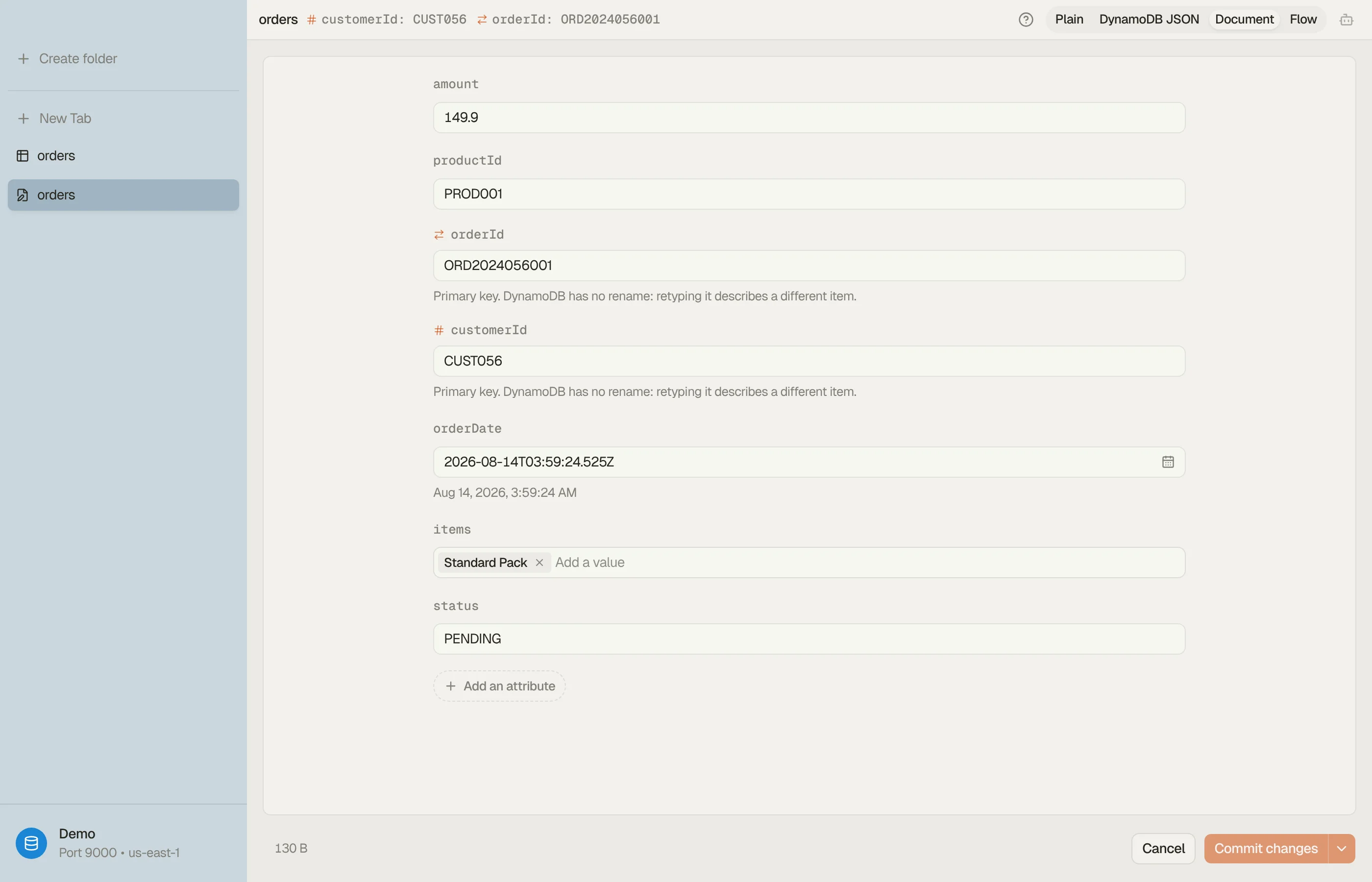
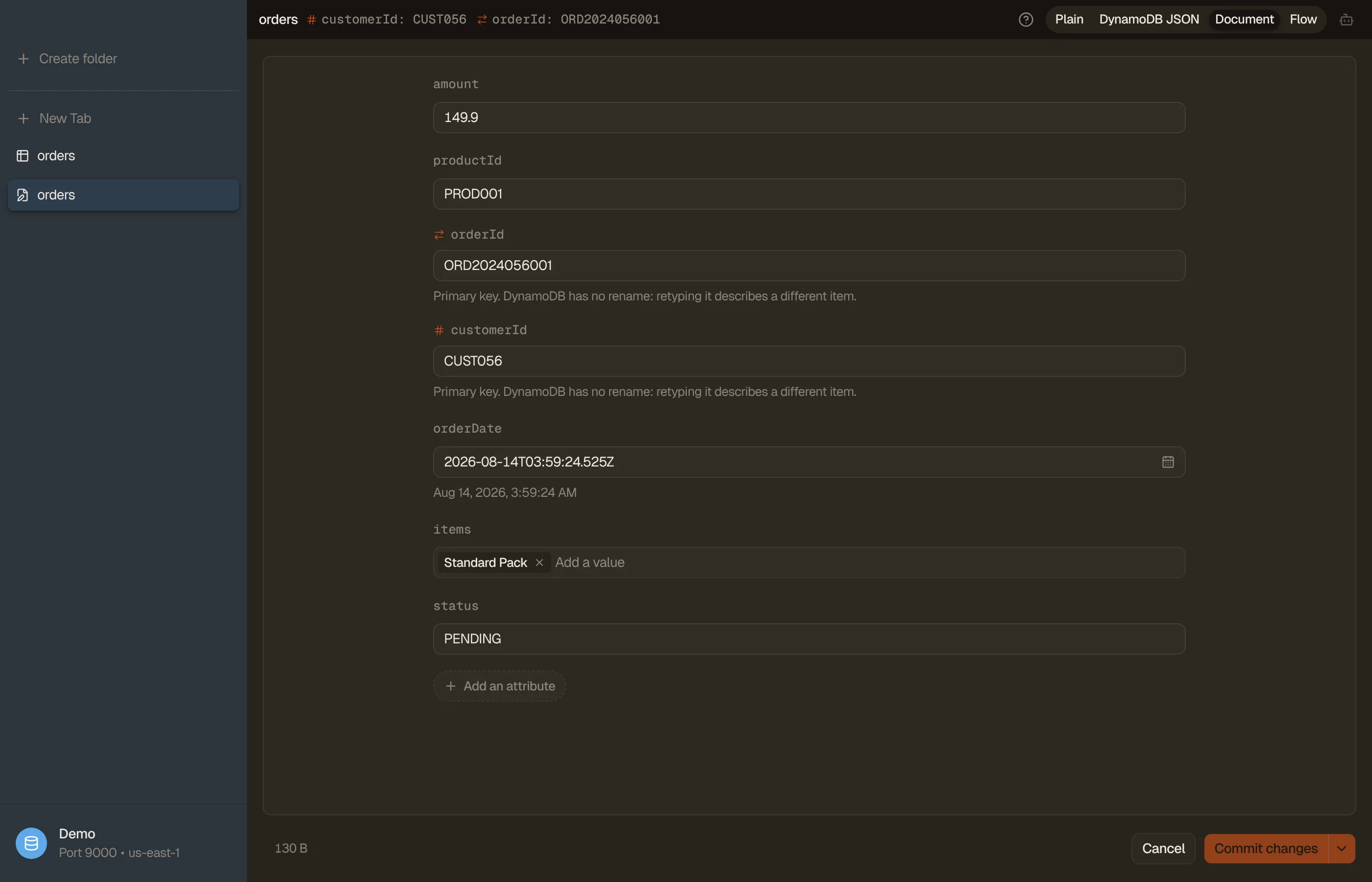
Document view renders the item as a form: one labelled control per attribute, chosen from the value it holds. It's available on every table. On a table with a vector index whose items carry prose it's also the default: those records are articles, and a JSON editor is the wrong tool for an article.
- Text: a box that grows with the content, so a paragraph stays a paragraph
instead of one long line with
\nescapes in it. It offers autocomplete from the values that column already holds in the local index, the same source the filter pills read. - Numbers and booleans: a number field and a switch.
- Dates: the raw value in a text field with a calendar picker on the end of it (plus a time field when the value carries a time), and the decoded reading under it. What you pick is written back in the encoding the attribute already used: epoch seconds stay epoch seconds, an ISO string stays an ISO string.
- Sets and lists of simple values: one chip per member, added and removed individually. The container and the member type are kept, so a number set stays a number set.
- Keys: a single-line field, and editable, as they are in the JSON views. A new item is nothing but its key scaffold, so a read-only key would make creating one here impossible.
Maps, mixed lists, and binary are read-only here — no single control edits them honestly. Switch to Plain or DynamoDB JSON for those. A map shows as indented, multi-line JSON. The hint under a read-only value is a link: edit it in the JSON view opens the JSON view with the cursor on that value. An embedding is shown as a one-line summary instead of the numbers themselves.
Edits land in the same buffer the JSON views show, and save with the same chords.


Validation
The editor validates as you type and surfaces problems inline:
- Malformed JSON and schema violations show as editor diagnostics.
- Key attributes are checked so you can't save an item missing its partition/sort key.
- Press ⌘⇧F to reformat the buffer.
If a parse error blocks a mode switch, the toggle snaps back and the error stays visible. Your buffer is never silently reformatted into something invalid.
Saving
Saving an item stages it: the change joins that table's staging area as a diff (shared across every view of the table) and is written to DynamoDB only when you commit. The two save chords:
- ⌘S: stage the change (no commit). Safer; review it in the panel first.
- ⌘⇧S: save and commit immediately.
Staging (or a clean commit) closes the editor. If a commit hits a write conflict or error, the editor stays open so you can rebase from the Pending changes. To resume editing a staged change, reopen it from its diff card in Pending changes.
To make the same change to many items, select their rows and press ⌘E: with two or more rows selected it opens bulk edit instead of the item editor.
Limitations
A few v1 edge cases are worth knowing:
- Plain mode reads a one-key map as a type sentinel. A real map attribute whose
only key is
Bholding base64 text saves as binary, one whose only key isNholding numeric text saves as a number, and one whose only key isSS,NSorBSholding a list saves as a set. Rename the key to avoid it. - The sentinels work inside an item, not as the whole item: a buffer that is
only
{"B": "..."}is refused, since an item must be a JSON object of attributes.