Bulk edit, export, and import documents
The table toolkit works on an index: bulk edit and bulk delete, Compare, export and import. This page covers what changes on an index. The DynamoDB pages describe the dialogs themselves.
Bulk edit and bulk delete
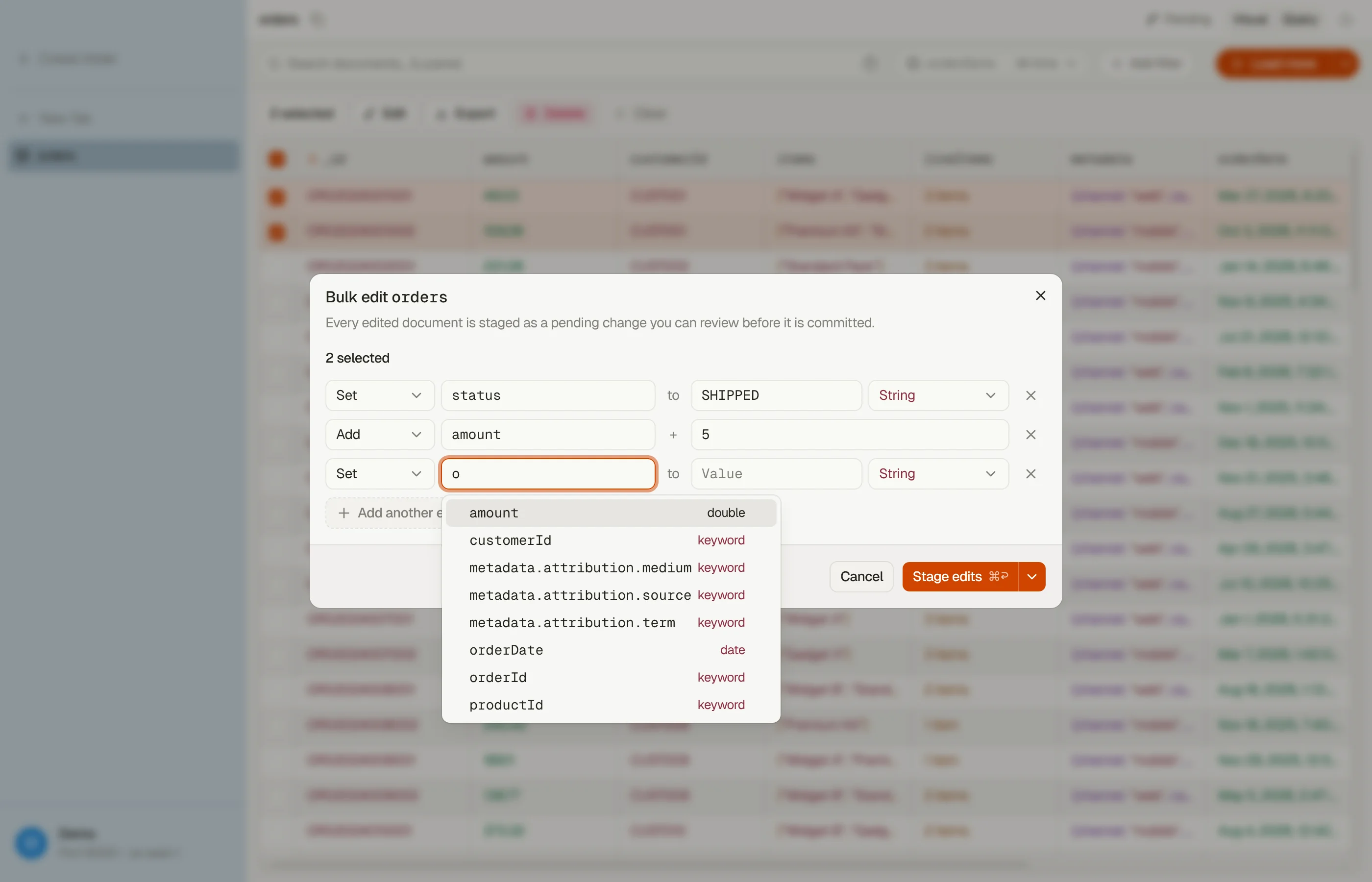
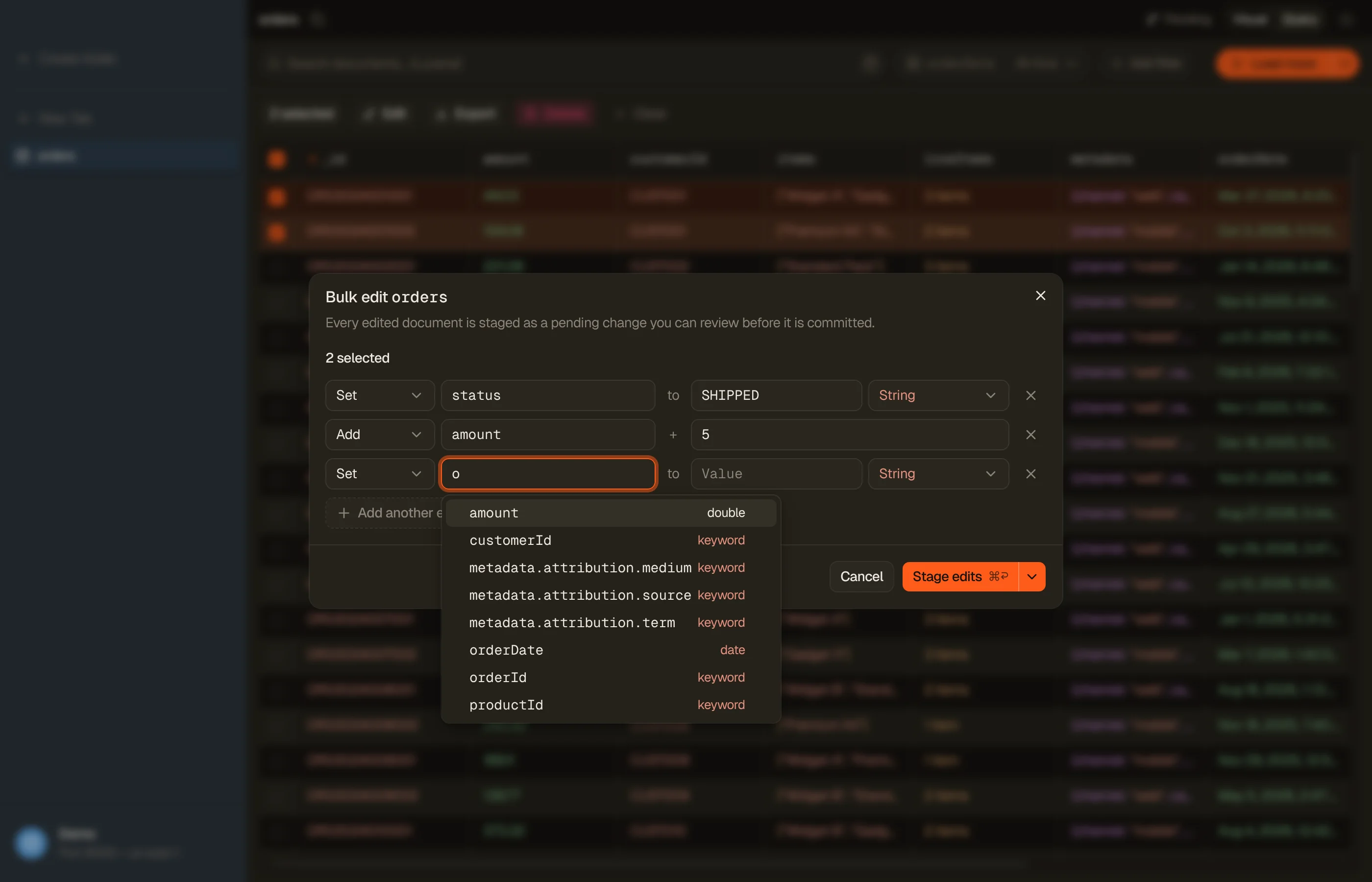
Select rows, or press ⌘A to select every document the search matches, then press ⌘E to edit or ⌘⌫ to delete. The edit dialog offers Set, Remove and Add, and every field picker reads the index mapping:
- Add lists numeric fields only.
- A value is checked against the field's mapping type before anything runs: a
number too large for an
integer, a fraction on along, or a date in the wrong format stops the dialog with the reason. - An index whose
_sourceis off or filtered refuses edits, since a rewritten document would lose fields. Deletes still run.
Stage and Commit work as on a table: up to 10,000 documents, reviewed in Pending changes and revertible from History. Each document is read again and staged whole, with the version it was read at on a managed domain.
Bulk edit runs on the index itself. An alias tab, or an index pattern with *,
can't be bulk edited.


Direct runs
An all-matching selection also offers Write edits directly and Delete directly: no limit, no Pending changes and no revert. How the run writes depends on the target, and DynoTable picks it for you:
- On a managed domain or a self-hosted endpoint, the server runs it. DynoTable starts an update-by-query or delete-by-query task and follows its progress. Max writes/s becomes the task's throttle. The task keeps running if you quit DynoTable; on the next start, Resume finds it again. Stop cancels the task. The profile needs permission to read and cancel tasks, and a run is refused before it starts when it can't.
- On a Serverless collection, DynoTable writes each document. A collection has no update-by-query, so DynoTable reads the matching documents and writes them back in batches. These writes are last-write-wins: a change made meanwhile is lost, and a delete removes documents even if they stop matching during the run. The confirm step says so.
There is no Safe or Fast choice on an index. One direct run at a time can work on an index, from any profile on this machine.
Compare two documents
Select two rows and press ⌘⇧C. DynoTable reads both documents again and lists the fields that differ. Copy to A or Copy to B takes the other side's value, and Stage N changes to A (or B) stages them as one pending change.
Export
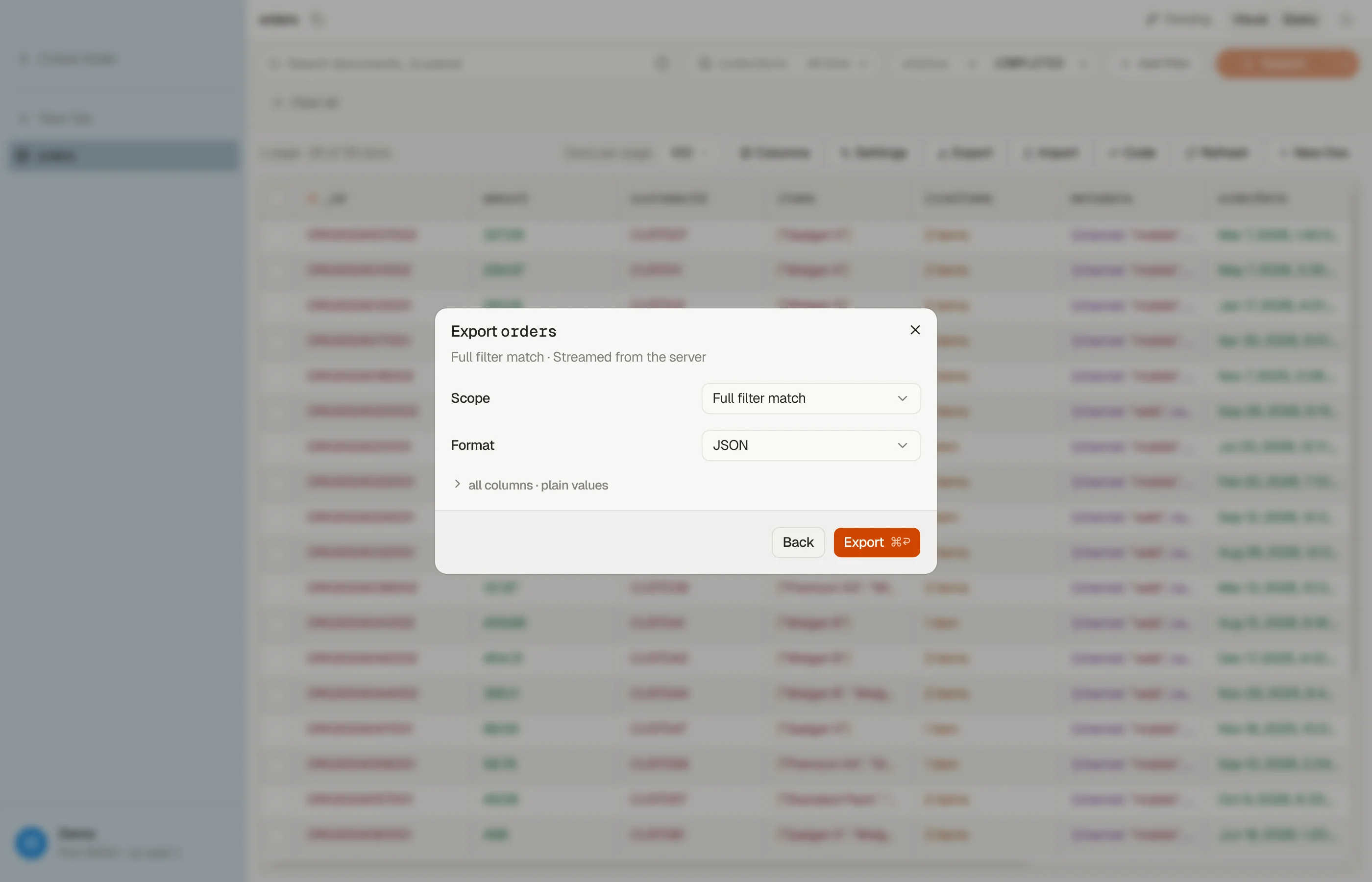
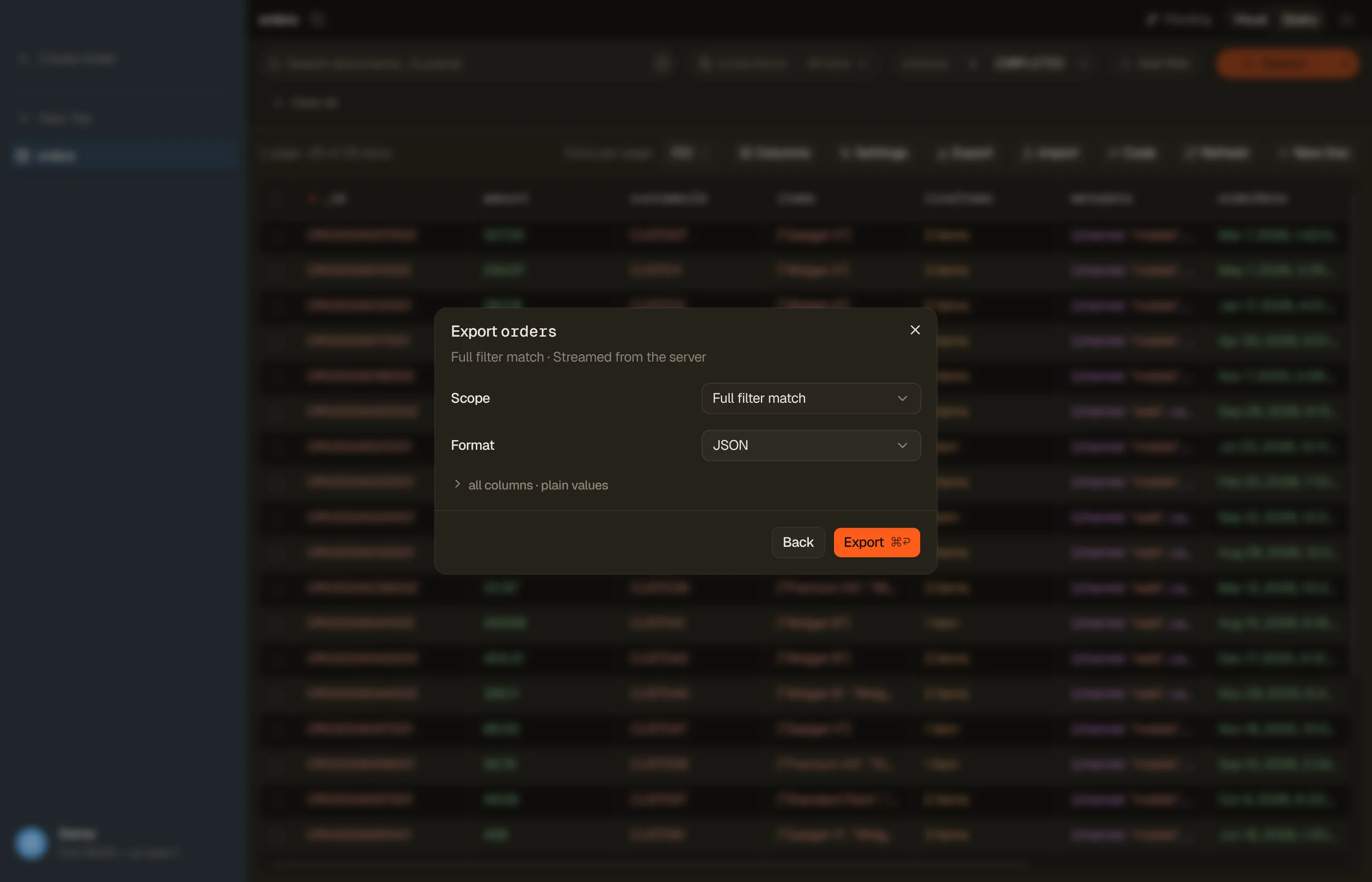
Export (⌘⇧E) writes CSV, JSON or NDJSON to a file or the clipboard, with the same Currently loaded, Selection and Full filter match scopes:
- Each document is written with its
_id, so an exported file imports back over the same documents. - Full filter match reads every document the executed search matches and shows N of M progress, since the total is known up front.
- Documents come out in index order, not in the grid's sort order.
What an index can't export: S3 (the destination is grayed out), and DynamoDB-JSON values, because a document has no type wrappers.


Import
Import in the index toolbar loads a CSV, JSON or NDJSON file into the index, with the same preview, whole-file check and Activity row as a table import:
- An
_idcolumn is the document id. A document with that id is overwritten. Without an_idcolumn, OpenSearch generates the ids. - The mapping decides the types. Text that fills a numeric or boolean field becomes a number or a boolean. A value the mapping would refuse is reported in the check, and nothing is written until the whole file passes.
- A
_routingcolumn is used as each document's routing.
An import writes directly and is not recorded in History, so it can't be
reverted. It can't target an alias: open the index itself. A Serverless
time-series or vector-search collection refuses a file with an _id column, and
on any collection the dialog warns that writes are last-write-wins.