PartiQL
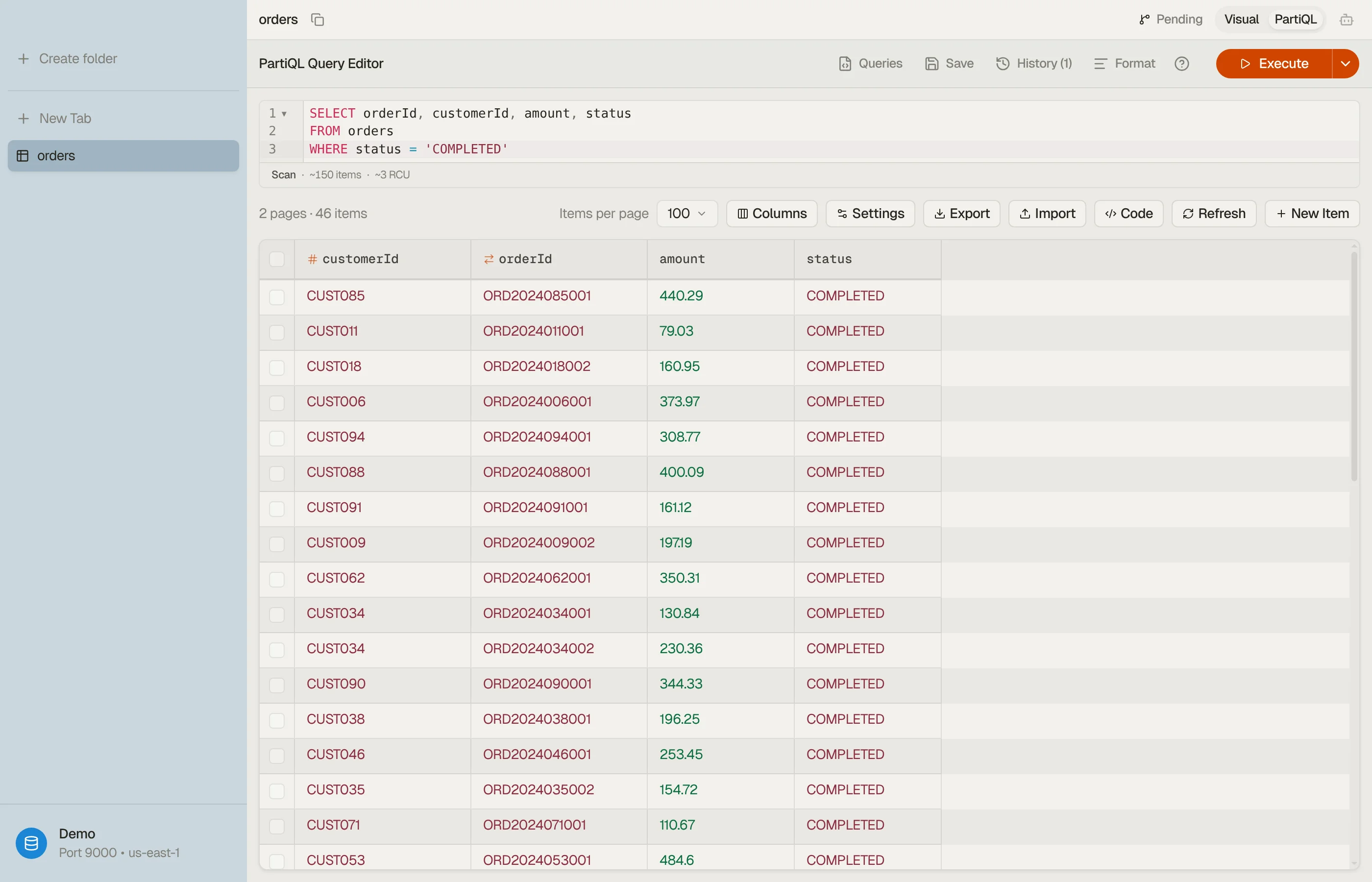
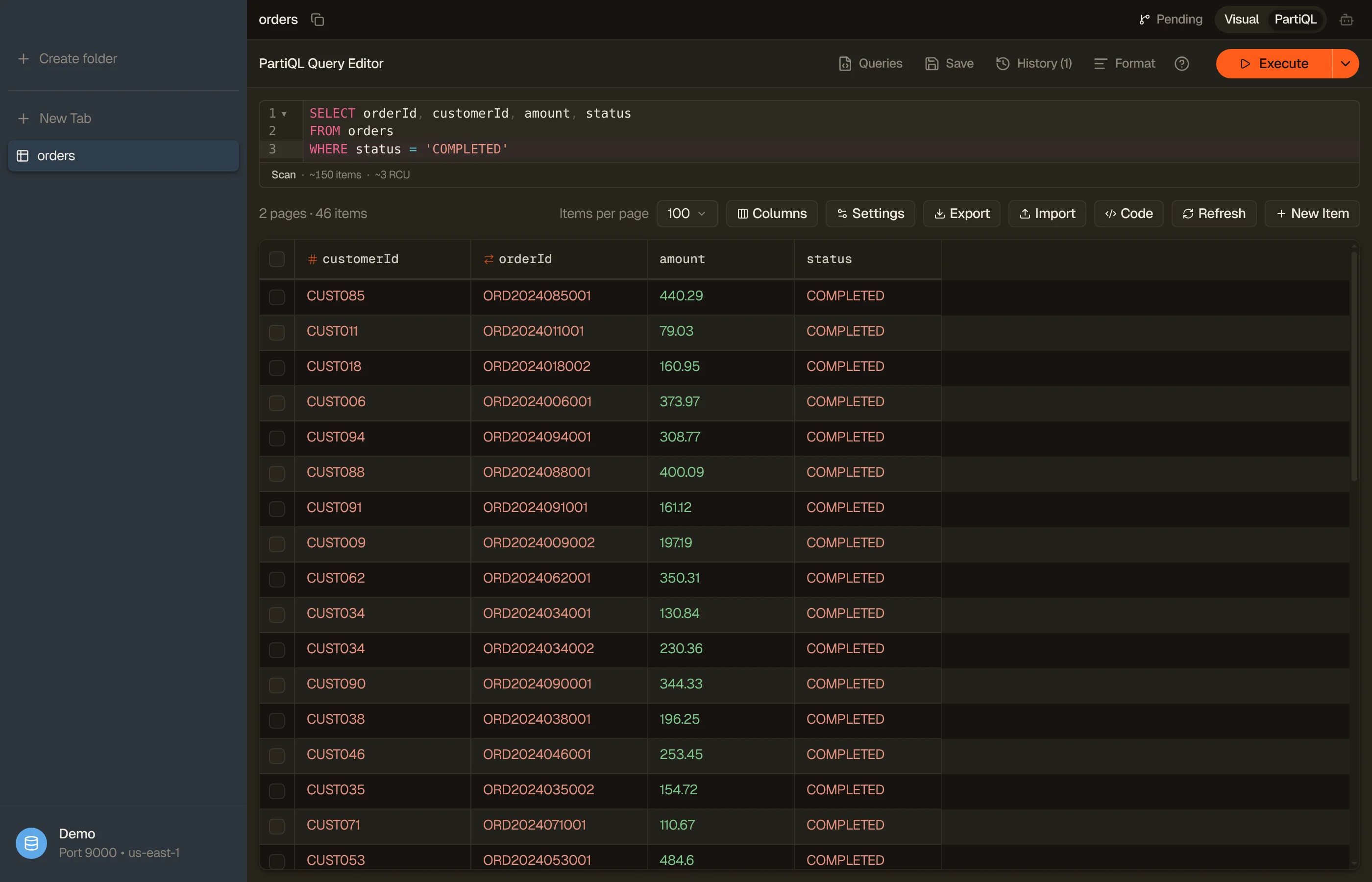
PartiQL is DynamoDB's SQL-compatible query language. Switch any table tab to
PartiQL mode (⌘⇧M) to write SELECT, INSERT, UPDATE, and
DELETE statements directly instead of clicking filter
pills.
Completion stays within the current table: the editor suggests its indexed
fields and values, plus a $table placeholder. It does not offer a table picker.
See Table overview and indexing for how the local index is built.
Switching a tab into PartiQL mode auto-runs the default SELECT * FROM "table"
scan, the direct equivalent of opening the table in the visual
view. Once you edit the statement, running it is up to you:
press ⌘↩ to execute. Results stream in, and Load more fetches the
next pages. For a write statement the same chord runs the button's write mode, by
default Commit changes, which stages and commits in one step (see
Write templates).
PartiQL uses the same query plan and cost preview as the Workbench.
SELECT * FROM "my-table" WHERE pk = 'USER#42' AND begins_with(sk, 'ORDER#')

PartiQL is not SQL
DynamoDB's PartiQL is a deliberate subset. The editor lints your query as you type and flags constructs DynamoDB won't run. Some diagnostics include a one-click quick fix. The common gotchas:
INuses brackets, not parentheses:WHERE id IN ['a', 'b'], not('a', 'b'). Quick-fix rewrites it. The linter also warns when the list runs past DynamoDB's caps (50 values on a partition-key column, 100 on a non-key column) before the server would reject it.- No
LIMITclause: page size is a tab control, not SQL. Use Load more. - No
JOIN,GROUP BY,HAVING, aggregates, subqueries,UNION, or CTEs. For joins and aggregates, open a Workbench tab (the linter points you there). Subqueries,UNION, and CTEs aren't available there either. LIKE→ function:LIKE '%foo%'becomescontains(col, 'foo'),'foo%'becomesbegins_with(col, 'foo'). Quick-fix offered.IS NULL/IS NOT NULLwarn, with no quick fix. Both are valid PartiQL, but an attribute an item doesn't have isMISSING, notNULL:IS NULLskips that item andIS NOT NULLincludes it. WriteIS MISSINGfor items without the attribute andIS NOT MISSINGfor items that have it.- Single-quote string literals:
'value', not"value". Double quotes mean an identifier.
The format-help popover next to the Execute button lists these inline whenever you need a reminder. Attribute names that clash with DynamoDB reserved words need aliases. The reserved words checker flags them and generates an ExpressionAttributeNames map you can paste into PartiQL or SDK calls.
Templates & saved queries
The Queries menu drops ready-made statements into the editor, resolved
against the active table's real keys and a sampled value, so a SELECT template
arrives already referencing your partition key, not a placeholder. Tab through
the highlighted holes to fill in the rest.
Keep a statement you'll reuse with the Save button. Your saved queries live in the same menu alongside the templates. A PartiQL save is bound to the table and region it was written for; Workbench saves are the ones that travel between tables. Workbench and PartiQL keep separate libraries, since they speak different query languages.
Write templates
INSERT / UPDATE / DELETE templates use synthetic DEMO-* keys on purpose,
so running one straight away can't accidentally mutate a real row. They're
designed to run in order (insert, then update, then delete the same demo item),
and you edit the keys to target real data.
History
Every executed query is saved to per-mode history (separate from the Workbench's). Reopen the history menu to restore a previous statement into the editor — including failed runs, so you can fix and retry.