Edit OpenSearch documents
A document edit works like an item edit: it stages first, you review the diff in Pending changes, and the commit writes it. Editing needs a Trialing or Active license.
Open a document
Click a row, or press ⌘E on the selected row, to open it in the editor. Press ⌘N on an index tab for a new document.
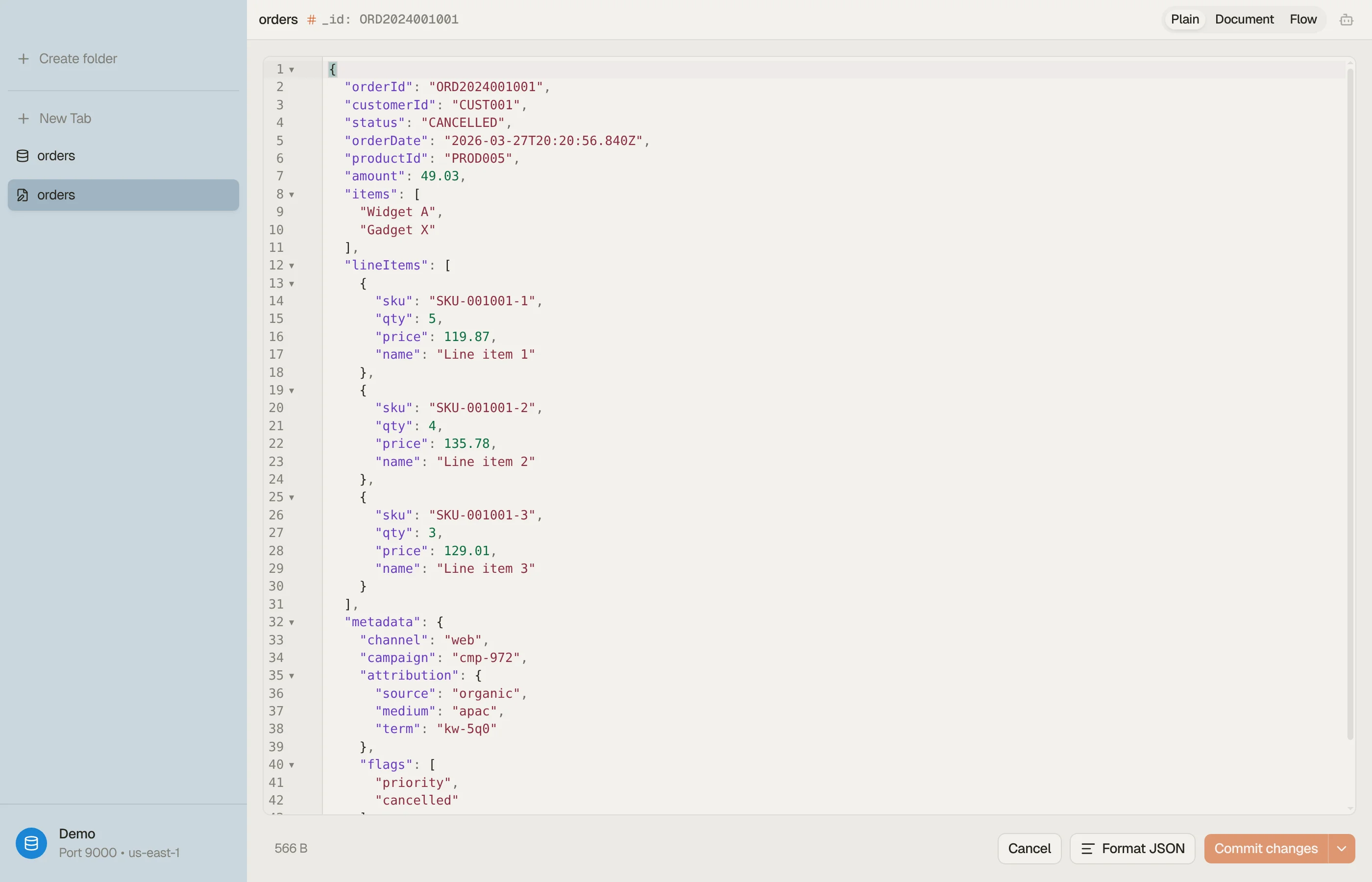
The editor opens at once and then reads the whole stored document by its
_id. Save stays disabled until that read finishes. The grid may show only some
fields, so the editor never builds a document from a grid row: what you save is
the stored document plus your change.


Views
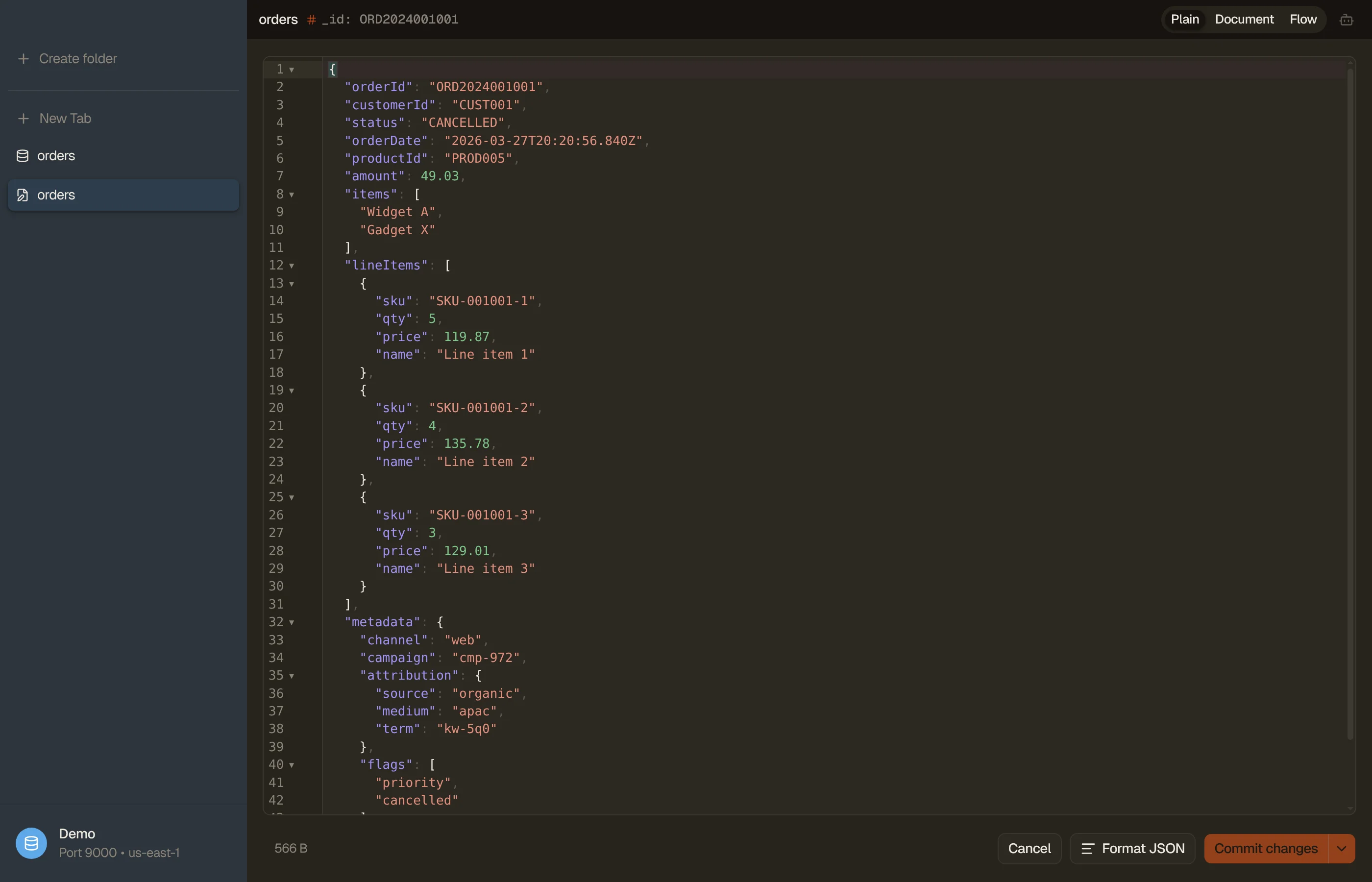
The toggle in the editor header switches between three views; ⌘⇧M cycles them.
- Plain: the document as JSON.
- Document: a form with one control per field, easier for long text.
- Flow: a read-only graph of nested objects and arrays.
There is no DynamoDB JSON view: a document has no type wrappers to show.
The _id is the document key. It can't be changed, and neither can a document's
routing: to move a document, create a new one and delete the old.
Save and commit
- ⌘S stages the change. Review it in Pending changes (⌘⇧D), then commit.
- ⌘⇧S stages and commits in one step.
- ⌘⌫ stages a delete of the selected rows; ⌘⇧⌫ deletes and commits.
Staged changes belong to the index on its domain or collection. A table and an index with the same name never share Pending changes.
After a commit, the grid shows the written documents where they were: an edited document keeps its row, a deleted one leaves, and a new one appears at the top. DynoTable does not search again, because OpenSearch may not return a fresh write yet. A document that no longer matches the tab's search stays until you refresh.
Conflicts on managed domains
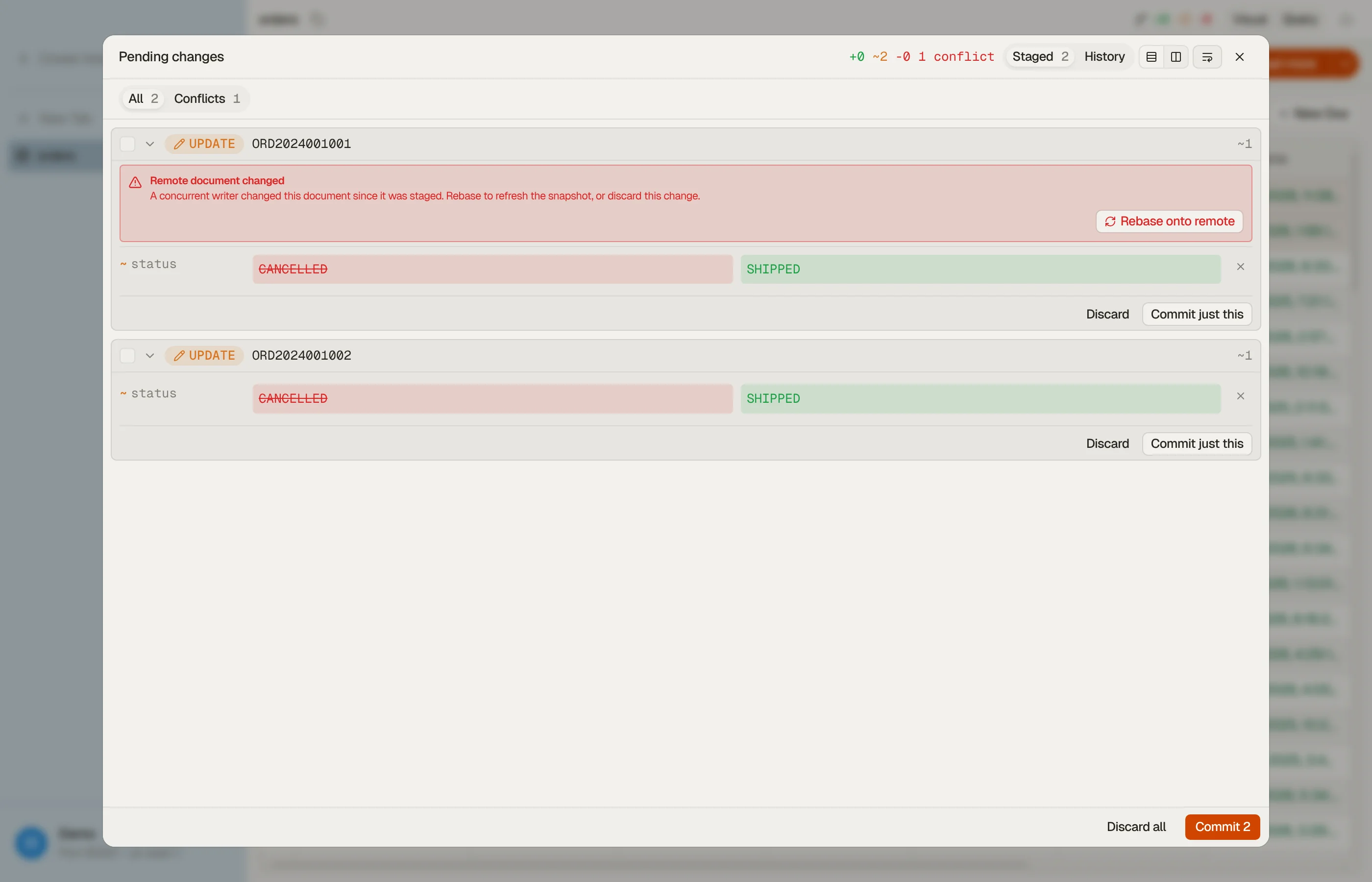
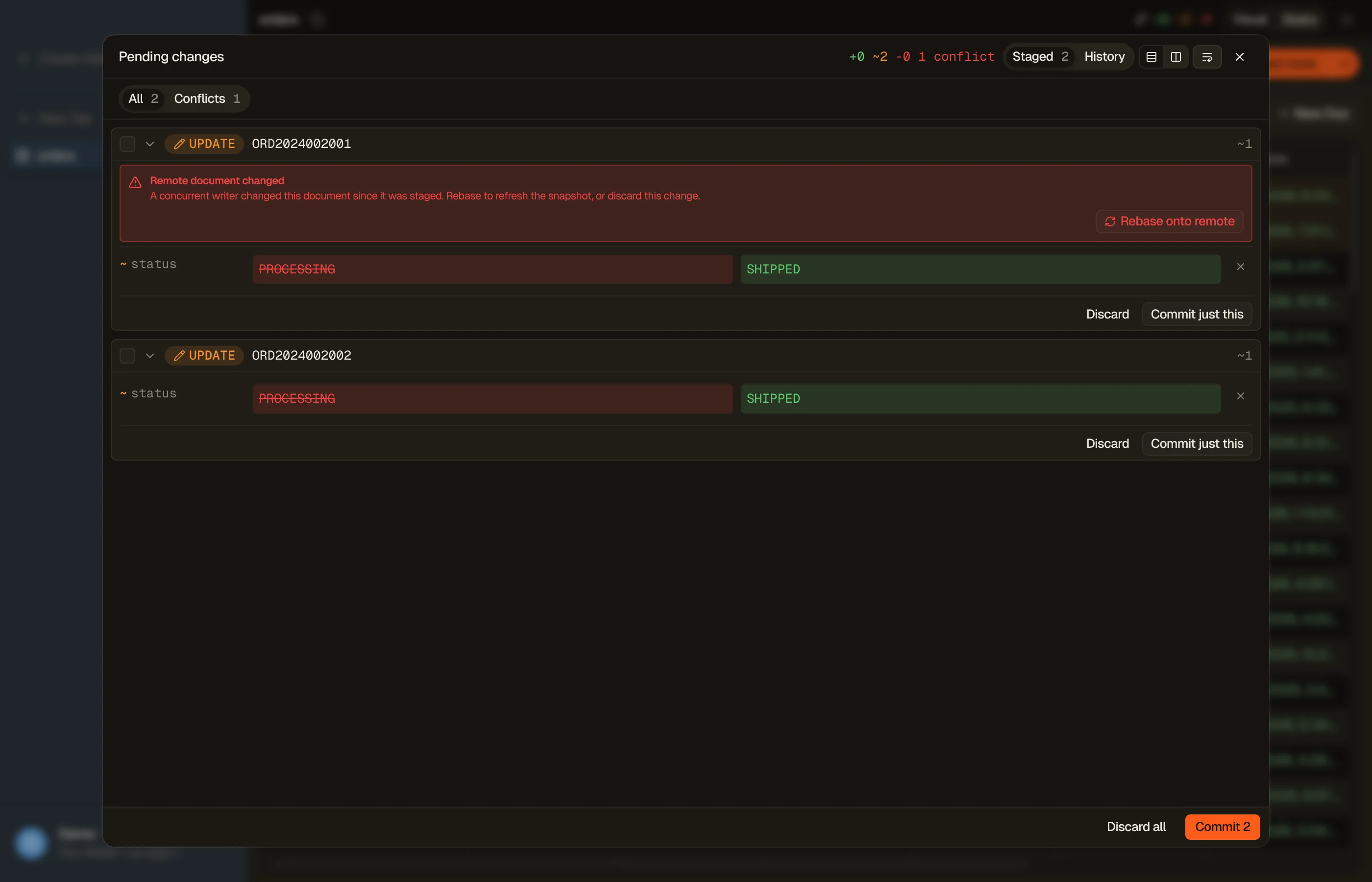
On a managed domain or a self-hosted endpoint, each update carries the version of the document you read. If someone changed the document after you opened it, the commit stops with a conflict instead of overwriting their change:
- Rebase onto remote re-reads the document and applies your change on top of their version, so fields they changed and you didn't survive. Review it and commit again.
- Discard drops your change.
A new document whose _id already exists also stops as a conflict, never as a
silent overwrite. A commit writes in batches and halts at the first conflict:
documents written before it stay written, the rest stay staged.
Last-write-wins on Serverless
A Serverless collection keeps no version DynoTable can check. A commit there writes over whatever the document holds at that moment, and a change someone made meanwhile is lost. Index tabs and the editor show a Last-write-wins badge on a collection. The bulk edit, delete and import dialogs and the History list say it again.
Creating a new document still fails if its _id exists.


History and revert
Commits to an index go into the same local History as table commits. Revert stages the inverse of a commit for you to review. On a domain, a revert is checked against the version the commit wrote, so a newer change surfaces as a conflict.
On a Serverless collection a revert writes last-write-wins. Reverting a delete
needs a Search collection; time-series and vector-search collections don't
accept a document with a given _id, so DynoTable refuses that revert.
When an edit is refused
- An alias over several indices. Its documents open in Quick View, not in the editor. Open the index that holds the document.
- An index with
_sourceturned off or filtered. Saving an existing document would drop the fields OpenSearch doesn't return, so DynoTable refuses it. - A time-series or vector-search Serverless collection. These don't accept
a document with a given
_id, so edits are refused; deletes still work.
Two documents with the same _id under different routing values look like one
document to Pending changes. Stage and commit such documents one at a time.