A dynamodb-admin Alternative for Local and Live DynamoDB
dynamodb-admin is the free,
MIT-licensed web GUI most developers reach for when they spin up
DynamoDB Local or LocalStack. You run it as a small
Node server (npm install -g dynamodb-admin), point it at an endpoint, and browse
your local tables. It's excellent at that one job. This page is for when you've
outgrown it and want a client that handles local and live AWS tables, with a
SQL Workbench, staged editing, full exports, and MCP access for the coding agent
you already use. DynoTable is a cross-platform desktop DynamoDB client built
around exactly that.
When dynamodb-admin wins vs DynoTable
| Your workflow | Choose |
|---|---|
| Browse a single local DynamoDB instance in a free MIT web UI | dynamodb-admin |
Drop a GUI next to amazon/dynamodb-local in docker-compose | dynamodb-admin |
| Switch between live AWS profiles and regions without restarting a server | DynoTable |
JOIN, GROUP BY, or aggregates over local or live tables | DynoTable |
| Staged edits, full exports, or MCP access for a coding agent | DynoTable |
What dynamodb-admin is good at
dynamodb-admin's README describes it plainly: a "GUI for DynamoDB Local, dynalite, localstack etc." (README). It's the right tool when you're working against a local endpoint:
- Free and open source (MIT), so there's nothing to buy and nothing to license (license).
- Zero install friction —
npm install -g dynamodb-adminand you have a web UI onlocalhost:8001(the default--port), pointed by default athttp://localhost:8000(README). - A Docker image — the official
aaronshaf/dynamodb-adminimage on Docker Hub drops straight into adocker-composenext toamazon/dynamodb-local. It readsHOST,PORT,BASE_PATHandDYNAMO_ENDPOINTenv vars (README), so it wires cleanly into a containerized dev stack. - Create, browse and edit tables through a simple web interface while you develop, without touching the AWS Console.
- Actively maintained — v5.3.4 shipped on 10 June 2026 (releases, checked 2026-07-30).
By default it sets accessKeyId / secretAccessKey to the dummy values key and
secret and the region to us-east-1
(README), which tells you
exactly what it's built for: the local-development inner loop.
Can dynamodb-admin connect to live AWS DynamoDB?
Technically yes — and this is the most common thing people try once a local-only admin UI isn't enough. You override the endpoint and supply real credentials:
# Point dynamodb-admin at a real region instead of localhost
AWS_REGION=eu-west-1 \
AWS_ACCESS_KEY_ID=AKIA... \
AWS_SECRET_ACCESS_KEY=... \
dynamodb-admin --dynamo-endpoint=https://dynamodb.eu-west-1.amazonaws.comOr pass --skip-default-credentials so it stops injecting the dummy key/secret
and falls back to the standard AWS SDK credential resolution instead
(README).
That works, but it's off the happy path. dynamodb-admin's documented options are
the endpoint, host, port, base path and a credentials toggle
(README); there's no
connection manager, no profile picker, no SSO. Switching accounts or regions
means stopping the Node process and relaunching it with different env vars. Fine
for an occasional peek at a prod table; friction as a daily driver across several
accounts. DynoTable reads every profile in your ~/.aws config — SSO sessions
included — and switches between them with ⌘P (or
⌘1–⌘9), local endpoints sitting right next to live regions.
Where dynamodb-admin stops
The boundary shows up as your work moves beyond a single local table:
- Live AWS tables are off the happy path. As above, you can point it at a real region, but it's documented and defaulted around DynamoDB Local, with no saved connections or profile switching.
- No relational queries. Like any visual browser, it lists and edits items in
one table. It can't join two tables,
GROUP BY, or compute aCOUNT/SUM, because DynamoDB has no relational query engine underneath. dynamodb-admin doesn't add one, and neither does PartiQL: itsSELECTgrammar takes a singleFROMtable with noJOIN,GROUP BY, or aggregate functions (AWS PartiQLSELECTreference) (see PartiQL vs SQL). - Edits hit the table the moment you save them. That's what a plain CRUD form does, and against a throwaway local table it's exactly right. Against a table other people depend on, it's the reason you hesitate before the click.
- It's a browser tab on a server you run. No native desktop app, no saved
connections across projects, no integrated credential chain. You keep a Node
process (or container) running and bookmark
localhost.
None of these are bugs. They're the edge of a deliberately small local-dev tool. The question is whether your workflow has crossed it.
What a full DynamoDB client adds on top
DynoTable connects to local and live DynamoDB from one desktop app, using the AWS profiles and access keys you already have. Your data stays in DynamoDB, so there's nothing to migrate. On top of the browsing and editing dynamodb-admin covers, it adds the tools that turn a table browser into a daily driver:
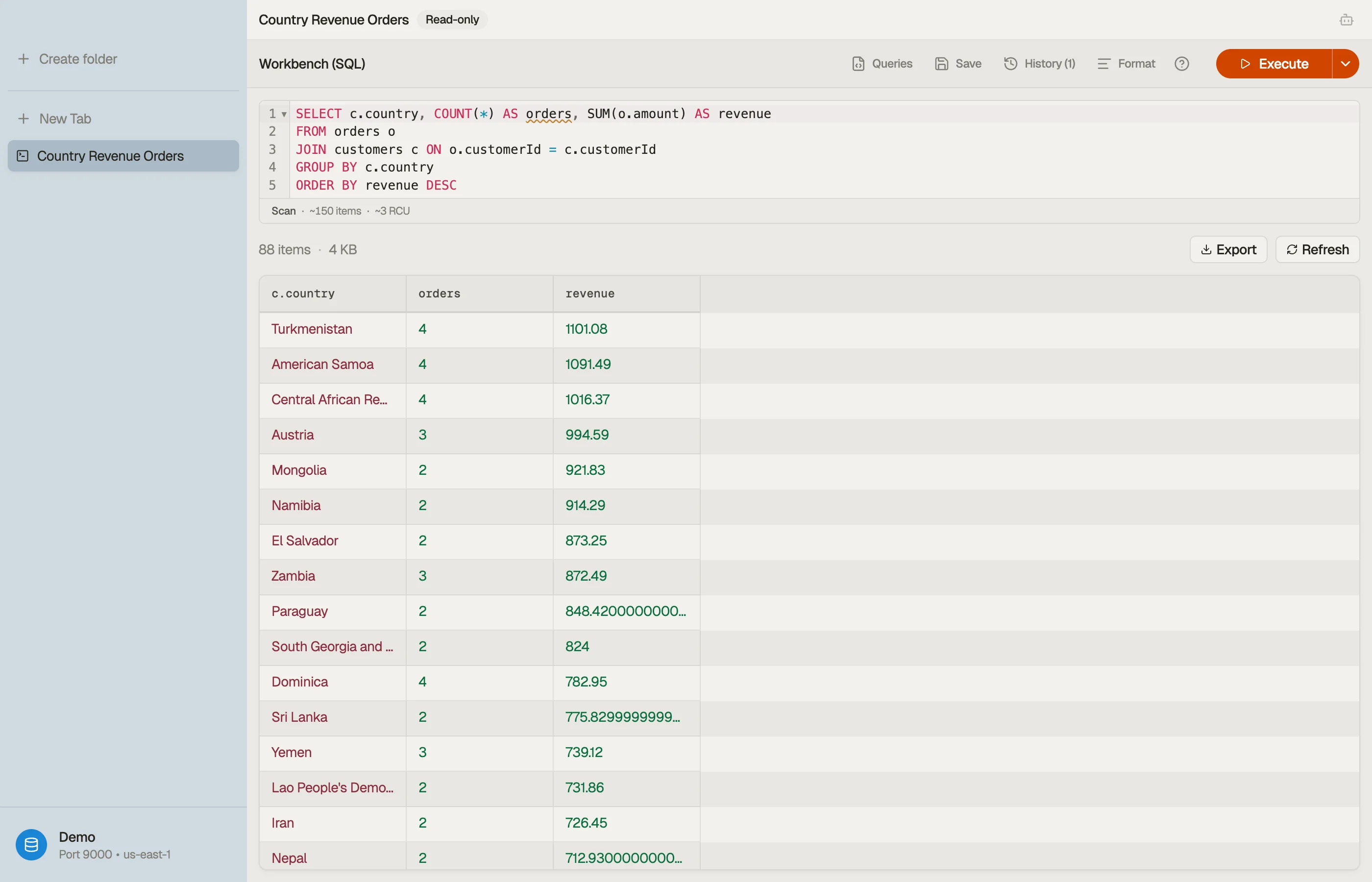
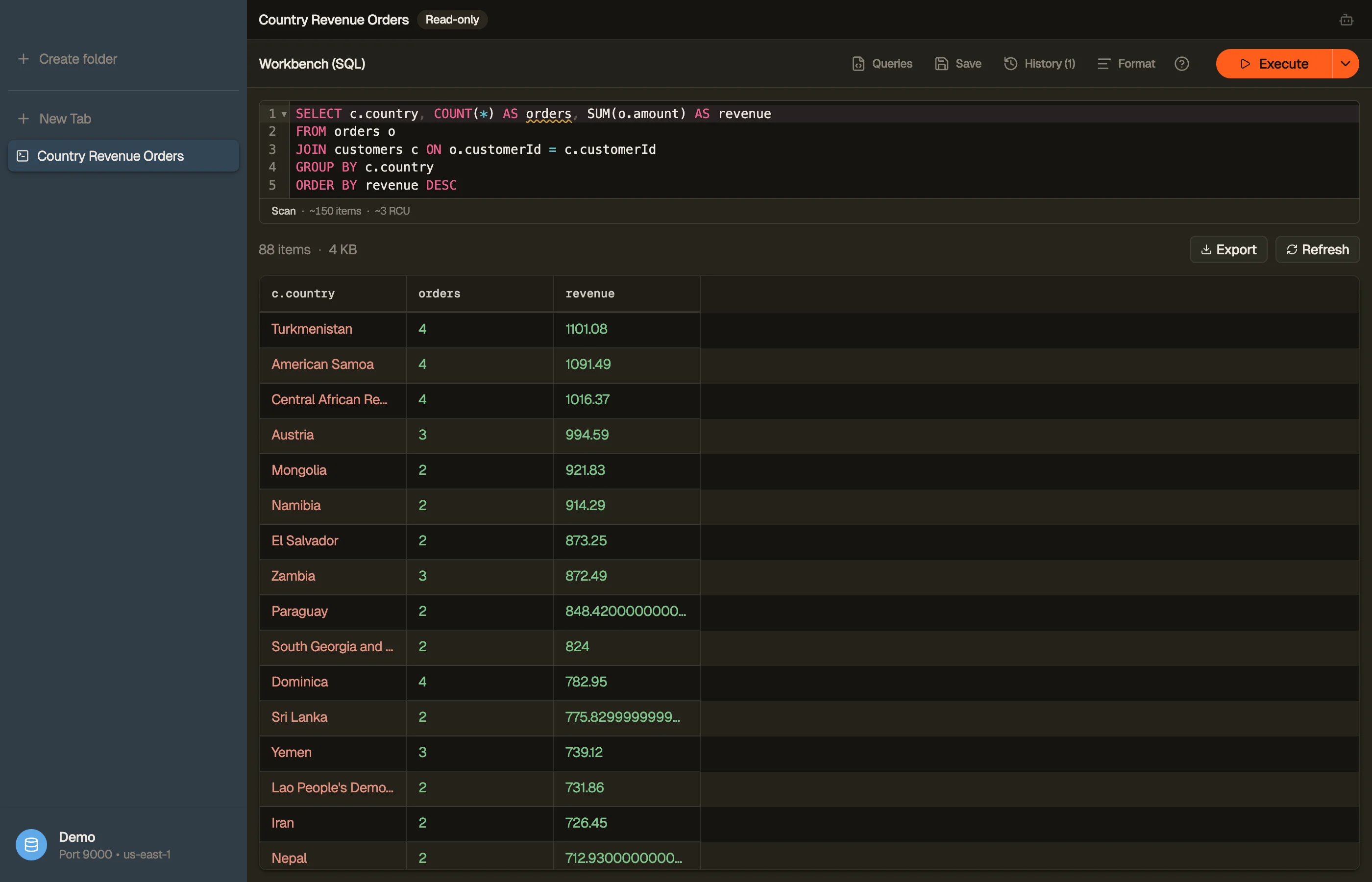
- A SQL Workbench.
INNER/LEFT JOIN,GROUP BY,COUNT/SUM/AVG— compiled on the client down to DynamoDB's realQuery/Scanoperations, planned against your keys and GSIs, so it stays within DynamoDB's access-pattern rules. When a plan is available, the Workbench preview identifiesScanversusQueryand the index; the RCU estimate appears only when table metadata supports it. An ordinary partitionQueryshows no RCU. The SQL for DynamoDB guide covers what it compiles to.
-- The kind of question a single-table browser can't express:
SELECT u.email, COUNT(o.id) AS orders, SUM(o.total) AS revenue
FROM Users u
JOIN Orders o ON o.userId = u.id
GROUP BY u.email;


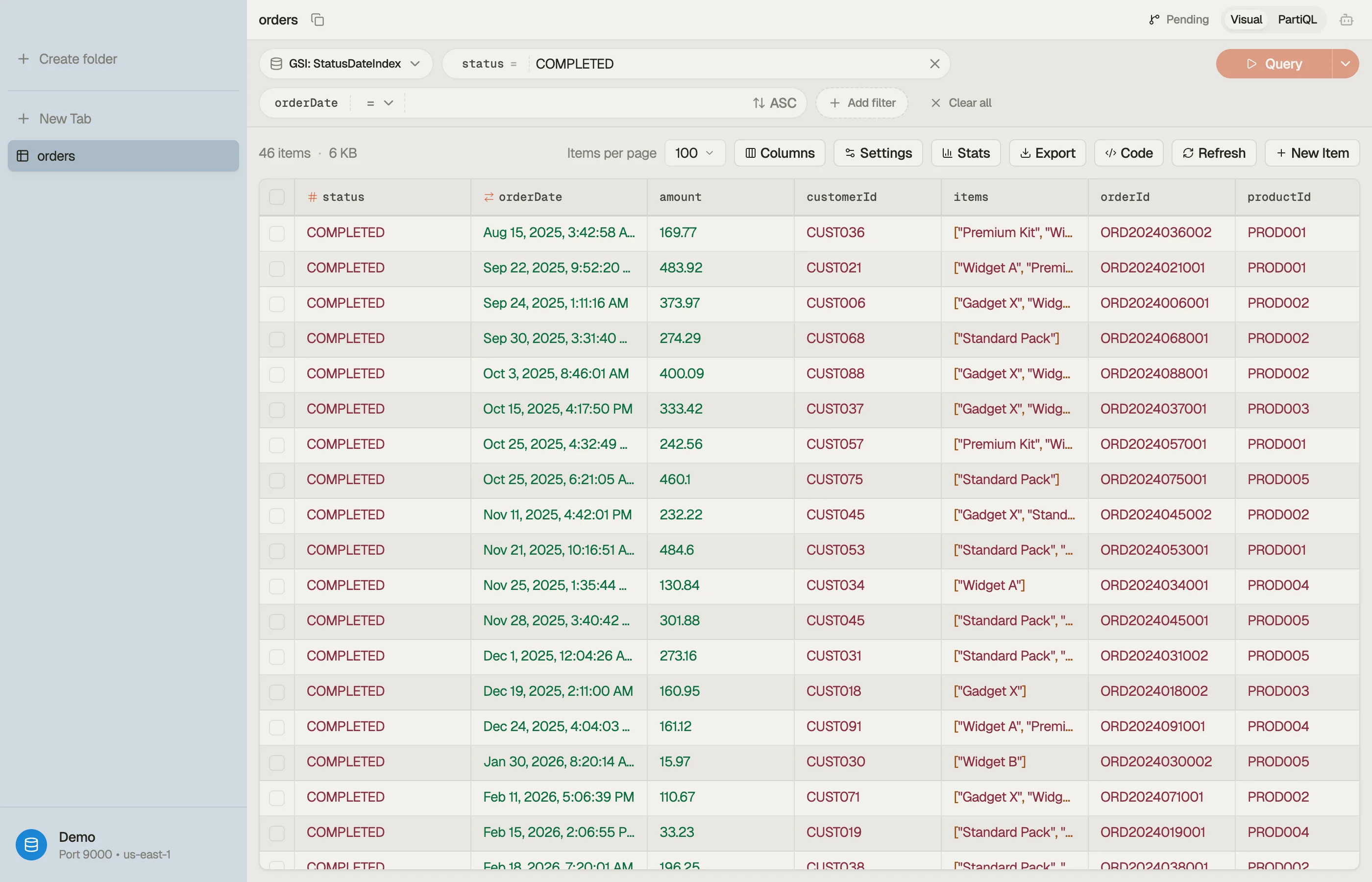

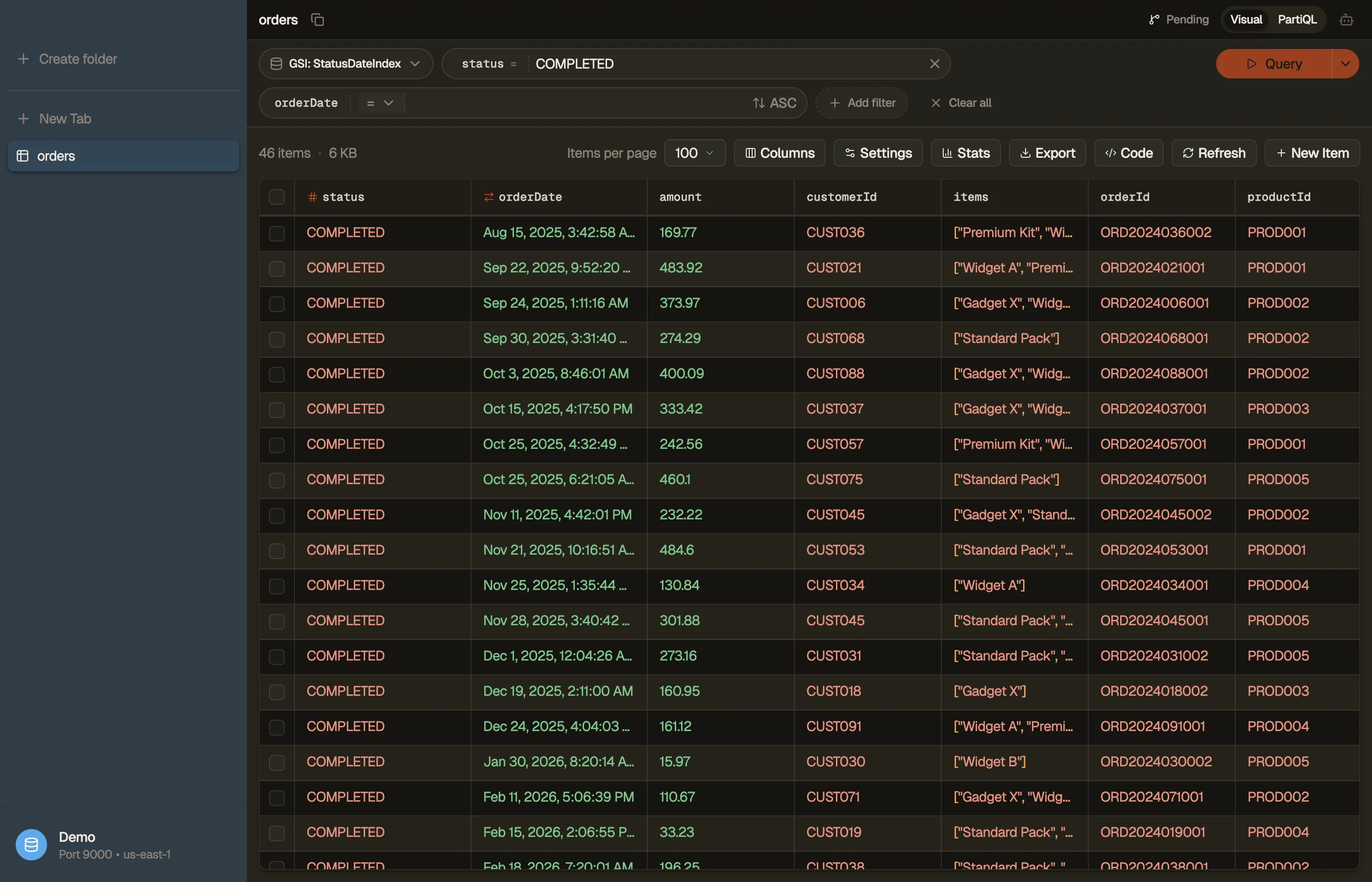
- Staged writes. An item edit, a staged delete or an agent-drafted change queues in a per-table staging area as a diff you review and commit — the opposite of a form that saves on click. Against production data, that review step is the feature.
- MCP for the coding agent you already use. Point Claude Code, Cursor or Codex at your tables — local ones included — over MCP, with a scope you pick per connection (read-only, read + stage, or full). An agent that can read your seeded DynamoDB Local tables while you code is the same inner loop dynamodb-admin serves, with your agent in it. The MCP setup guide has the details.
- An AI agent on your own AWS Bedrock keys. It reads your real key schema before it queries and stages every write for approval; prompts and rows never leave your AWS boundary. The AI chat docs describe it.
- Full exports. Whole result sets — filtered views included — as CSV, a JSON array or NDJSON, streamed so large tables don't need the memory.
- Vector search, set up from the app. Create a DynamoDB vector index beside your GSIs, bind a Bedrock embedding model and the attributes it reads to it, and search by typing a sentence, by pasting a raw vector, or by right-clicking a row for Find similar. Each save rewrites that item's embedding from its new text, which is the part DynamoDB never does for you. This is the one item on the list that needs a real AWS table: vector indexes are a service feature, so a DynamoDB Local profile has none. Vector search covers the setup.
Why use a paid app when dynamodb-admin is free?
Start with what stays free. DynoTable's Free plan has no time limit: browse and
filter tables — local and live — run PartiQL SELECT, export data, code and
schemas, and serve schema and item reads to your coding agent over MCP. For the
browsing dynamodb-admin is built for, the two cost the same: nothing.
dynamodb-admin edits for free, while DynoTable's editing — with the staged-review workflow — is part of the paid plans after the 30-day trial. What the subscription buys doesn't exist in dynamodb-admin at any price: the SQL Workbench, the AI agent, staged writes, and Smart Tables. If your DynamoDB work is a local table you browse while you code, keep dynamodb-admin. If it spans live accounts, relational questions, or a team's production data, that's the workflow DynoTable is built for.
Does DynoTable work with DynamoDB Local like dynamodb-admin?
Yes — DynoTable runs against your local endpoints when you want it to, so it isn't a "live-only" replacement. See connecting to DynamoDB Local and LocalStack for the endpoint and fake-credentials setup. It covers the same local inner loop dynamodb-admin does, plus the live tables and queries it can't.
Honest take: when dynamodb-admin is enough
If you only ever browse a local DynamoDB instance during development, want something free and open source, and never need to touch live tables or run a JOIN, dynamodb-admin is the pragmatic choice: keep it. DynoTable earns its place when you work across local and live accounts, want saved connections and your real AWS credential chain, or have hit a query a single-table browser can't express.
Download DynoTable for macOS, Windows or Linux, point it at the same profile you use today, and run a query you couldn't express before. The trial is free for 30 days, no credit card required. Paid Individual seats start at $9/mo billed annually ($108/yr); see pricing for monthly and Team rates. DynoTable stays on the Free plan after the trial — browsing, PartiQL, full exports and read-only MCP stay free with no time limit. See DynoTable as a DynamoDB GUI for the broader picture.
FAQ
Is DynoTable a dynamodb-admin alternative?
For local-only development, dynamodb-admin is free and excellent. DynoTable is the alternative when you also need live AWS tables, saved connections through your AWS credential chain, staged editing with review, full exports, MCP access for coding agents, and a SQL Workbench that runs JOINs, GROUP BY and aggregates — none of which a single-table local browser provides.
Can dynamodb-admin connect to live AWS DynamoDB?
Technically yes: you override --dynamo-endpoint to a real region and supply
credentials (with --skip-default-credentials and the standard AWS env vars). But
it's built and defaulted around DynamoDB Local, with no connection manager or
profile switching, so live use is off the happy path.
Why use a paid app when dynamodb-admin is free?
DynoTable's Free plan is also free, with no time limit, and it covers local and live tables alike. Free includes browsing, PartiQL SELECT, data, code, and schema exports, and MCP schema/item reads; paid seats add the SQL Workbench, Smart Tables, writes, and AI.
Is there a dynamodb-admin Docker image?
Yes. aaronshaf/dynamodb-admin is published on
Docker Hub and configured via
the HOST, PORT, BASE_PATH and DYNAMO_ENDPOINT env vars, so it sits next to
amazon/dynamodb-local in a docker-compose
(README). DynoTable is a
desktop app, not a container, so there's no image to run; it connects directly to
your local endpoint or live account.
Can dynamodb-admin run SQL or join tables?
No. dynamodb-admin browses and edits one table at a time; it has no documented SQL surface, and DynamoDB itself has no relational engine. Even PartiQL's SELECT is single-FROM with no JOIN, GROUP BY, or aggregates (AWS PartiQL SELECT reference), so JOIN, GROUP BY and aggregates aren't possible without a client that plans them. DynoTable's SQL Workbench compiles those down to DynamoDB's real Query/Scan operations.
Related
- Browse the full comparison hub for every DynoTable alternative.
- See also DynoTable as a DynamoDB GUI.
- New to local DynamoDB? Read DynamoDB Local and connecting to DynamoDB Local & LocalStack.
- Need relational queries? See SQL for DynamoDB, DynamoDB JOIN and DynamoDB GROUP BY.
Last verified 2026-07-30. dynamodb-admin is MIT-licensed open-source software by its respective authors; referenced here for identification only.