DynamoDB Data Types
Every DynamoDB attribute is tagged with a one- or two-letter type code in the wire format. Knowing the set matters because the type drives both how a value is stored and how it counts towards an item's size.
What data types does DynamoDB support?
DynamoDB supports ten data types across three categories. Scalars are String (S), Number (N), Binary (B), Boolean (BOOL), and Null (NULL). Documents are Map (M) and List (L), which nest other types. Sets are String Set (SS), Number Set (NS), and Binary Set (BS) — unordered, homogeneous, and non-empty. Only S, N, and B can be a key.
| Code | Type | Category | JSON / JS equivalent | Example (DynamoDB-JSON) |
|---|---|---|---|---|
S | String | Scalar | string | {"S": "Ada"} |
N | Number | Scalar | number | {"N": "37"} |
B | Binary | Scalar | Uint8Array / base64 | {"B": "ZGF0YQ=="} |
BOOL | Boolean | Scalar | boolean | {"BOOL": true} |
NULL | Null | Scalar | null | {"NULL": true} |
M | Map | Document | object | {"M": {"k": {"S": "v"}}} |
L | List | Document | array | {"L": [{"N": "1"}]} |
SS | String set | Set | — (no JSON type) | {"SS": ["a", "b"]} |
NS | Number set | Set | — | {"NS": ["1", "2"]} |
BS | Binary set | Set | — | {"BS": ["ZA=="]} |
Scalars
S— string (UTF-8; sized by its byte length, not character count).N— number, sent as a string for precision; up to 38 digits.B— binary, sent base64-encoded.BOOL—true/false.NULL— an explicit null marker.
Documents
M— map (object). Nested attributes each keep their own type tag.L— list. Elements may be mixed types.
{"profile": {"M": {"name": {"S": "Ada"}, "age": {"N": "37"}}}}Sets
SS— string set,NS— number set,BS— binary set.
Sets are unordered, homogeneous, and can't be empty. Crucially, plain JSON has
no set type — an array round-trips as a list (L), never an SS/NS. That's a
real conversion limitation, not a bug; see the
DynamoDB-JSON converter note.
Which types can be a key?
and keys — on the table and on any index — must be a scalar,
and only S, N, or B. You can't key on a boolean, set, map, or list. Model a
"composite" key by concatenating values into one S (e.g. ORDER#2026#42).
Limits worth knowing
- An item maxes out at 400 KB — every attribute name plus value, including nested ones.
- Numbers carry up to 38 digits of precision (positive or negative).
- Maps and lists nest up to 32 levels deep.
- Sets are non-empty and homogeneous — no empty set, no mixing
SandN.
Why the type affects cost
Item size is the sum of attribute-name bytes plus value bytes, and each type sizes differently — numbers are compacted, booleans and nulls are 1 byte, maps and lists add per-element overhead. That size rounds up to read/write capacity units. Measure a real item with the item-size calculator.
Do it in DynoTable
The set-vs-list distinction above is the thing tooling usually hides. DynoTable's item editor makes it explicit with a format toggle:
- Plain JSON — primitives stay plain (
"age": 30), but sets keep their type wrapper so they survive the round-trip:"tags": { "SS": ["a", "b"] },"scores": { "NS": ["1.5", "2.5"] }. This is the readable form for everyday editing. - DynamoDB JSON — the canonical AWS form, where every value
carries its type tag:
"age": { "N": "30" },"name": { "S": "alice" }.
Switching between them shows you exactly how each scalar, document, and set type
is represented on the wire — and because the set types have no plain-JSON
equivalent, the toggle is the only way to author an SS/NS/BS by hand without
hand-marshalling the whole item.

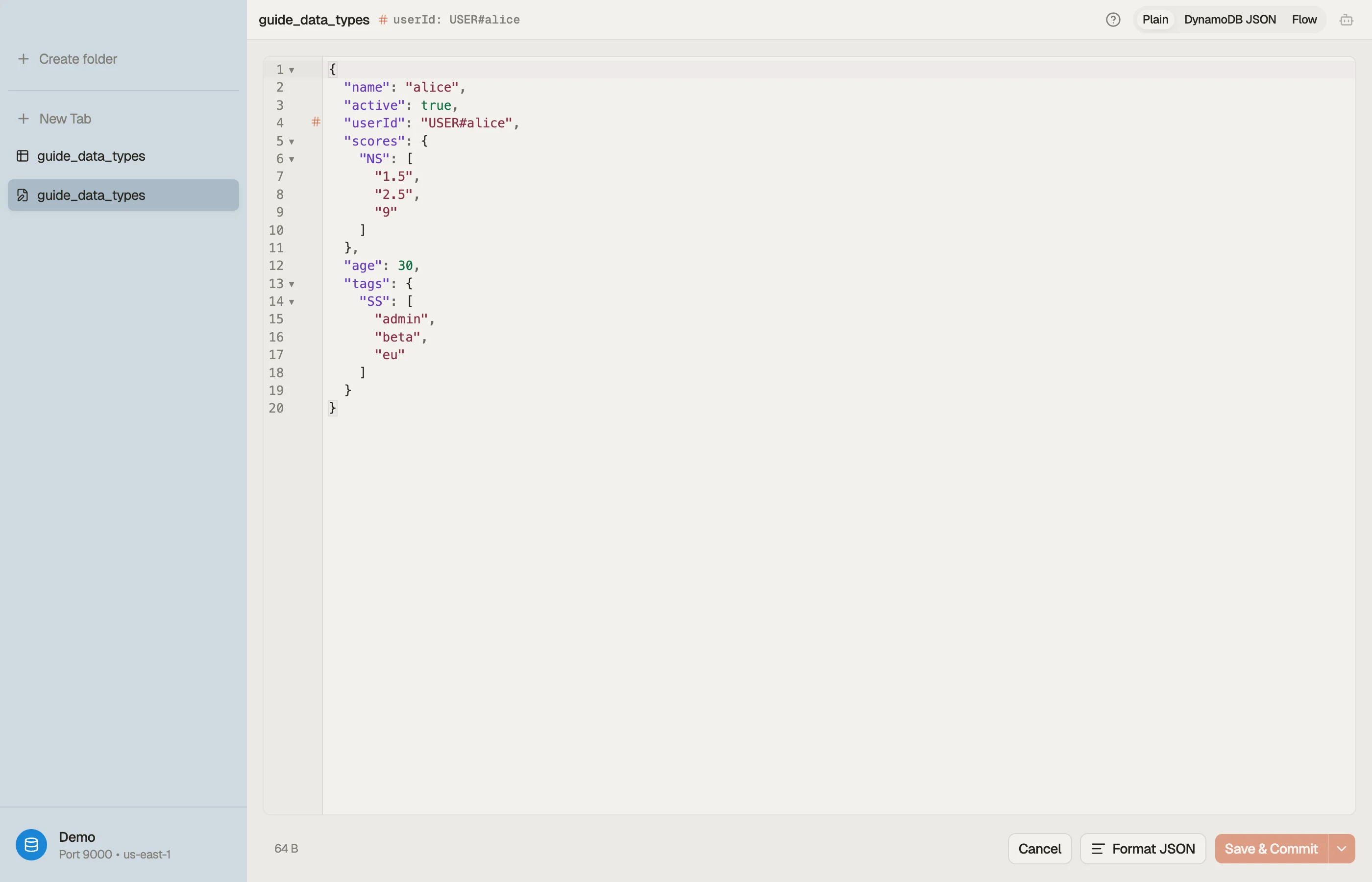

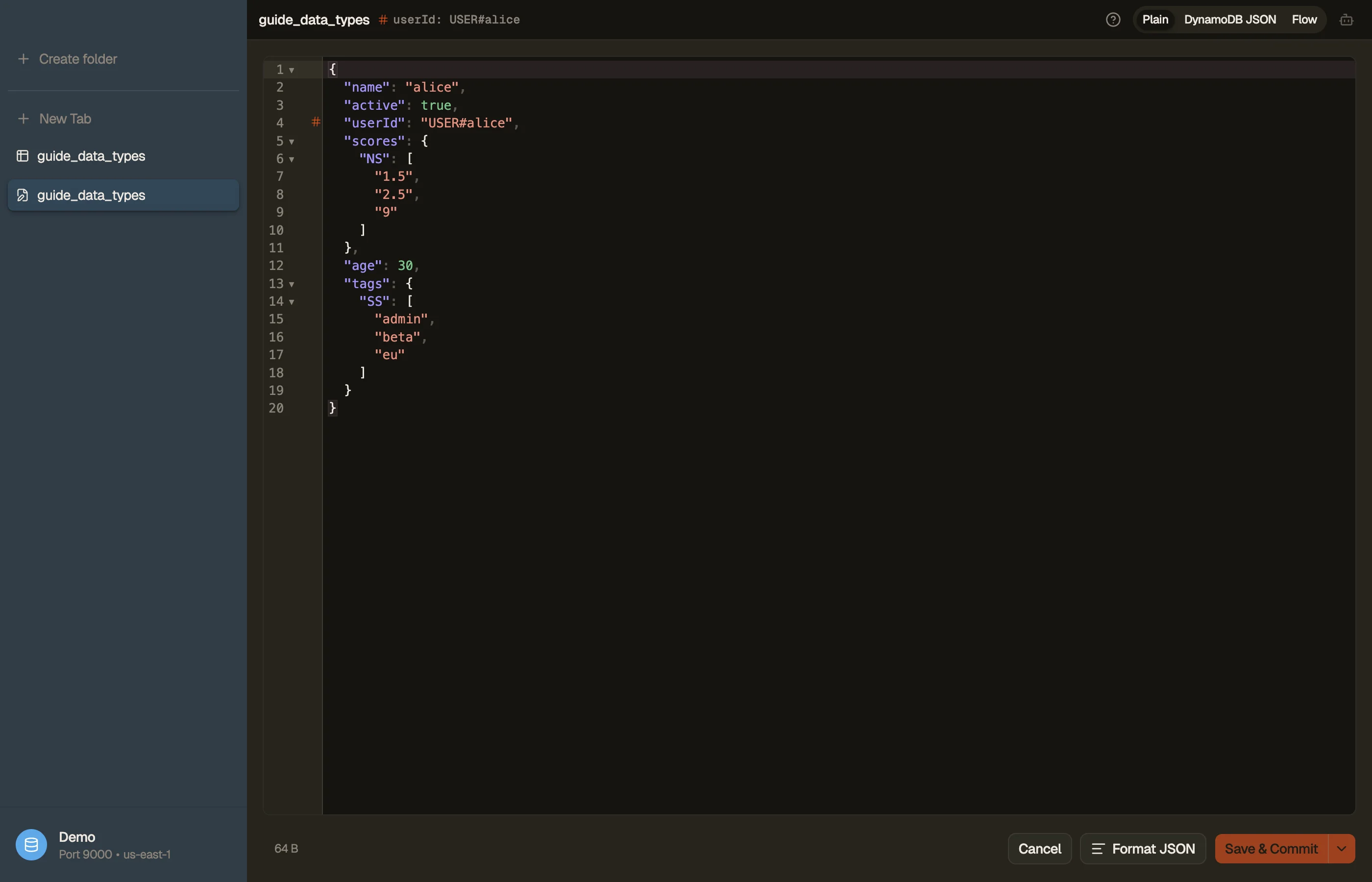
Try DynoTable to see every attribute's type and the live byte count as you edit an item — and to filter or aggregate across typed attributes in the SQL Workbench, which reads each type tag for you. To convert a marshalled blob without the app, the DynamoDB-JSON converter does the same round-trip in the browser.