DynamoDB On-Demand vs Provisioned Capacity
DynamoDB bills throughput two ways. On-Demand charges per request — you pay for what you use, scaling to zero. Provisioned reserves a fixed read/write rate you pay for whether you use it or not, at a much lower per-unit price. Picking the wrong one is one of the easiest ways to overpay.
The audit log makes the choice concrete. Audit writes are spiky and unpredictable: quiet overnight, then a flood when a customer runs a bulk operation or an incident generates thousands of events. That traffic shape is the whole decision.
Should I use DynamoDB On-Demand or Provisioned capacity?
On-Demand charges per request and scales to zero, making it the safe default for spiky, new, or unpredictable traffic. Provisioned reserves a fixed read/write rate at a far lower per-unit price, winning only when sustained, steady traffic keeps that reservation well-utilized. Pick On-Demand unless your volume is proven and predictable.
- On-Demand = pay per request, scales to zero. No capacity to plan; you pay a higher price per read/write but only when traffic happens.
- Provisioned = reserve a steady rate, pay for it always. Much cheaper per unit if the rate is well-utilised; you eat the cost of idle capacity.
- Spiky / unknown traffic → On-Demand. Steady, predictable, high-volume traffic → Provisioned (optionally with auto-scaling).
- You can switch modes, but only a limited number of times per 24 hours — it's not a per-request toggle.
The problem: paying for capacity you don't use
With Provisioned capacity you commit to, say, 1,000 write units per second. If the audit log averages 50 writes/second but you provisioned for the incident-day peak, you pay for 1,000 around the clock and use a twentieth of it. Provision for the average instead and the incident-day flood throttles — writes get rejected.
So fixed capacity forces a bad trade on spiky traffic: overpay constantly, or under-provision and drop writes when it matters most. On-Demand exists precisely to remove that trade.
How the two modes work
On-Demand charges for the read and write request units you actually consume, with no capacity to configure — it instantly accommodates traffic spikes and scales to zero when idle. You pay a premium per request for that elasticity.
Provisioned reserves a number of Read Capacity Units (RCU) and Write Capacity Units (WCU) per second. The per-unit price is far lower, but you pay for the reservation continuously, used or not. Exceed it and DynamoDB throttles unless auto-scaling is enabled to grow capacity within configured bounds — though auto-scaling reacts over minutes, so a sudden spike can still throttle before it catches up.
The crossover is utilisation. Roughly: if your sustained, predictable traffic keeps Provisioned capacity well-utilised, Provisioned wins on price; if traffic is spiky, bursty, or unknown, On-Demand wins by not charging for idle reservation.
A worked example: the audit log's bill
The audit log writes ~50 events/second on average but bursts to thousands during incidents, with read traffic far lower (compliance exports, the occasional investigation). Each event is small — well under 1 KB.
On Provisioned, you'd have to reserve for the burst (paying for it 24/7) or risk throttling the incident-day flood — the worst time to drop audit writes. On On-Demand, the quiet hours cost almost nothing and the burst is absorbed automatically; you pay for exactly the writes that happened.
For this workload On-Demand is the right default. The general rule: start on On-Demand for any new or spiky table, and only move to Provisioned once traffic is proven steady enough to keep a reservation utilised.
Plug your own numbers in — reads/writes per second, item size, storage — to see the two modes side by side for one region:
For the full multi-region picture with the free tier applied, use the DynamoDB Pricing Calculator.
Do it in DynoTable
The capacity decision starts from real numbers: how big are the items, how many are there, how fast are they being written. Guessing those is how tables end up mis-provisioned.
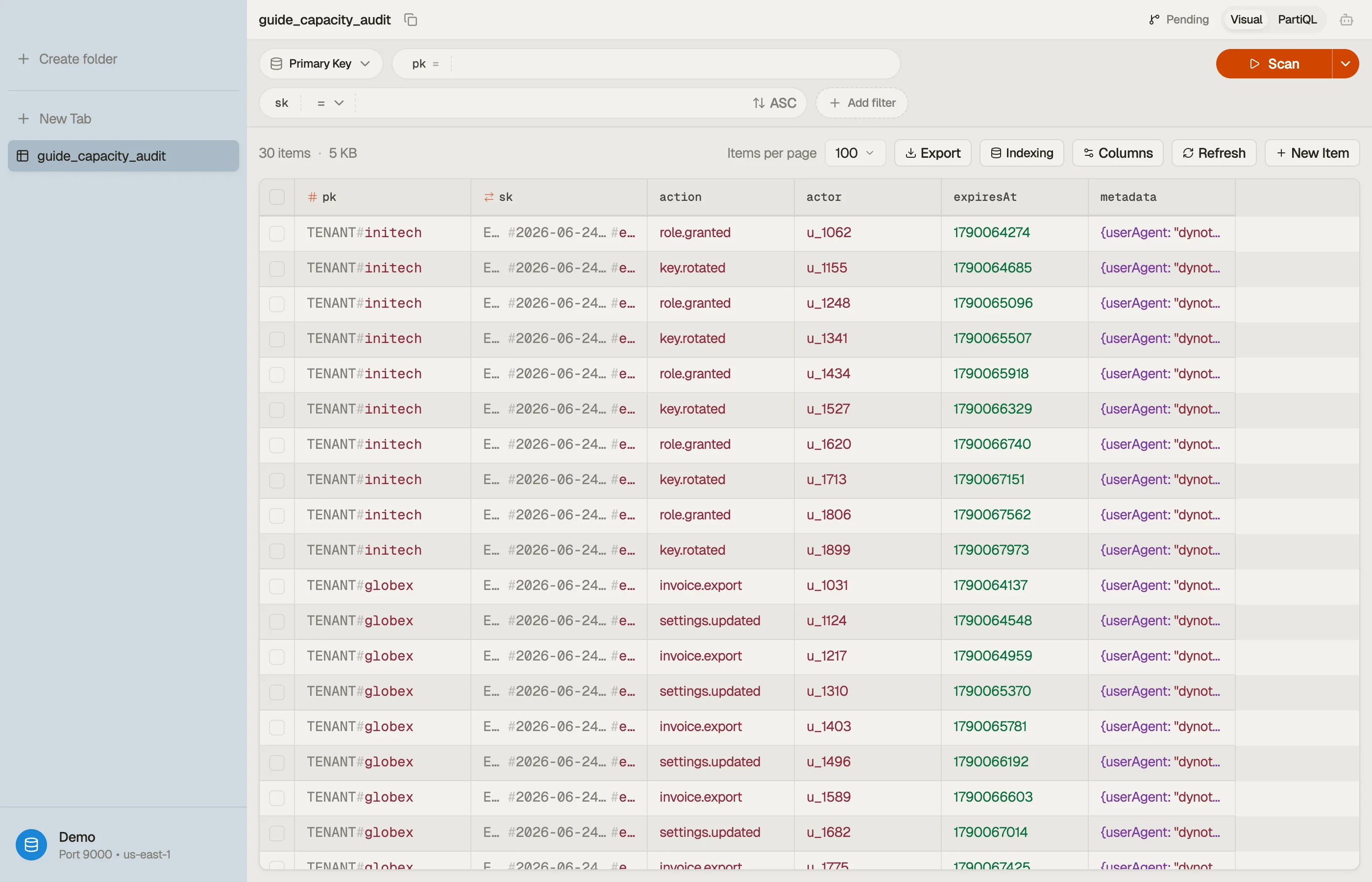
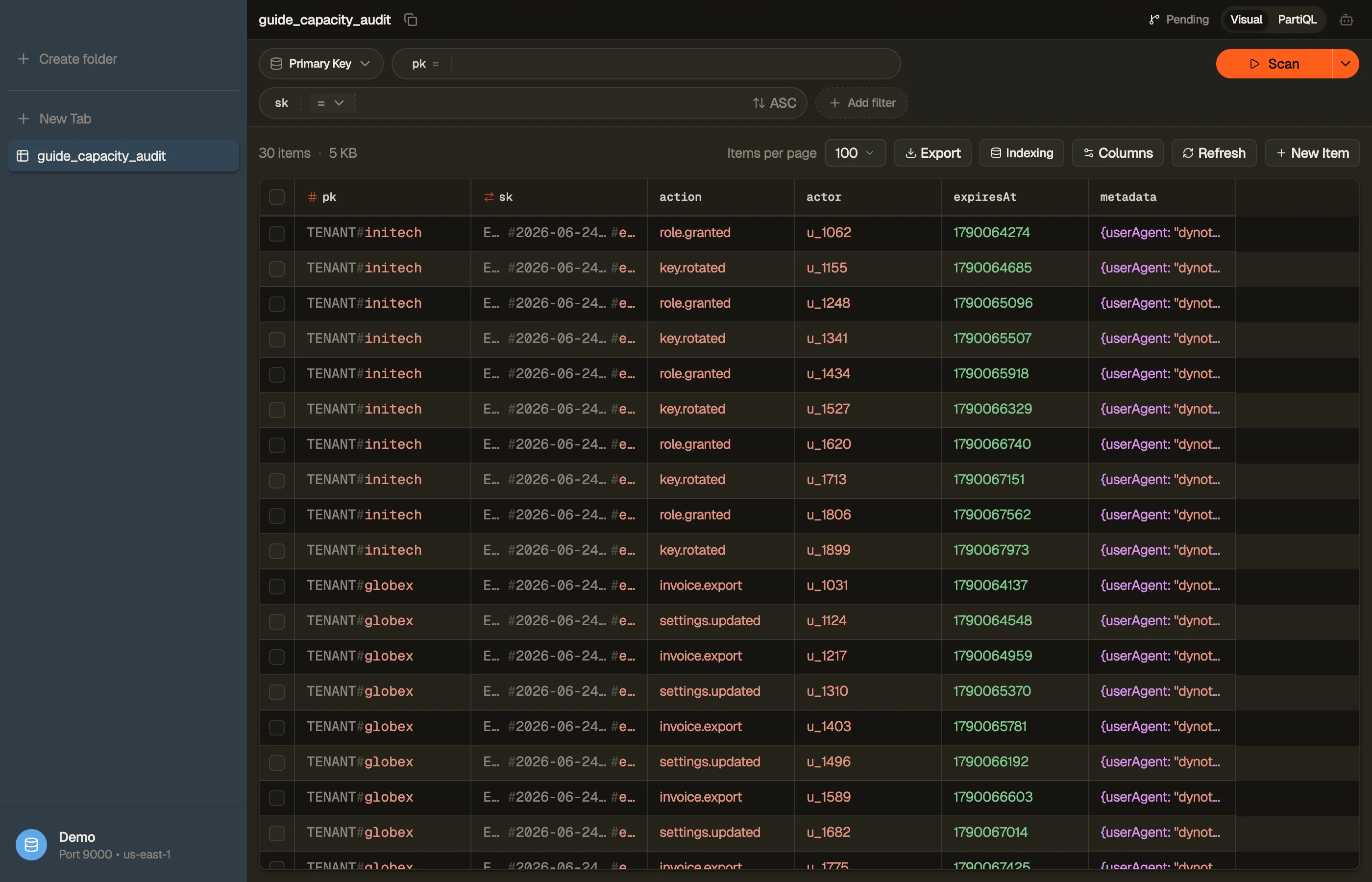
To turn a sample event into the RCU/WCU it actually consumes, run it through the item size calculator. Then ground the decision in your real table: DynoTable surfaces its metadata — item count and size — and lets you inspect representative items so you can size them accurately.


Pitfalls and next steps
- Switching modes is rate-limited. You can change between On-Demand and Provisioned, but only a limited number of times per 24 hours — treat it as a considered decision, not a dial you spin.
- Auto-scaling isn't instant. It reacts over minutes, so a sharp spike on Provisioned can throttle before capacity grows. For genuinely bursty traffic, On-Demand absorbs the spike directly.
- A hot partition throttles regardless of mode. Even On-Demand has per-partition limits — uneven keys can throttle while the table looks under capacity. See hot partitions.
- GSIs have their own capacity. Each index is billed separately and can throttle base-table writes if under-provisioned — see why a GSI throttles base-table writes.
Capacity mode sets what you pay to run the table in one region. Next: replicating it across regions with DynamoDB Global Tables.
Download DynoTable to read your table's real size and item count before you commit to a capacity mode.