How we made cheap LLMs reliable at DynamoDB
DynoTable's AI agent runs on your own AWS Bedrock credentials. You pick the model, and many people pick a cheap one.
So we tune the agent against Amazon Nova 2 Lite, our floor model. It costs a fraction of a cent per call, and it fails in ways frontier models don't.
On two Eval scenarios, Nova 2 Lite must set up a joined view of customers and their orders. It passed them until our validator began to reject a join that DynamoDB can't resolve. Then it failed both runs we recorded.
In one change, we rewrote that error to say which way to build the join and added a matching rule to the agent's instructions. Nova 2 Lite then passed 3 of 3 runs on each scenario, and it has held since.
Jumps like that were rare. Most message rewrites moved nothing, and our own evals turned out to score some wrong answers as correct.
This post covers the validators around every tool call, a check we removed, and the evals that judge each change. If you're building an agent on a budget model, over DynamoDB or anything else, most of it transfers.
Cheap models break on DynamoDB in repeatable ways
DynamoDB is a hard target for a small model because its query language looks like SQL. PartiQL accepts SELECT, but DynamoDB runs no JOIN, GROUP BY, DISTINCT or LIKE.
A model that learned SQL from the internet writes all of them. So the agent has two query routes. runPartiQL sends PartiQL to DynamoDB. runWorkbenchSql runs full SQL, joins and aggregates included, in DynoTable's SQL Workbench.
Each failure below drove a guardrail:
- Dropped
limitarguments: In May, a cheap model left out the optional row limit on a 10,000-item test table. The result was about 200 KB, and the next turn failed withprompt is too long: 206810 tokens > 200000 maximum. - Unsupported constructs: Cheap models write
JOIN,GROUP BYand aggregates in PartiQL. Those are correct on Postgres, and DynamoDB rejects them. - Swapped identifiers: Asked through inline edit, the SQL editors' AI rewrite, to filter
SELECT * FROM customersby country, Nova 2 Lite queriedorders. It parsed, so no syntax check caught it. Inline edit now retries when the table changes. - Guessed keys: Asked for one product, Nova 2 Lite read the schema correctly, then called
getItem13 times with invented key values. No empty miss said anything about the value format. It hit the step limit with no answer.
An error that names the fix, plus a prompt rule, got a cheap model through a stricter join
The joined view from the opening has a trap. customers has a simple key. orders has a composite key, customerId plus orderId, and no index on customerId alone.
So a view that starts from customers and looks up orders by customerId can't resolve. The fix is to make orders the base table and look up each customer instead.
Our validator rejected the broken proposal. Its first message said the join was not supported and suggested a GSI or a separate query. It never said that flipping the join would work.
Before that validator existed, nothing rejected it, and Nova 2 Lite passed both scenarios. The validator made the task stricter.
Against its first message, Nova 2 Lite failed both recorded runs, single trials of one scenario.
In June we changed two things in one commit. The message became prescriptive, so it names the route that works. The agent's instructions gained a generic rule for the same trap: make the composite-key table the base.
After that commit, Nova 2 Lite passed 3 of 3 runs on that scenario and 3 of 3 on the second join scenario. No recorded run separates the message from the rule, so they share the credit.
Today the message ends like this for our test tables:
FIX: FLIP the join — make "orders" the baseTable and join → "customers" instead (swap fromTable/toTable AND fromAttr/toAttr), with toLookup:{kind:"pk"}. Do NOT retry the same direction.The result also held after the eval audit described below. On August 4, with the harness fixed, Nova 2 Lite passed both scenarios in 3 of 3 runs.
The traces show what the message does. In all 30 Nova 2 Lite runs of the two join scenarios on August 5 and 6, the call right after this rejection flipped the join, and the validator accepted it.
In August a second fix did the same for the guessed keys above. A getItem miss now says that DynamoDB accepted the key shape, so the value is wrong, and tells the model to read one real key first.
On that scenario, Nova 2 Lite went from 0 of 8 runs before the fix to 9 of 9 after it.
Both wins share a shape. The model was one action away from correct, and the tool result had given it no signal about which action. Most failures don't look like that.
On August 5 we rewrote seven more rejection messages in the same style, so each one names what arrived and what to send. Across the 33 test cases they touch, three runs each, Nova 2 Lite went from 91.9% to 89.9%.
GPT-5.6 Luna went from 73.4% to 76.3% on the same cases. Its results didn't change on 28 of 33 cases, and at three runs per case a gain that small is within noise.
For Nova 2 Lite, 31 of 33 cases didn't change, and both of its drops traced to causes outside the new messages.
We kept the messages because they are clearer and cost nothing. We also wrote the null result down, so nobody reruns that sweep expecting another jump like the join fix.
Validation belongs inside the tool, where an error can teach
We run validation inside each tool's execute step. An input-schema rejection reaches the model as a type error. A tool that runs its own checks can return an error in plain words, and the model reads it on the next step.
An export taught us this. In June, our export tool's input schema demanded three fields that a model had no reason to guess. A real capture showed Claude Haiku 4.5 sending a query and a format instead.
Our schema rejected the call. The model didn't retry and told the user to use the export button. The fault was in our schema, so we changed the tool.
The export tool now accepts either an open tab or a SQL query, and it checks that input itself. Two of its errors, verbatim:
startExport requires exactly one of {tabId} or {sql}. FIX: call listOpenTabs and pass {tabId} to export an open tab, or pass {sql} (a read-only SELECT) for a one-shot export.startExport {sql} must be a read-only single SELECT. FIX: remove any INSERT/UPDATE/DELETE/DDL and any second statement; only a single SELECT is allowed.Four of our five export scenarios now fail any run in which the agent tells the user to use the export button.
Query validation errors follow the same rule. Each one starts with validation: and a code. A rejected JOIN, for example, starts with validation: partiql-unsupported: JOIN is not supported by DynamoDB PartiQL.
The prefix tells the model to fix the statement before it calls the tool again.
Where the concrete example lives matters too. When a validator catches a mistake at run time, the agent's instructions stay generic, and the error carries the user's real table names at the moment the model needs them.
A choice that no validator can check, such as sending an aggregate to the Workbench, gets a concrete example in the instructions instead.
Parse the constructs you intend to reject
A generic syntax error that points at the JOIN keyword teaches nothing. So our PartiQL parser reads constructs DynamoDB doesn't support into a valid syntax tree. A later pass then reports each one by name.
Some of its model-facing messages, verbatim:
JOIN is not supported by DynamoDB PartiQL.GROUP BY is not supported by DynamoDB PartiQL.DISTINCT is not supported by DynamoDB PartiQL.TOP N is not supported. Use the API limit parameter.IN list has 120 items. DynamoDB PartiQL caps IN at 50 values (PK column) or 100 values (non-key column).
Each message names the construct. Where DynamoDB has an equivalent, the message names that too. A JOIN or a GROUP BY has no PartiQL equivalent, so the agent moves that query to the Workbench route.
Our recovery scenarios accept both paths: the model routes to the Workbench first, or it tries PartiQL, reads the rejection and switches. The parser is open source; the parser post covers how we built it.
A key-only schema check flagged every non-key column
DynamoDB's DescribeTable lists only the key attributes of a table and its indexes in AttributeDefinitions. Our Workbench compiler checked columns against that list, so it flagged every non-key attribute, such as amount, as undeclared.
When we moved the agent's Workbench route to run SQL directly, we dropped that check from it. There it would have rejected ordinary queries such as SUM(amount) and joins on non-key attributes.
The agent's route keeps a parse check and a read-only check, and the Workbench engine itself reports a column it can't find.
In the editor, the warning now also consults the field paths the app has already discovered, so most false warnings go away.
Result caps make the model hand over a table instead of listing rows
We fixed dropped limit arguments at the tool. Each query result the model sees is capped at 10 rows or 5 KB, whichever comes first. If the first row alone is larger, the model still gets that row.
The truncation notice tells the model what to do next. Verbatim, for a 4,200-row result:
Showing 10 of 4200. To filter: re-run with WHERE. To view in UI: emit proposeOpenTable. To aggregate: use runWorkbenchSql GROUP BY.The cap is far below what the context could hold, on purpose. We want the model to give the user a real table view or an exact aggregate, so it doesn't paste hundreds of rows into chat. The notice names the tool for each route.
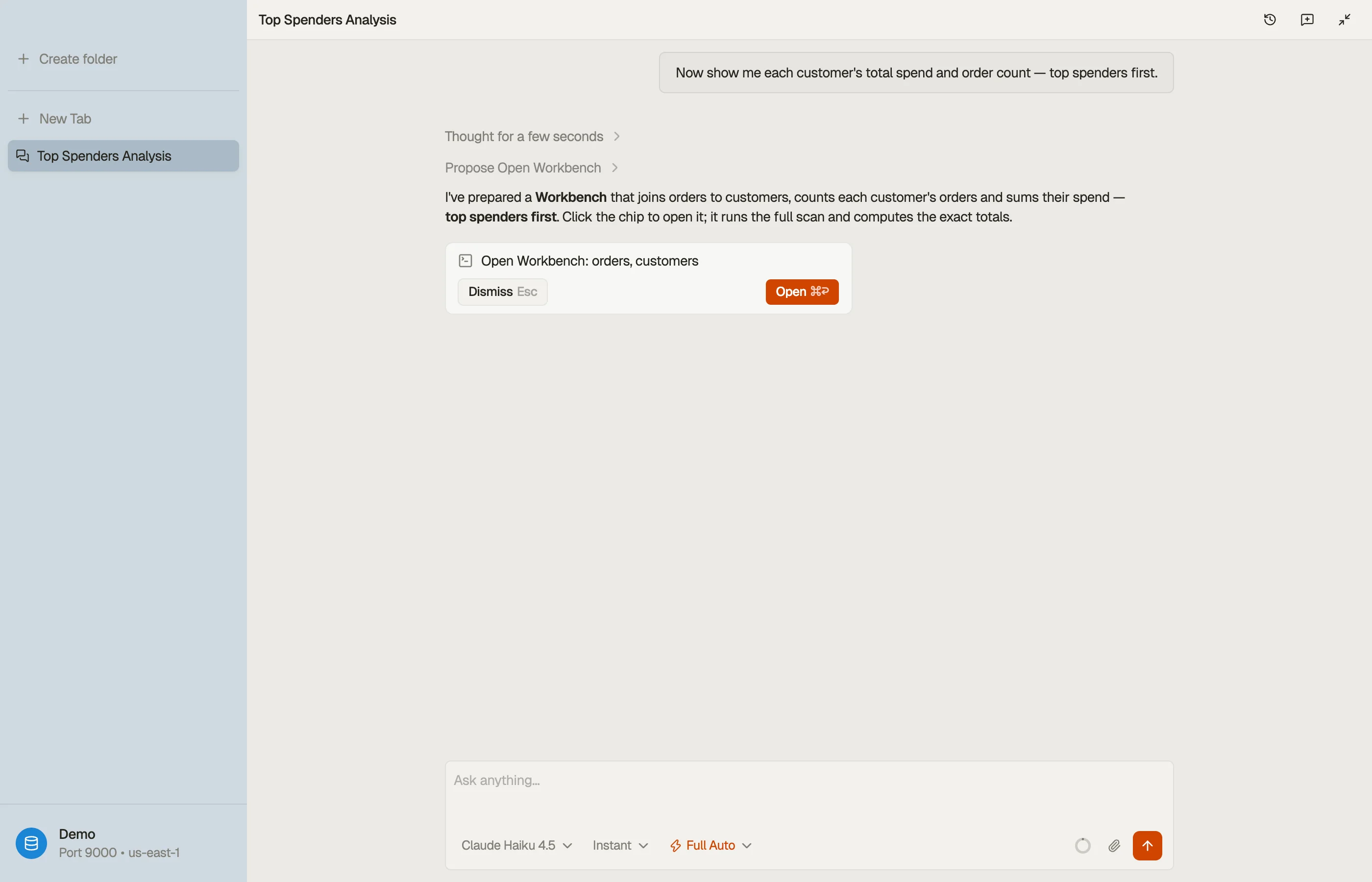
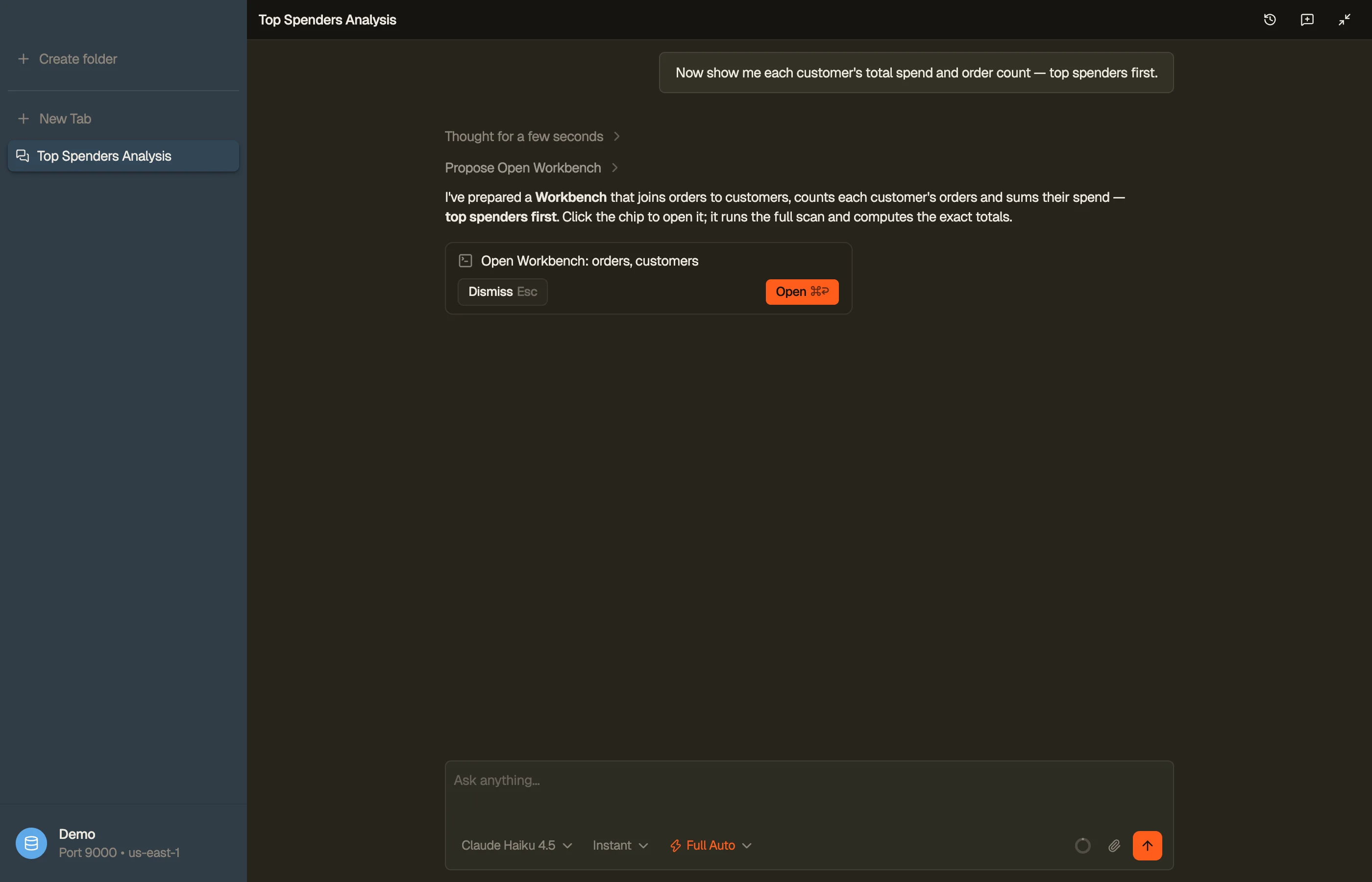
The cap applies only to what the model sees. The Workbench reads every page of the base table and fetches each joined row by key, so a SUM or a GROUP BY covers the whole table:
A regression scenario runs a query with no LIMIT against a 10,000-item table. It fails unless the result comes back marked as truncated, so the cap can't disappear without notice.


Evals caught what intuition missed
We test every prompt clause, validator message and cap with evals. The suite runs real agent loops against a seeded DynamoDB Local, with real models on Bedrock.
The eval harness, the code that runs those loops, reuses production validators and caps. A mirror stands in where a tool can't run under the eval runtime.
Checks score the tool trace, what the agent proposed or opened, and its final answer.
A prompt or message change must pass the floor model before we claim it works. Our regression runs repeat it on Nova 2 Lite and Claude Haiku 4.5. For comparisons, a ladder of 13 models runs selected scenarios.
Some lessons from those runs follow. Their scores predate the eval audit in the next section:
- A cleaner prompt dropped a scenario from 100% to 0%: We made one instruction more generic because it read better. A scenario that counts orders per customer stopped passing on the floor model. Only the eval noticed.
- Prompt advice for frontier models doesn't transfer: Anthropic's prompting guidance says to dial back CRITICAL and MUST, since its newest models over-trigger on them. Cheap models need the firm version. We eval-gate borrowed advice.
- A strict scorer punished correct behavior: A check that required the
asktool for clarification passed 19% of runs. Most failures were cheap models that asked the question in plain text. The scorer now accepts either. - Real runs shaped the model list: One family got no prompt caching on Bedrock, so every step paid full price for the whole prompt. Nova Pro invented joined column names such as
customers.customerName; the real attribute isname. - Metadata hid a blocker: One family's Bedrock adapter returns tool calls as plain text, and the model metadata doesn't say so. We found it by sending one real tool call, and that family is now blocked.
Prompt examples use neutral table names that don't exist in the test data, and the evals run on different tables. So a pass shows that the model generalized the pattern.
A free test run uses a mock model that answers nothing. It checks that each scenario registers and runs. Its scores measure nothing, so every score we quote came from real tokens on a real model.
Our evals scored wrong answers as correct
On August 4 we audited the harness against production and found these bugs:
- One tool failed every call: The harness copy read a different argument name than production declares. All 314 of its calls failed, and the scenarios that used it still scored a perfect 1.0.
- A count was wrong and graded right: The harness copy of a count tool reported the first 1 MB page of a
Scanas the row count, 2,090 for a 10,000-row table. The scorer graded the model for relaying that number. - The Workbench returned nothing: The harness Workbench was a stand-in that only parsed the SQL and returned no rows. Every aggregate looked empty, so cheap models reran the same query until the loop limit stopped them.
- Some scorers could not fail: Trace scorers counted rejected calls as passes, and about 40 scorers were vacuous.
Our six-model comparison from May ran on that harness, so we no longer quote its scores. The next day we found that the harness copy of getItem returned a response shape production had stopped sending.
Both sides were consistent with themselves, so no test could catch that drift. It is why the harness now imports production code wherever the eval runtime allows. We found these bugs by looking, so more likely remain.
On August 5 we replaced tool-name checks with outcome checks across the suite. Every scorer had been tuned until the floor model passed it, and that made the floor model's tool choices the definition of correct.
Some of those scorers were wrong. One accepted the item-count estimate from DescribeTable and failed an exact count. Another gave the floor model 1.0 for a joined view that joined orders to itself.
Scores from before and after that change are different instruments, so we don't compare them. The GPT-5.6 Luna benchmark reports only outcome-scored numbers.
A vague instruction fails strong models too
DynamoDB rejects a JOIN from any model, so the routes and validators matter at every tier. Our own wording can fail a strong model as easily as a cheap one.
In May, before the audit, our instruction only told the agent to prefer proposing views and queries. Our view-proposal scenarios scored 0 of 33. Even Claude Sonnet 4.6 answered in plain text, so the fault was our wording.
A model can also skip the path a fix is on. The getItem hint never reached GPT-5.6 Luna. In all nine runs after the fix, Luna never called getItem. It queried with PartiQL or opened a table view instead.
So check the trace before you decide that a fix failed on a model.
The checklist, if you're building one of these
- Pick your floor model first, and gate every change on it.
- Validate inside the tool, and return errors the model can act on.
- Write each rejection as what's wrong plus
FIX:and the exact next action, with the user's real table names in it. - Back each prescriptive error with a generic rule in the instructions, and measure the two together.
- Parse what you intend to reject, so the message can name it.
- Check each validator against your data model, and delete the ones that reject legitimate queries.
- Cap tool results below what fits, and make the truncation notice name the next tool.
- Run evals as real loops against a real local backend, on production code paths, with example data kept apart from test data.
- Audit your scorers. Assert the outcome the user sees, and confirm that each scorer can fail.
- Record null results, so nobody reruns a sweep that already moved nothing.
The same validated tools ship in the app and over MCP
All of this ships in DynoTable's agent and its gated tool catalog.
You get natural-language querying on your own Bedrock credentials, exact whole-table aggregates, and writes that wait in a staging area for your review.
External agents get the same validated query tools through the MCP server. How we built the MCP server is its own story.
When you want a fixed query to commit to code, skip the model. The Expression Builder assembles the exact request for you.