Table stats
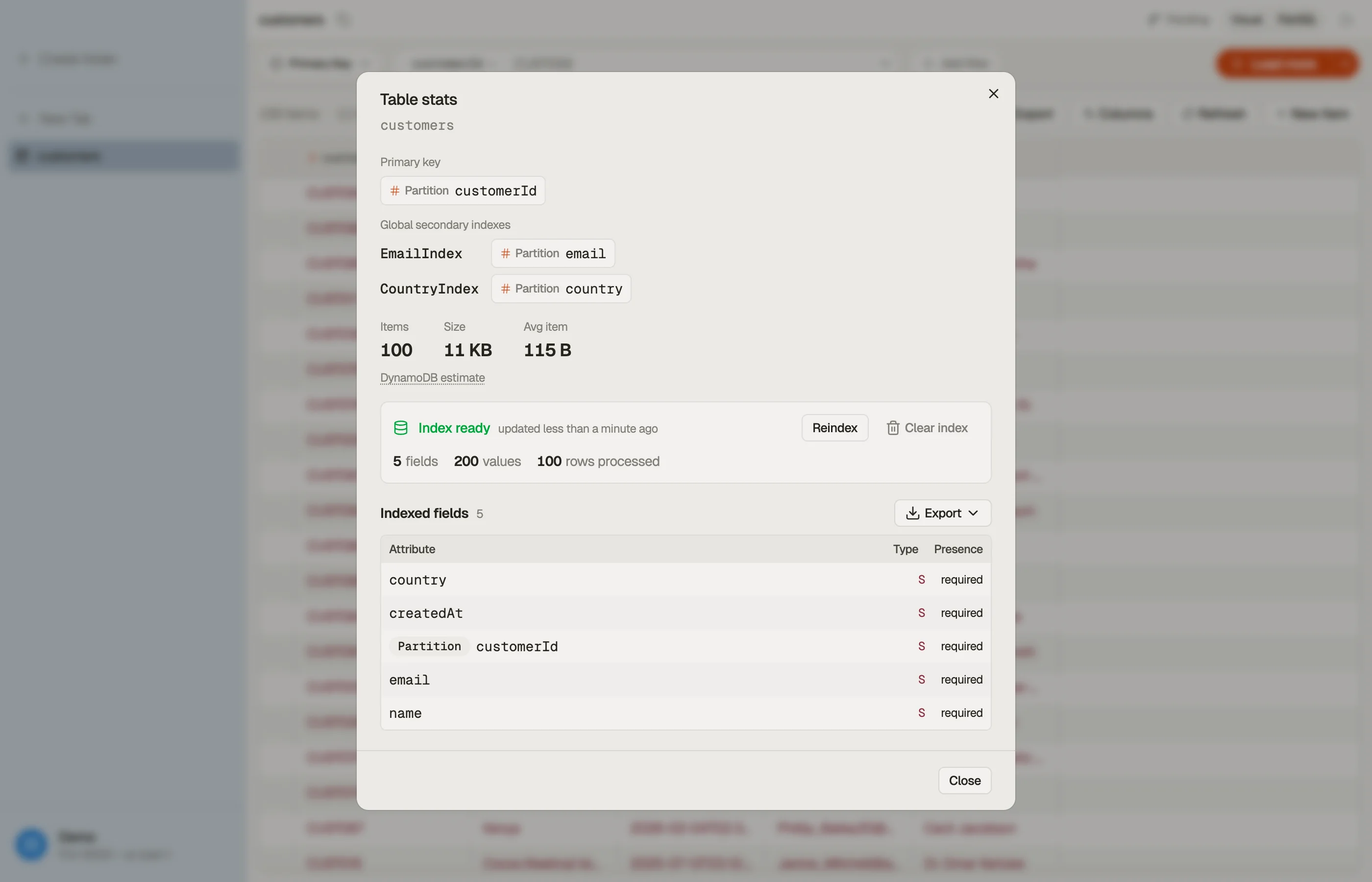
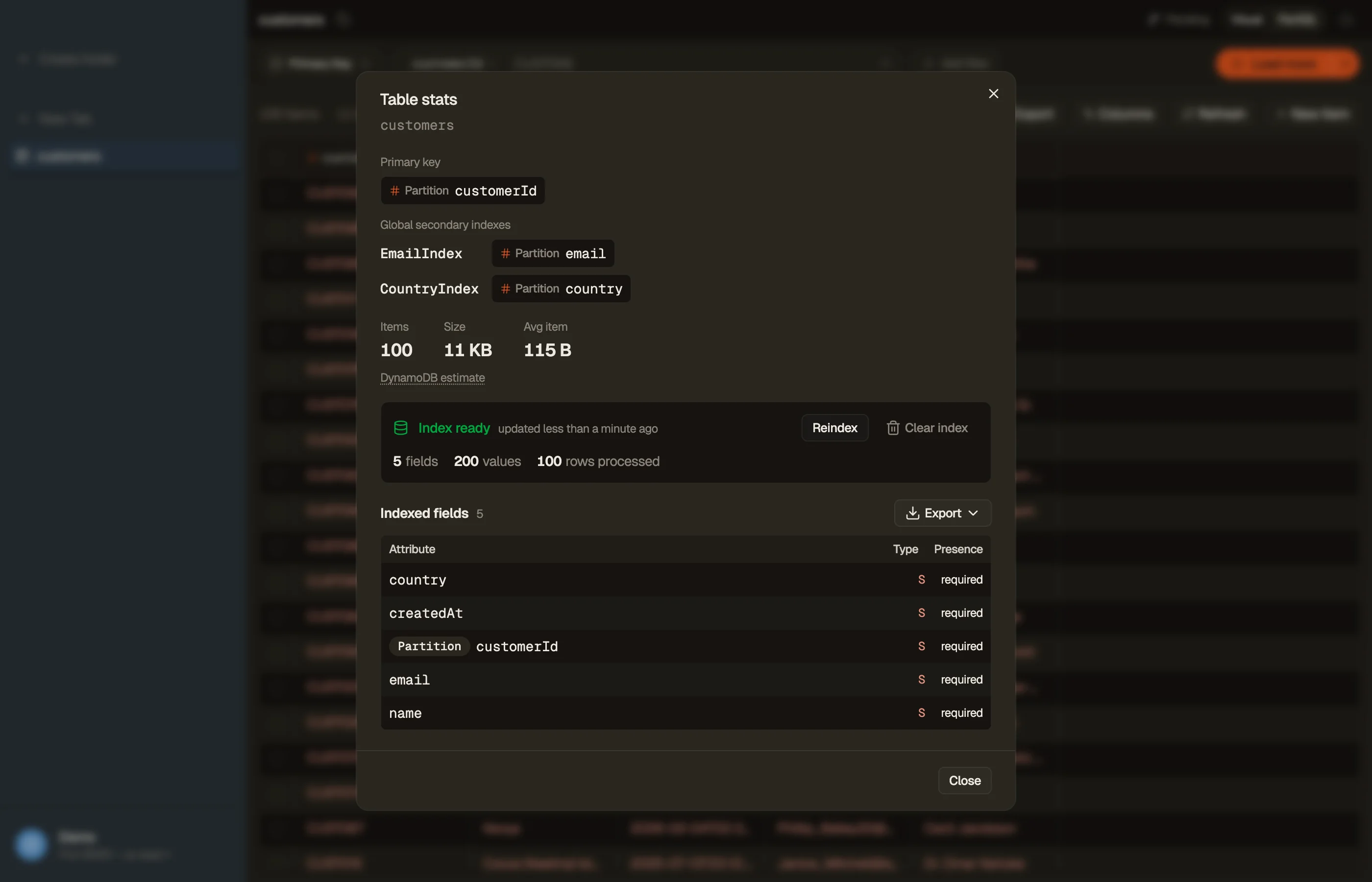
Every open table has a Stats button — the bar-chart icon — in the tab toolbar, in both Visual and PartiQL modes. It opens a per-table panel that shows the table's shape at a glance, lets you index the table so autocomplete knows your fields, and exports an inferred schema as TypeScript, Zod, or JSON Schema.


Overview
The top of the panel lays out the table's structure:
- Primary key — the partition key, and the sort key if the table has one.
- Secondary indexes — each global or local secondary index and its keys. A table with many indexes stays compact — the list scrolls in place.
- Items · Size · Avg item — DynamoDB's own estimates. They refresh roughly every six hours, so treat them as ballpark figures, not exact counts. Hover DynamoDB estimate for the caveat.
Indexing your table
Filters, PartiQL, and the AI chat suggest far better field and value completions when DynoTable knows what your items actually contain. Click Index table to scan the table once and discover every attribute and its common values.
- Indexing runs live with a progress bar. Large tables take a few minutes and incur normal DynamoDB read costs.
- When it finishes, the Indexed fields list shows every attribute —
including nested ones by dotted path, like
commonData.status— with its type and whether it was required or optional across the rows scanned. - Past a handful of fields, a filter box appears so you can find one quickly.
- Reindex to refresh after your data changes; Clear index to remove it.
Export a schema
From an indexed table, open Export and pick a format to turn your items into a typed schema:
- TypeScript — an
interface. - Zod — a
z.object(...)schema (Standard-Schema compatible). - JSON Schema — draft 2020-12.
Copy it to the clipboard or save it to a file. Every export opens with a note that it was inferred from the sampled items — a strong starting point, not an authoritative contract. Optionality reflects how often each attribute appeared while indexing; primary-key attributes are always marked required.
This is a schema of your data's shape — distinct from an Export of the data itself.