Settings
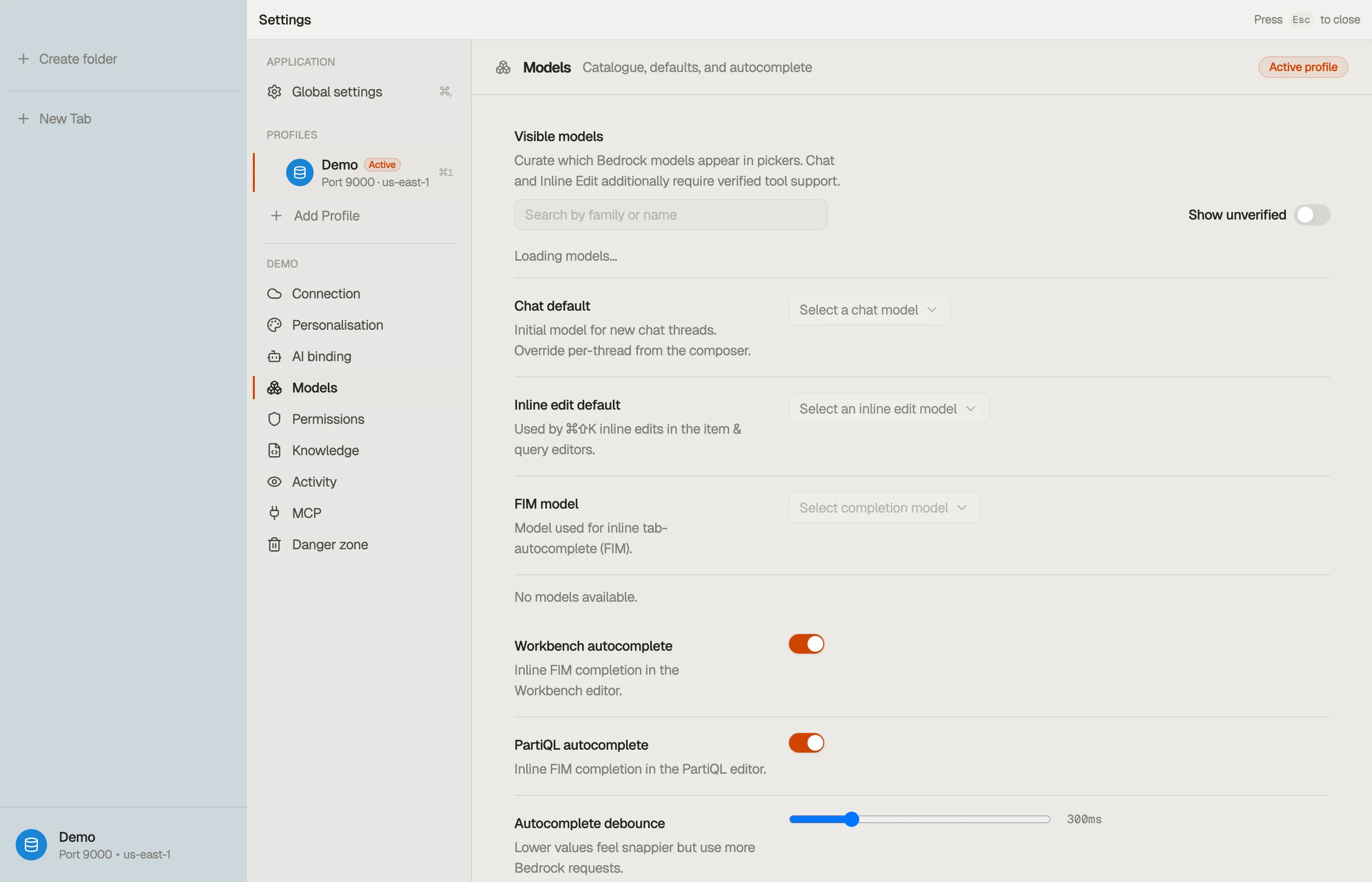
Open settings with ⌘,. The window has two halves: global sections that apply to the whole app, and a per-profile rail where each AWS profile carries its own connection and AI configuration.
This page is a map of where each preference lives. AWS and AI setup are covered in depth on their own pages — this page points you at them rather than repeating them.



Global
These apply across every profile.
- Account — your licence and subscription state (Trial / Active / Expired / Signed out) and the Manage billing, Refresh, and Sign out actions. Settings opens here. See Activation.
- Appearance — the colour theme (System / Light / Dark) and the app language.
- Privacy — app-level crash reporting and usage analytics toggles. Analytics is off by default, and neither ever includes your table data, credentials, or query text. See the privacy notice.
- About — version and project info for the app.
Per profile
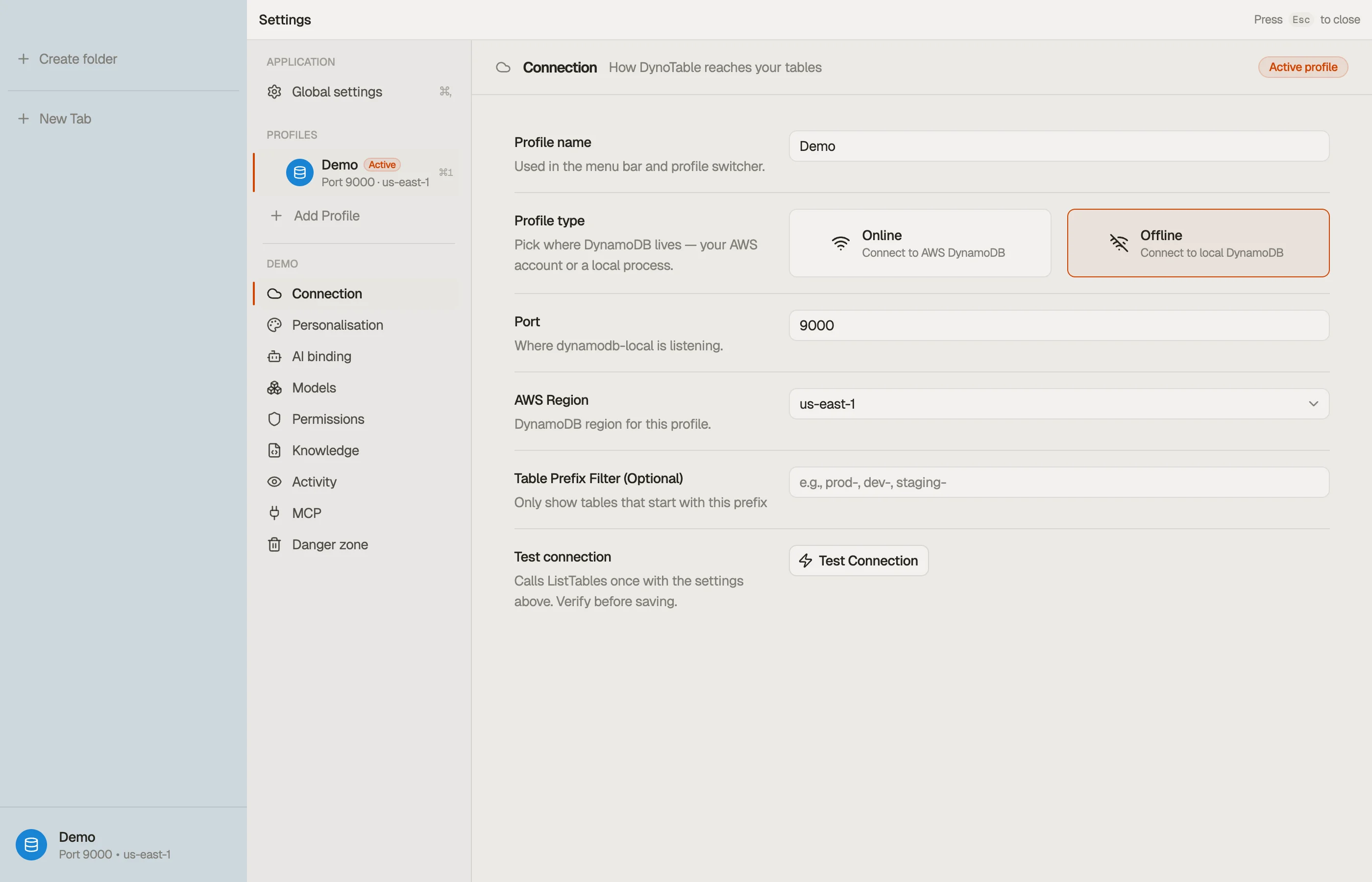
Each profile has its own section rail. A profile binds to one AWS profile and a default region; create and switch profiles from the profile switcher.
| Section | Controls |
|---|---|
| Connection | How DynoTable reaches your tables — AWS profile, default region, profile name, credential status. |
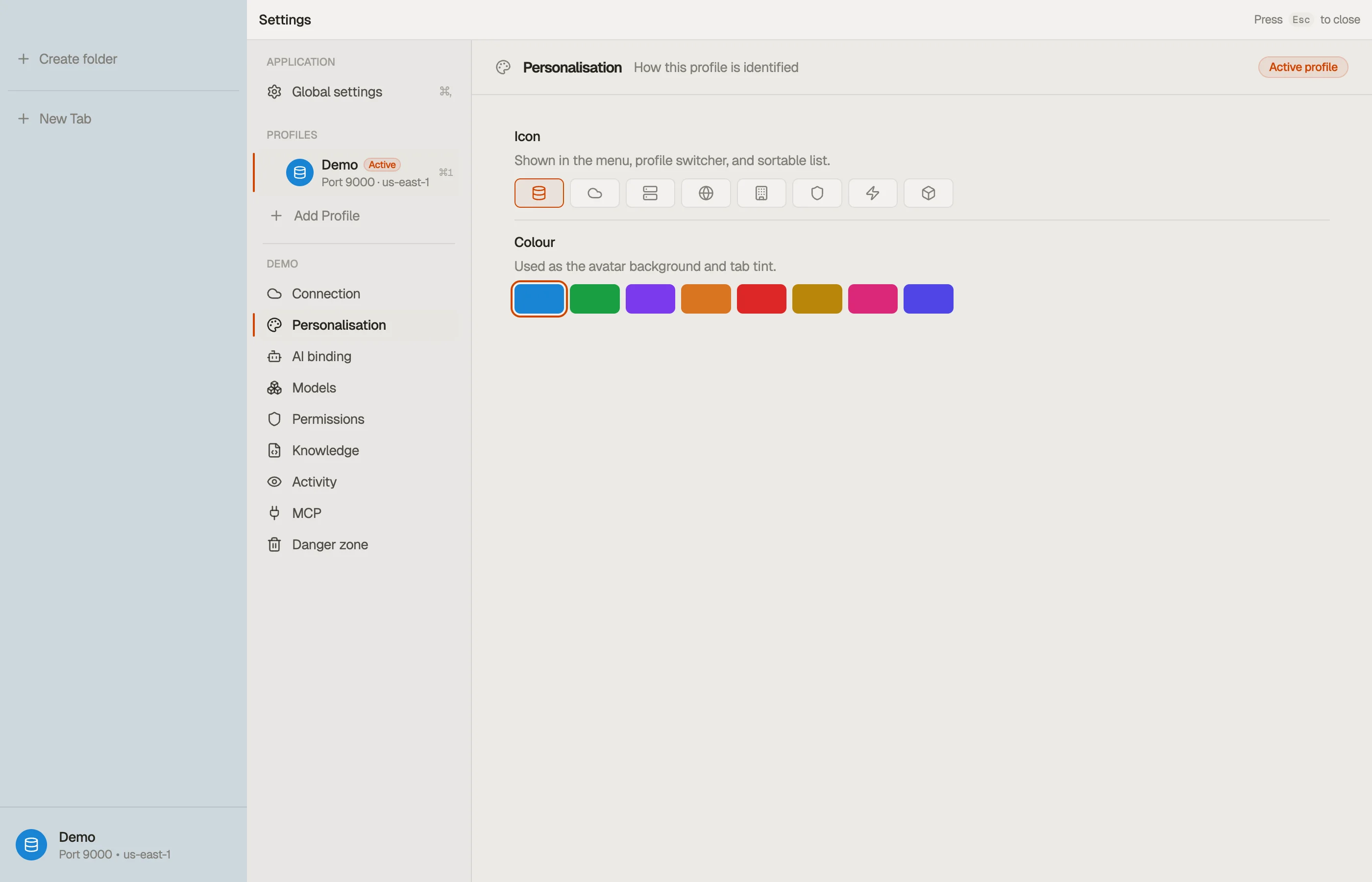
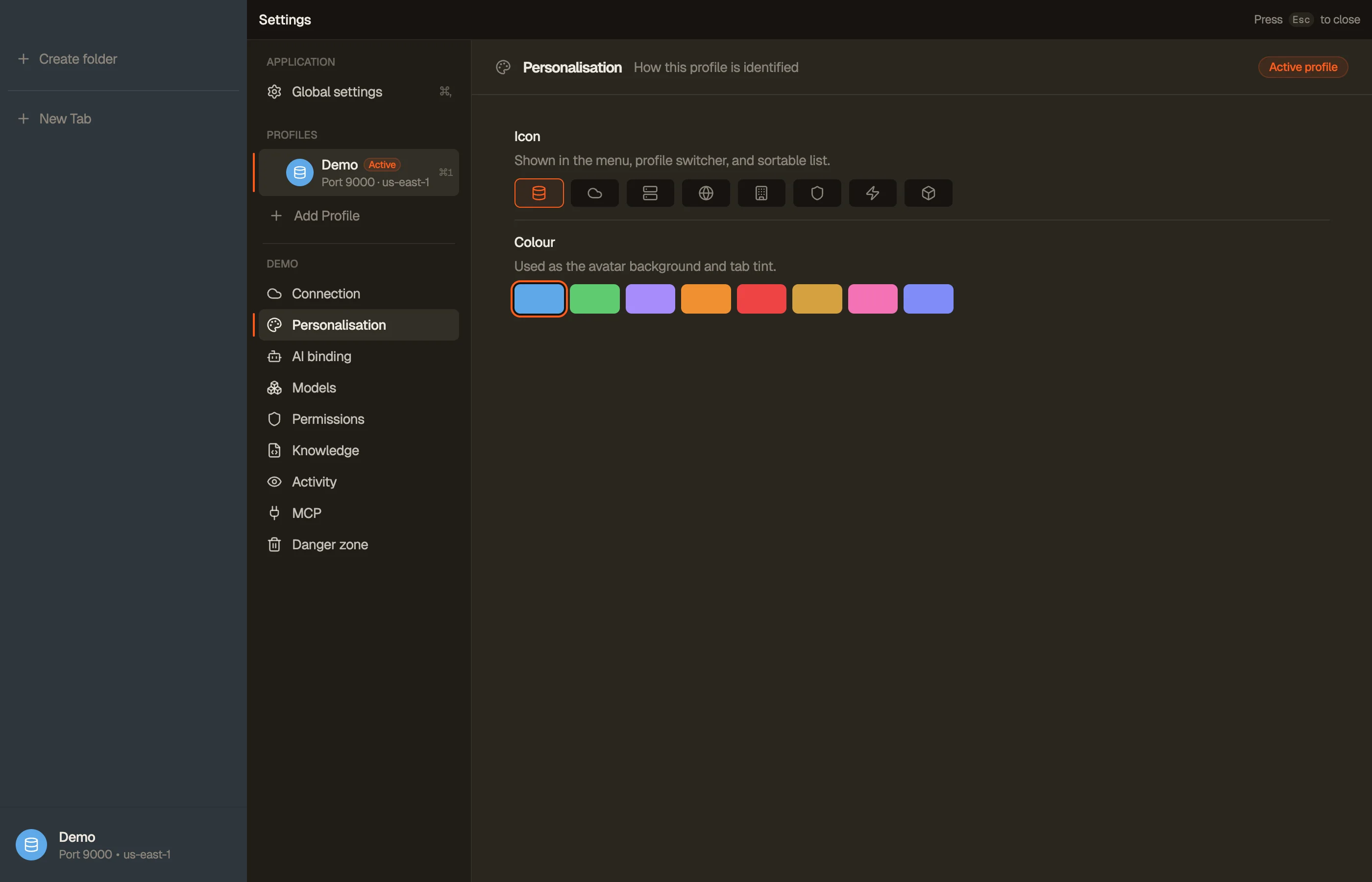
| Personalization | How this profile looks — its colour and icon. |
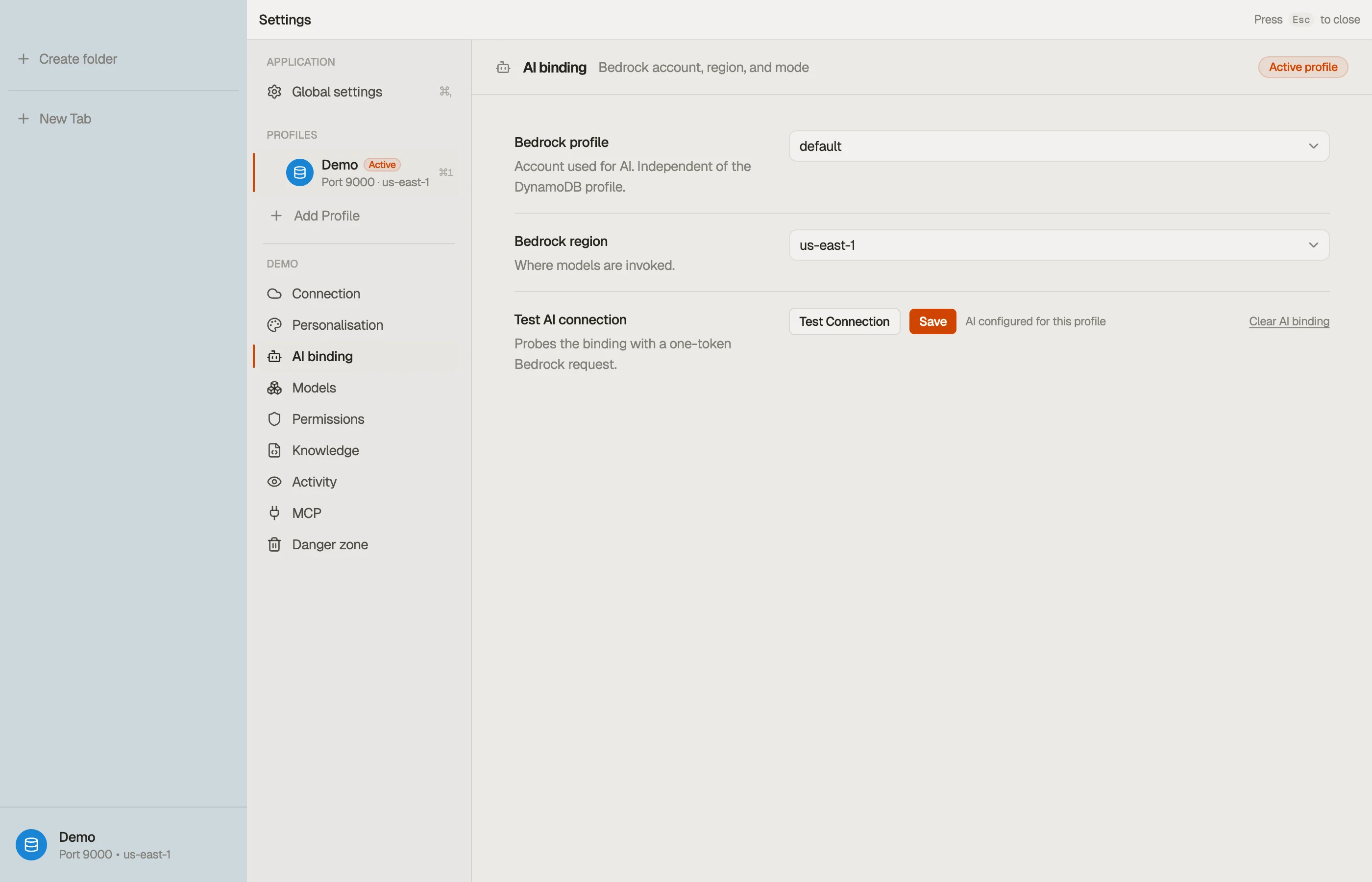
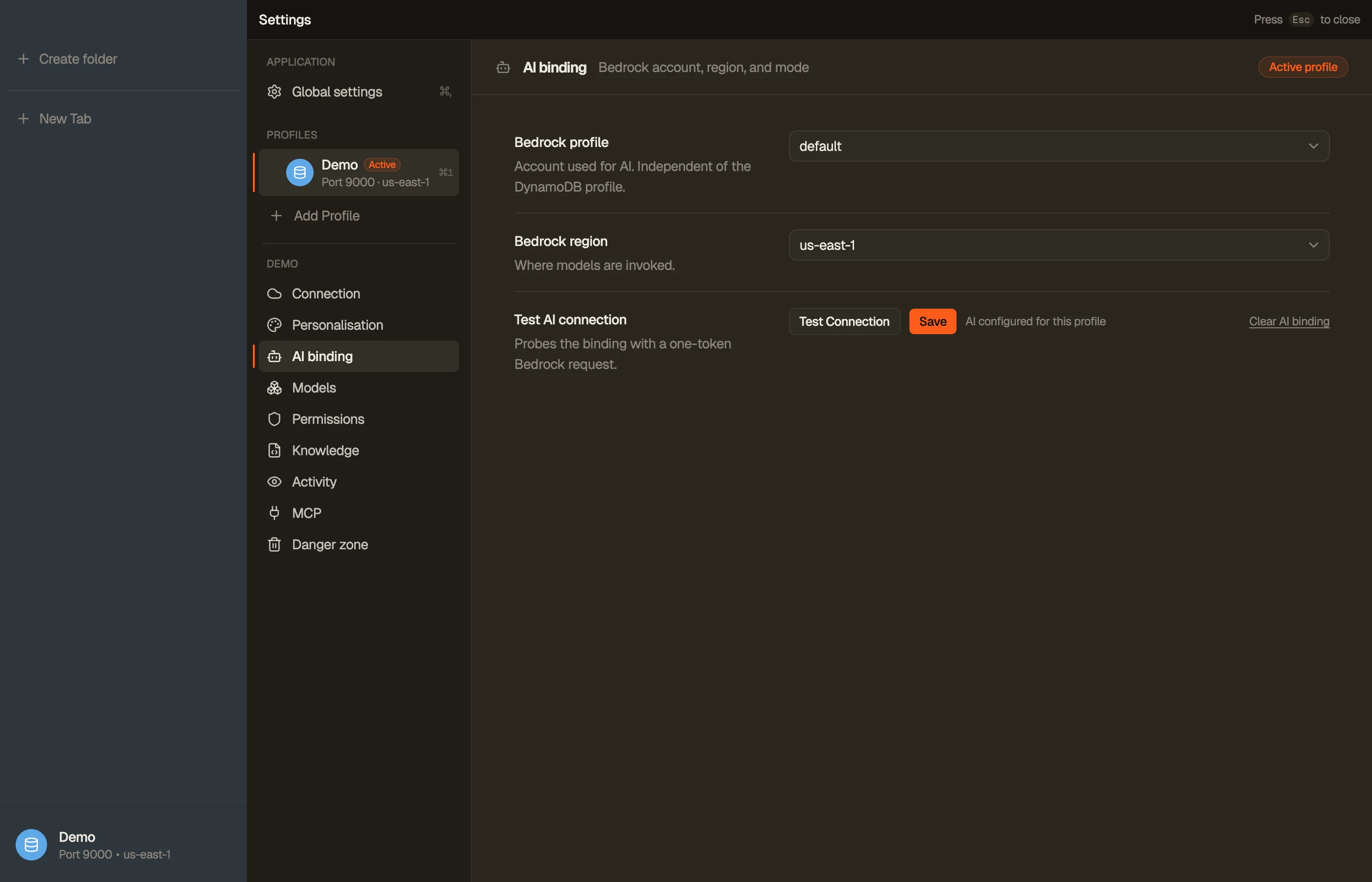
| AI binding | The Bedrock account, region, and connection test that enable AI chat. |
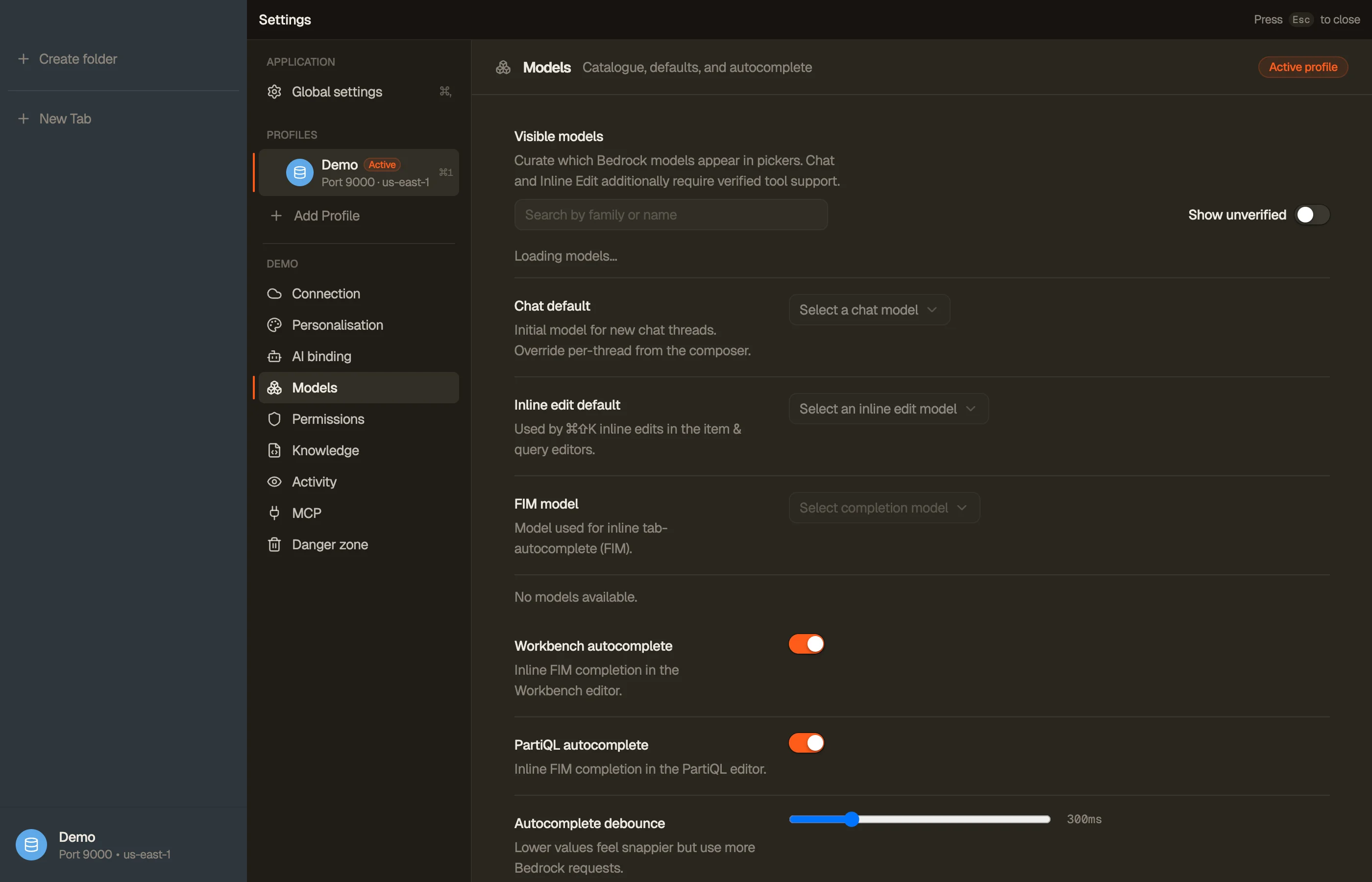
| Models | The Bedrock model catalogue, your Chat / Inline-edit / Autocomplete defaults, and which models are visible. |
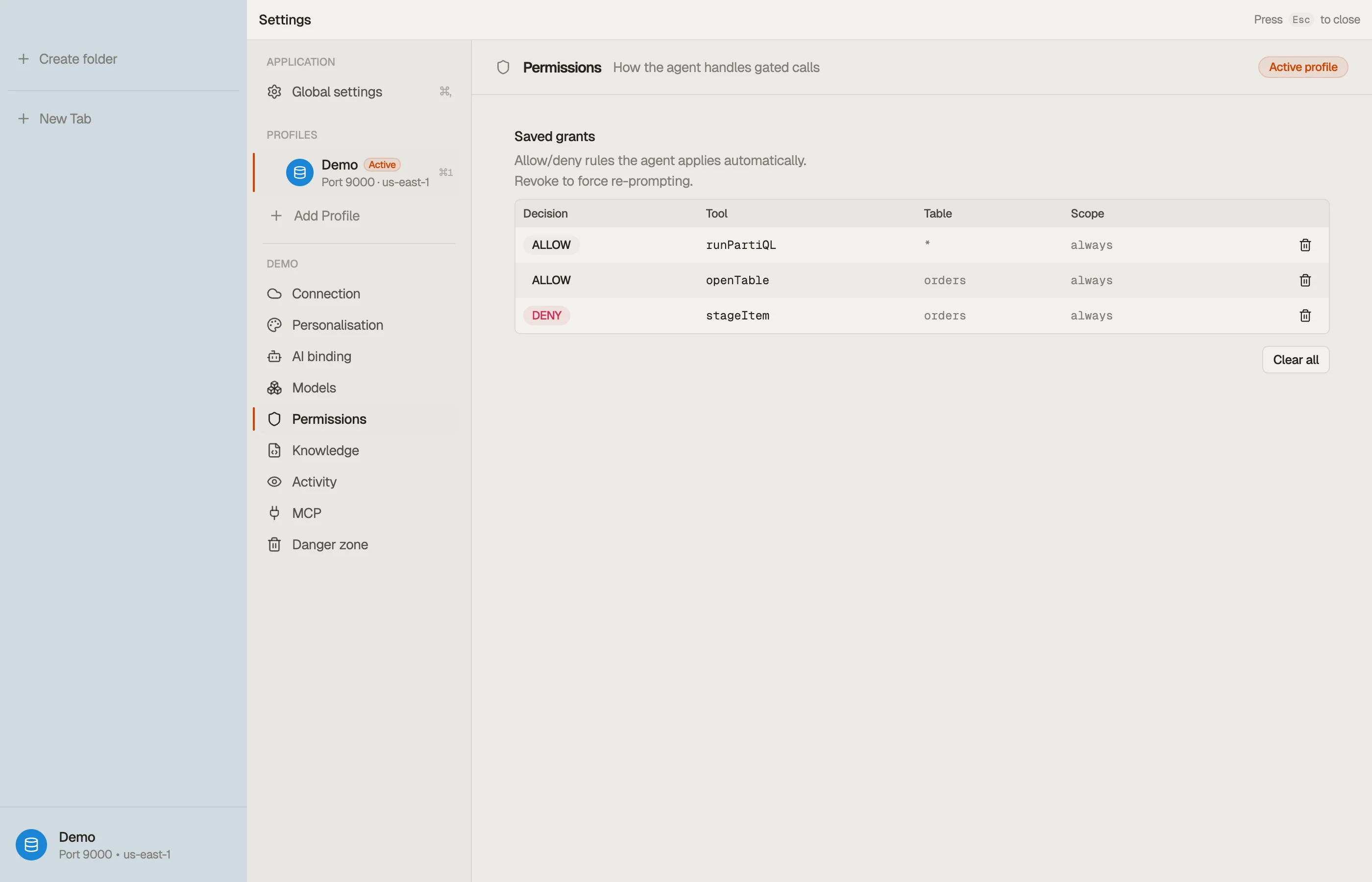
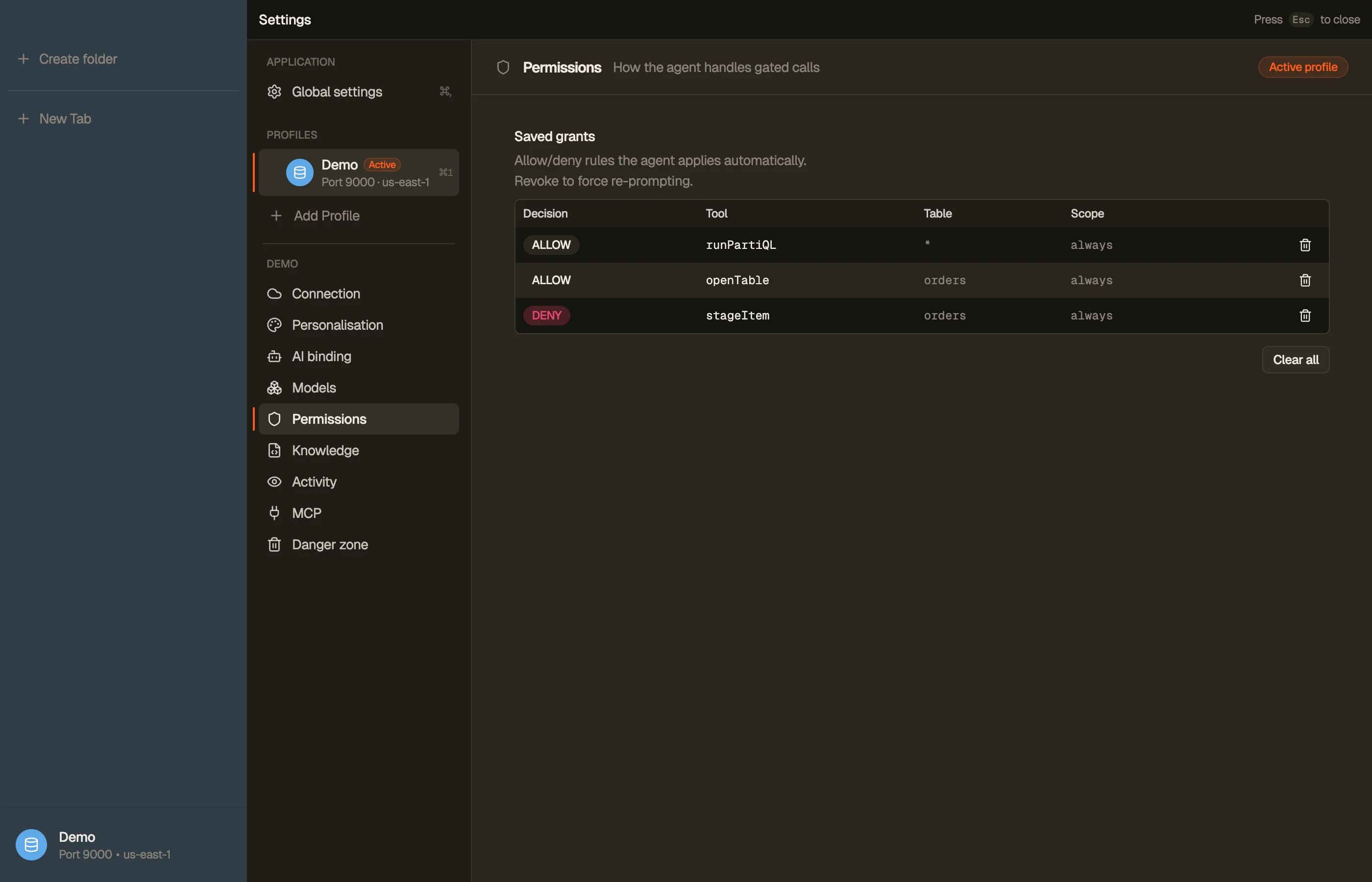
| Permissions | How the agent handles gated calls — Manual / Auto / Full Auto and your saved grants. |
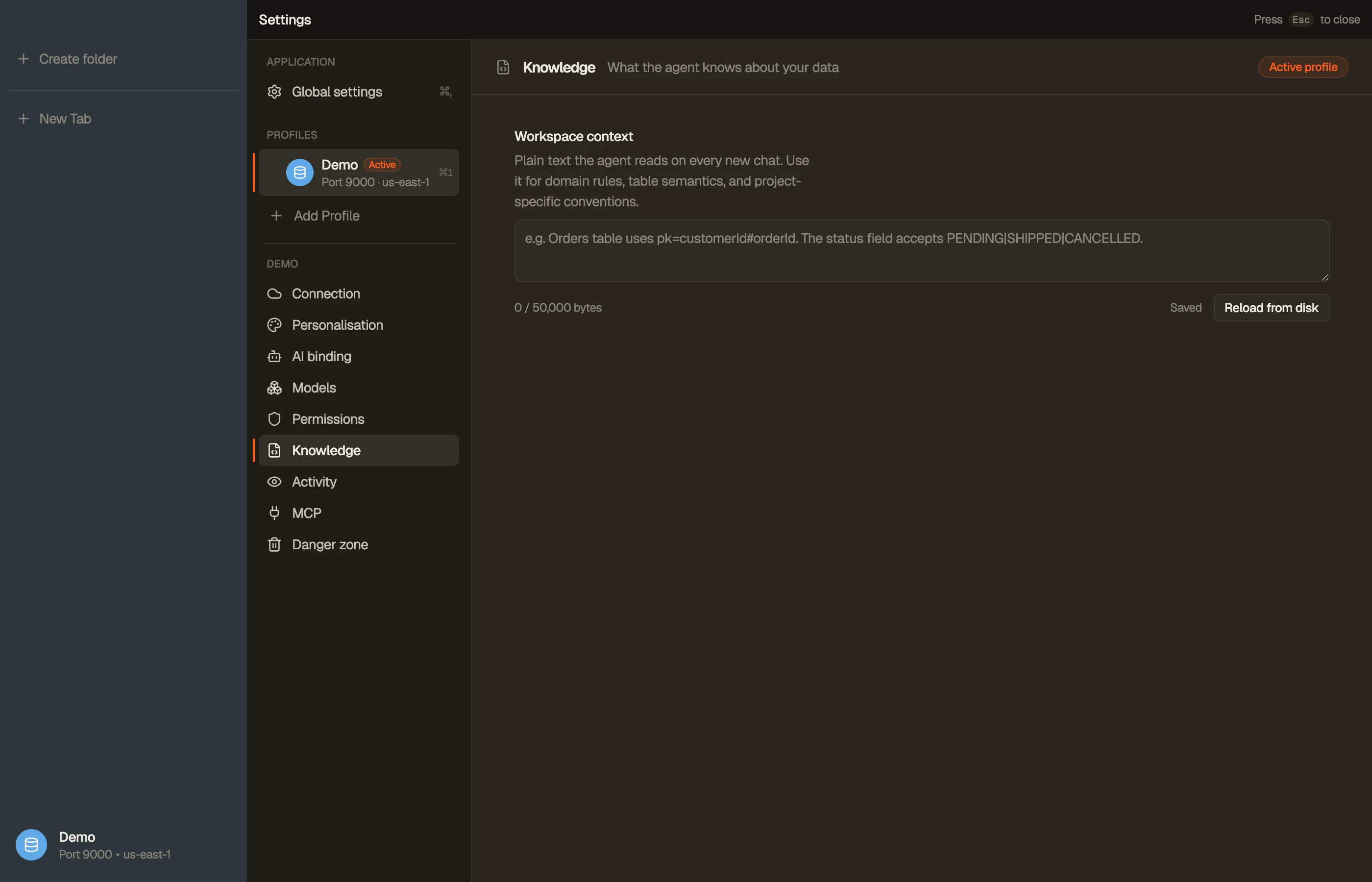
| Knowledge | The free-form workspace notes the assistant reads as standing context. |
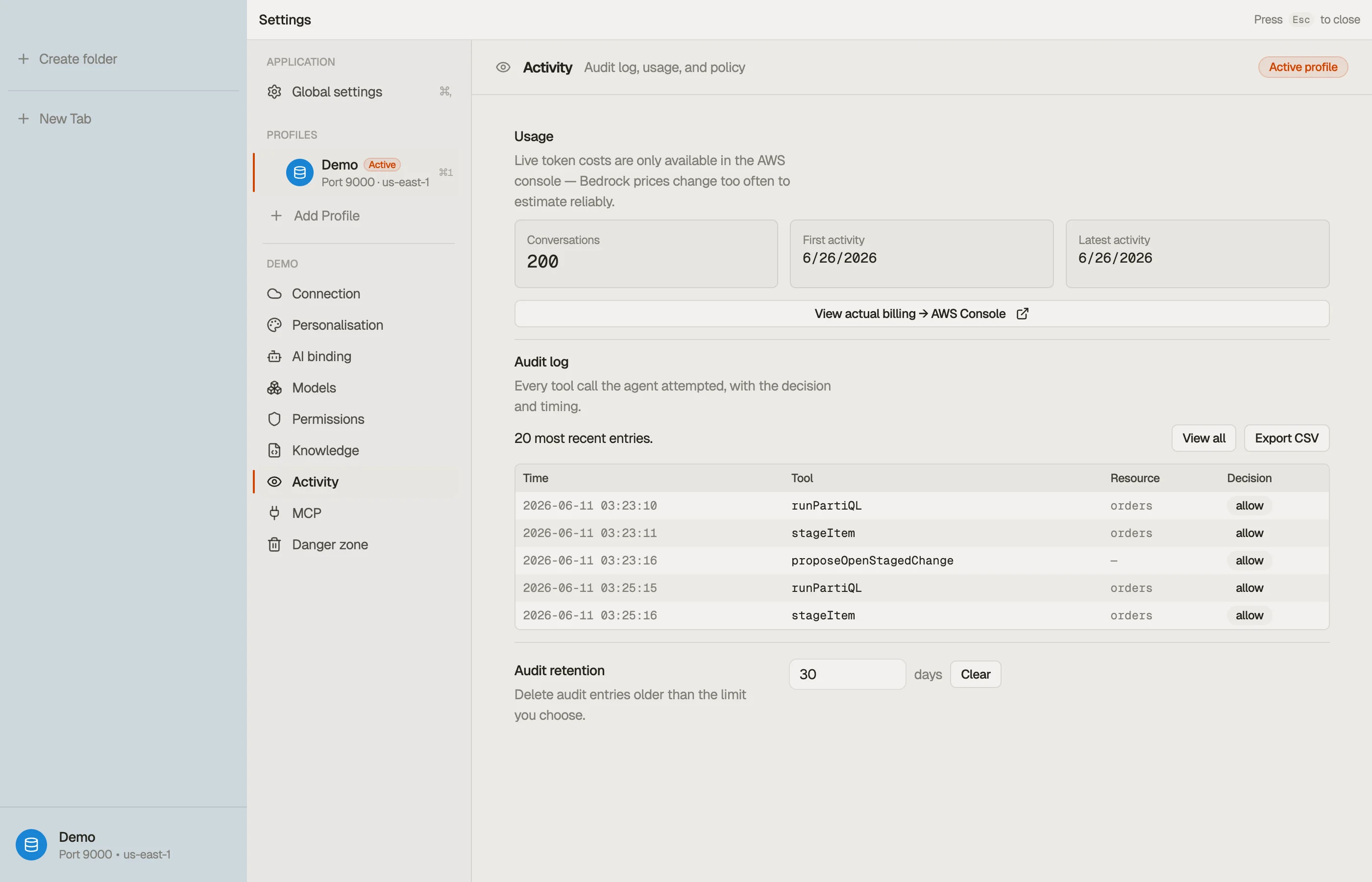
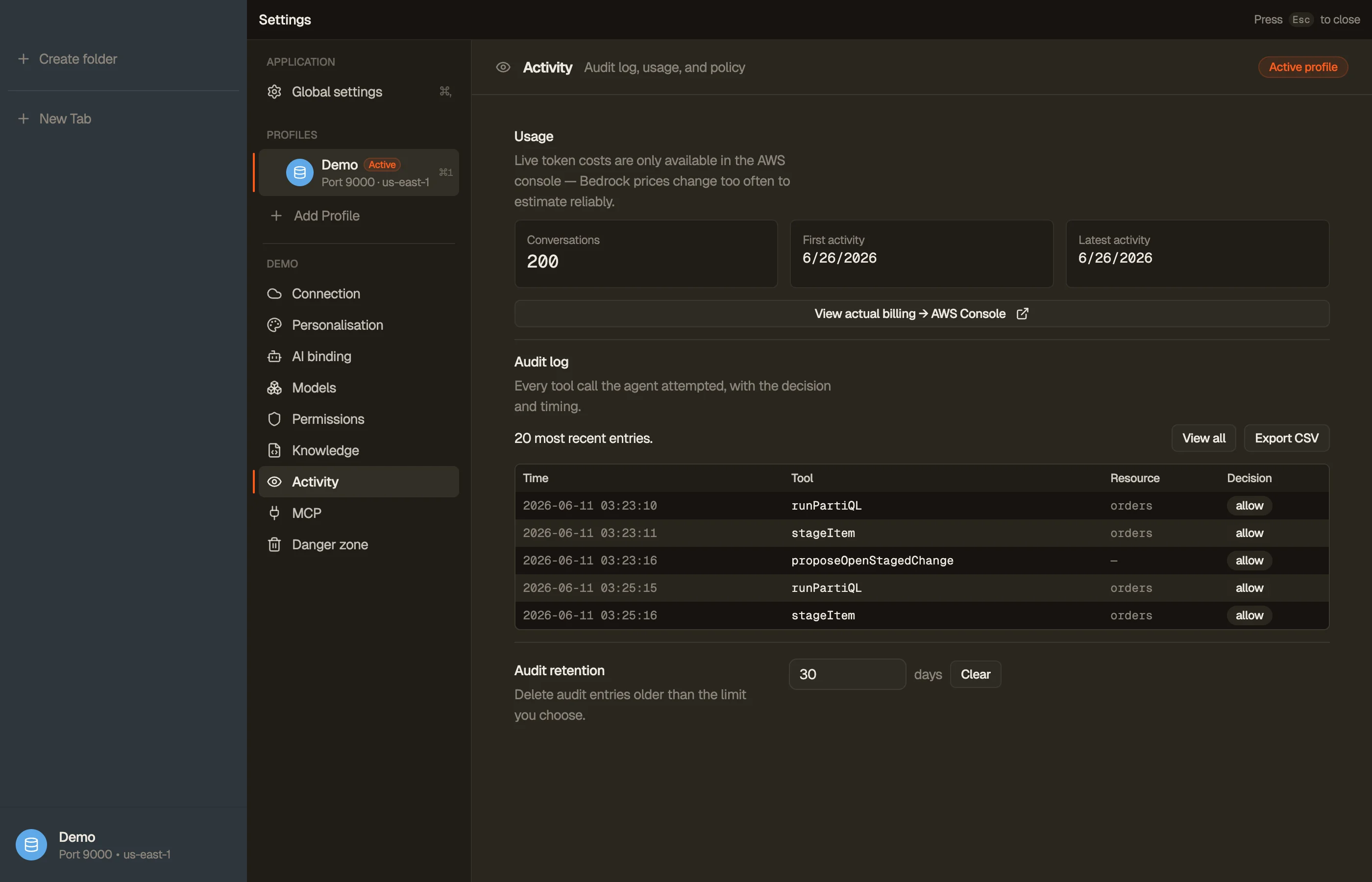
| Activity | The local audit log, AI usage, and any org policy applied to this profile. |
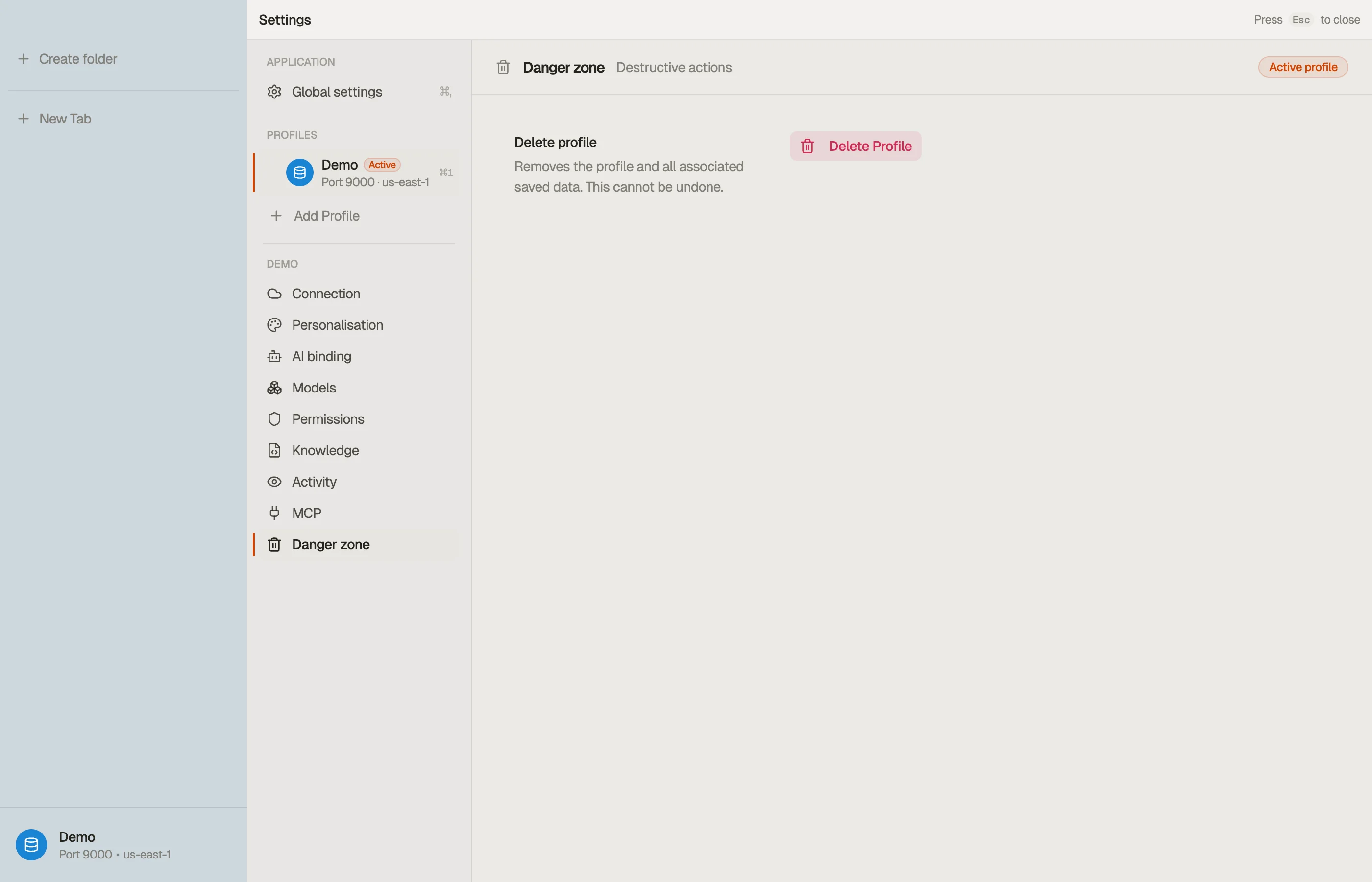
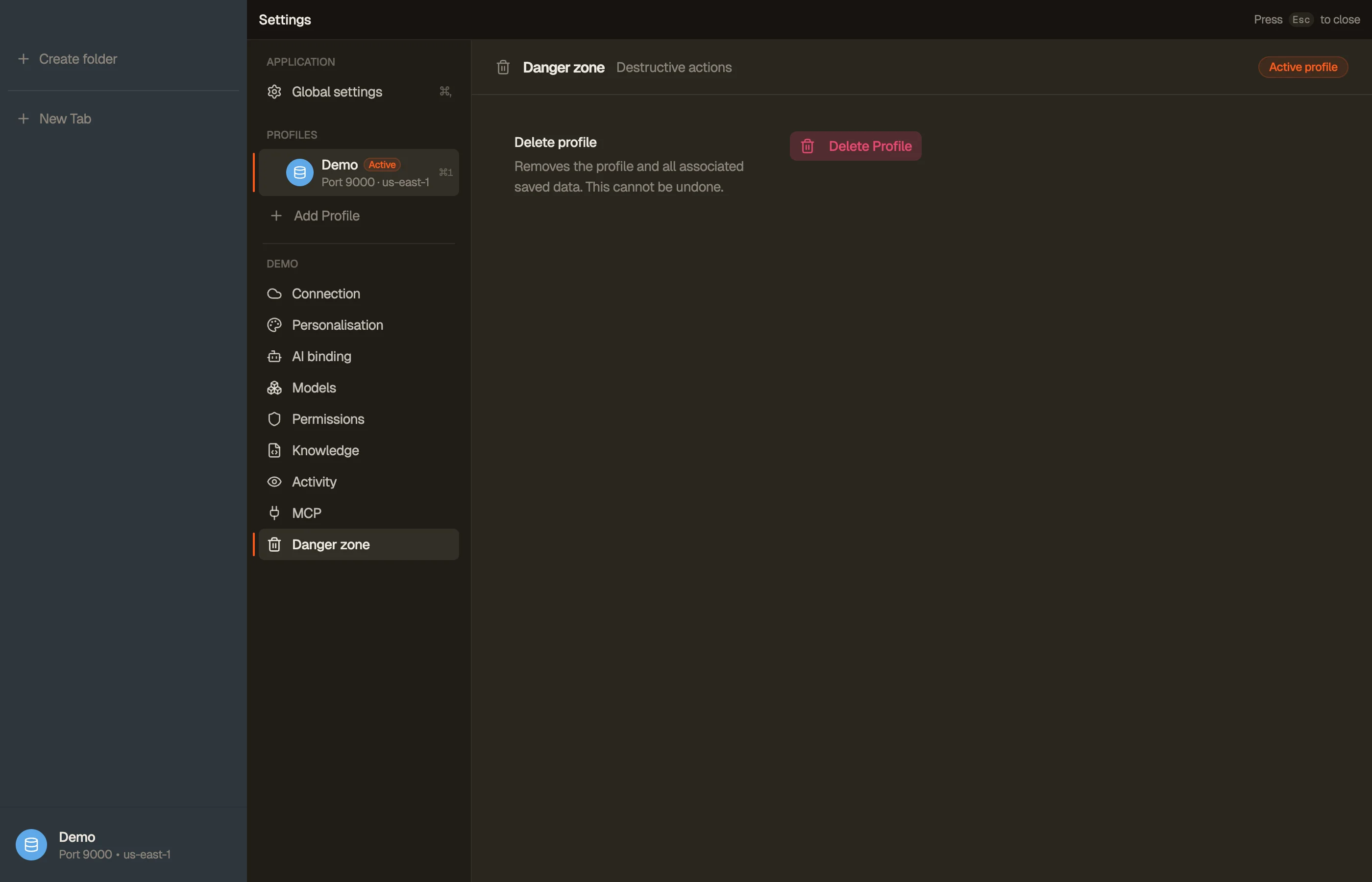
| Danger zone | Destructive actions — removing the profile and clearing its local data. |
Every section, in order: